
This option is used in several machining cycles, with different purposes and behaviours.
Please use the tree on the right side of the screen.
Cycle: All Manual Cycles, Profile cutting / Finishing
Definition for Contouring, Contour rework, Profile cutting, Slotting
These functions allow you to define an arc radius for the input and the output of the tool in the material.
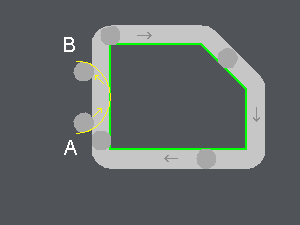
Lead in arc radius (A)
This generates an arc at the beginning of the toolpath in order to have a better surface quality at this point. This is generally used when the contouring starts at the middle of a line or an arc. This radius must be greater than the radius of the tool.
Lead out arc radius (B)
Like for the leadin arc, a leadout arc can be specified on the toolpath. Again, the radius of the leadout arc must be greater than the radius of the tool.
Lead in radius and lead out radius angles
You can adjust the length of the arc with an angle value : choosing 90° generates a 1/4 circle, 180° is half a circle.
A: lead in arc radius
B: lead out arc radius
Cycle: Finishing
Definition for Finishing
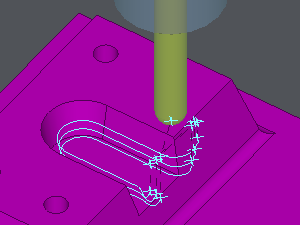
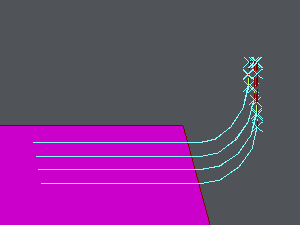
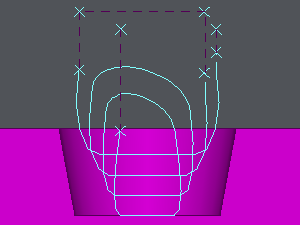
Lead in and lead out arcs defined following the Z axis
|
|
Notes:
|
|
|

|