
Cycle: Finish Groove
Definition
This option allows you to choose between three types of finish for a groove.
|
In tool center |
In flat bottom |
In groove corner |

|

|

|
|
Using the "in groove corner" method, the tool halts just prior to reaching the right face, maintaining the specified "Stepover" distance between the initial plunge and the subsequent movement. When the value is set to 0, the tool moves to make contact with the right face of the groove, similar to the action depicted in 6.10.v |
|
▶️ You can watch a video on the “In tool center” and “In flat bottom:
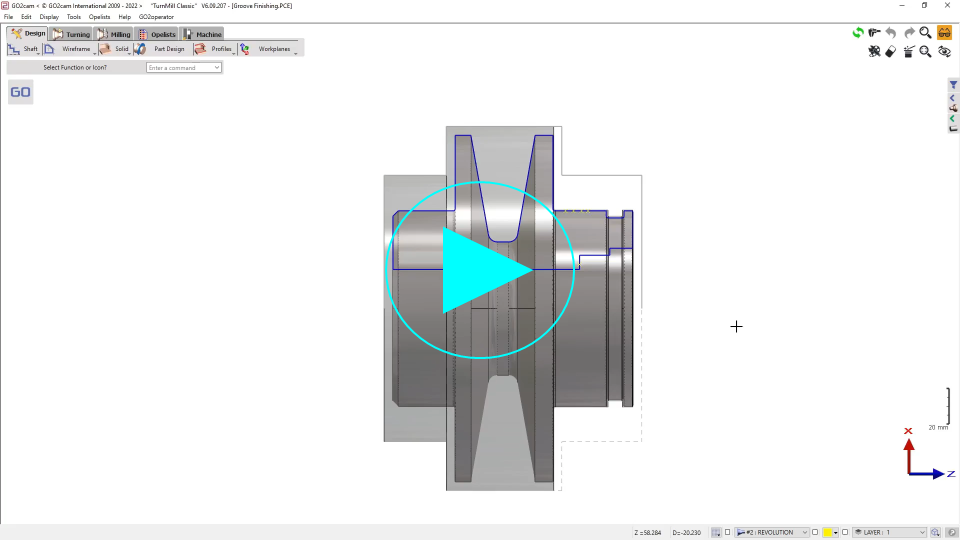
|
▶️ You can watch a video on the “In groove corner”:

|