

|
This command is accessible in Edit → Database → Retrieve Erased Ref. Elements. |
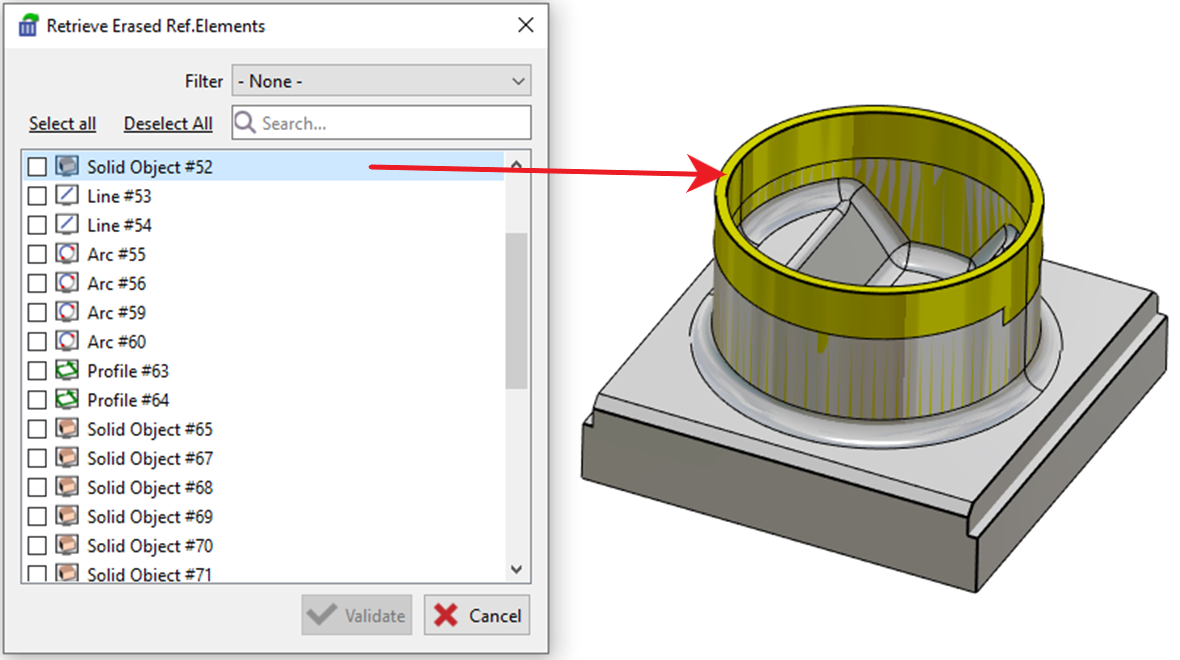
This command opens a dialog box, as shown in the image below, where the user can:
-
get the whole list of erased elements.
-
filter the deleted elements by types.
-
previsualize them on the screen.
-
select the elements to retrieve by ticking the boxes and validate to obtain the element back on the program area.
|