
CIntroduction
This page explains how to create a chuck for turn machine.
|
▶️ You can watch a video at the bottom of page: Click here |
Creation of Chuck
|
Select the “Clamping / Toolholders” module in the Homepage.
|
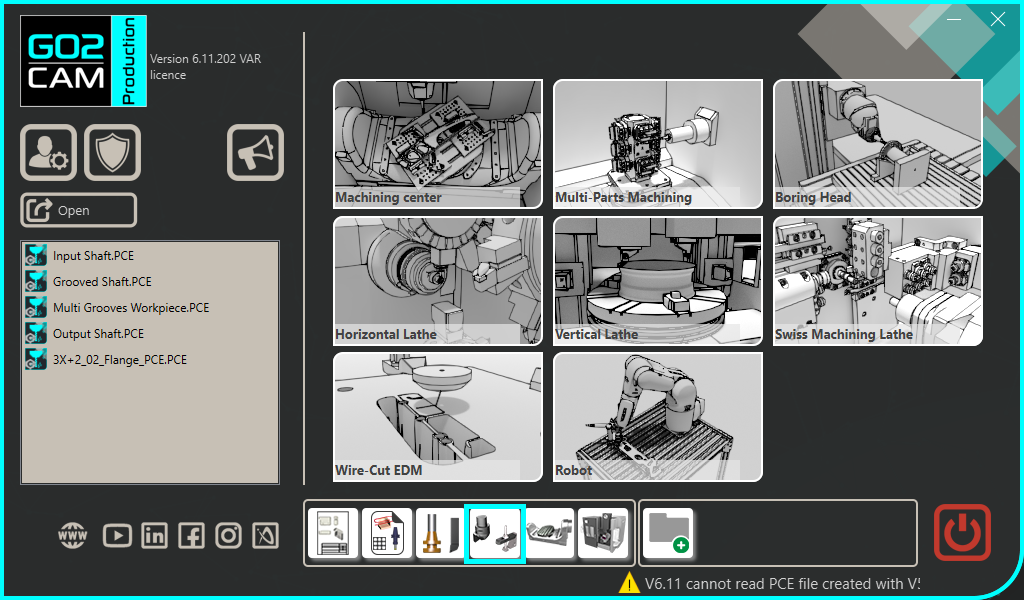
|
|
Click the GO button |
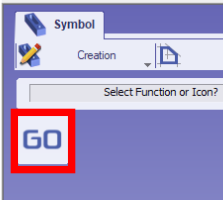
|
|
Select the file to import |
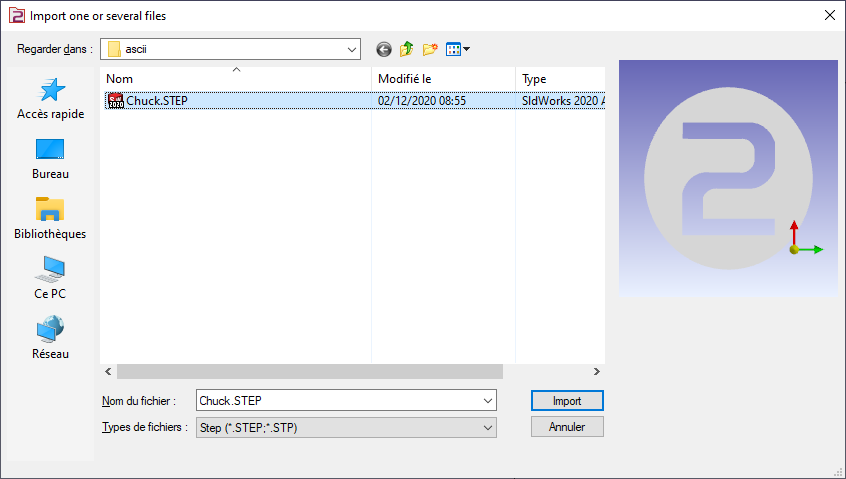
|
|
Choose the import option you want to apply on the solid. Click “Apply” |
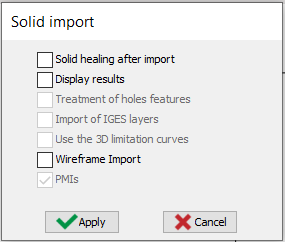
|
|
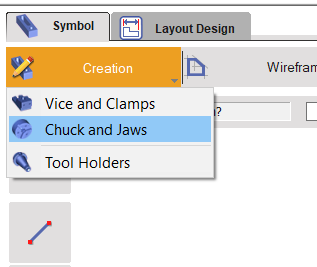
Click on the tab “Creation” then “Chuck and Jaws” menu |
|
|
Click the command to create system of axis |

|
|
Select the tool to define the position of system of axis |

|
|
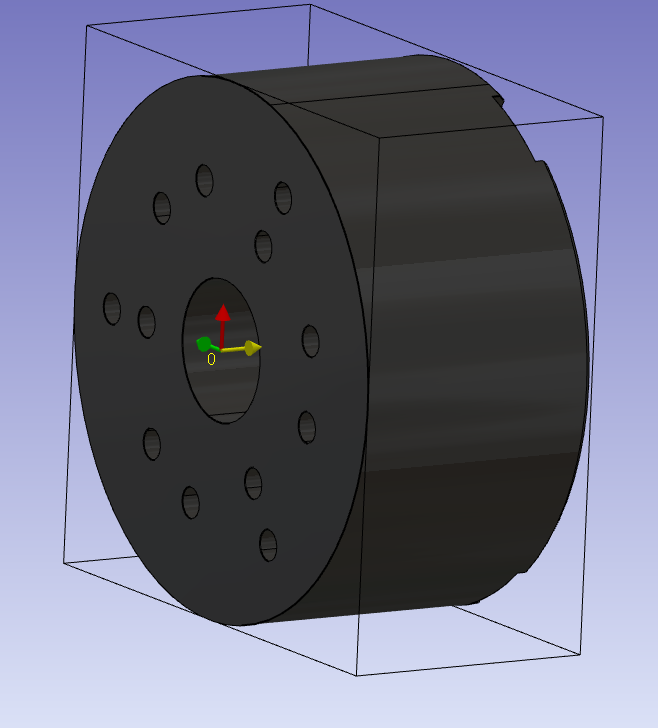
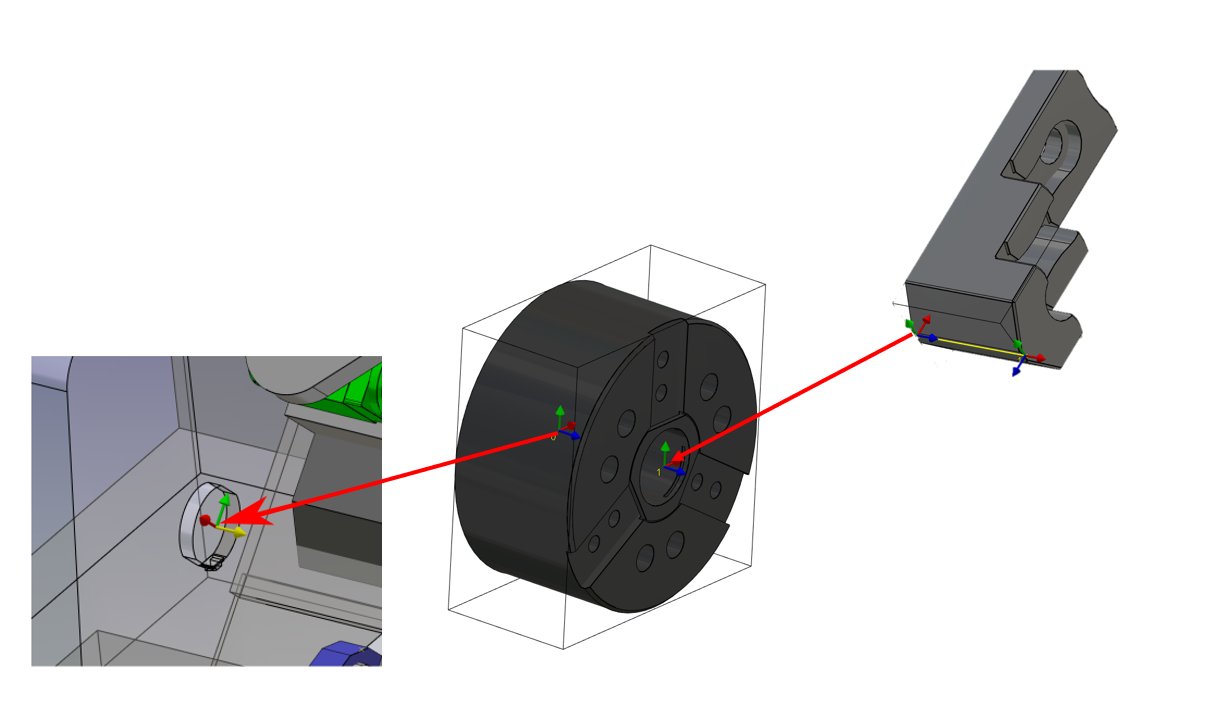
Define the system of axis 0.
This system of axis will be the mounted point of the chuck on the work assembly support of the machine.
The Z axis define the rotation axis.
|
|
|
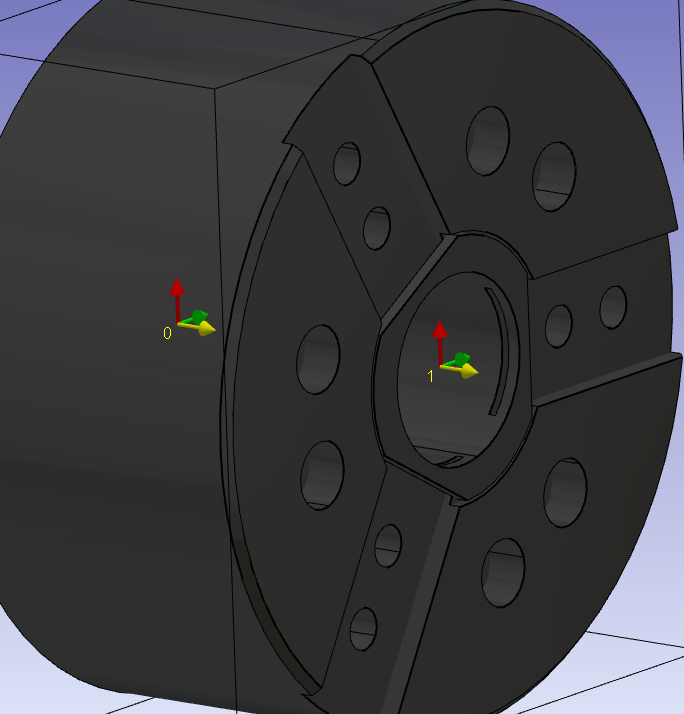
Do the same command to create the system of axis 1.
The origin position will define the face where the jaws will be mounted. The Z axis must the same than the system of axis 0. The X axis will be align with the X of the turn plane. It will define also the positionning of the first jaw. |
|
|
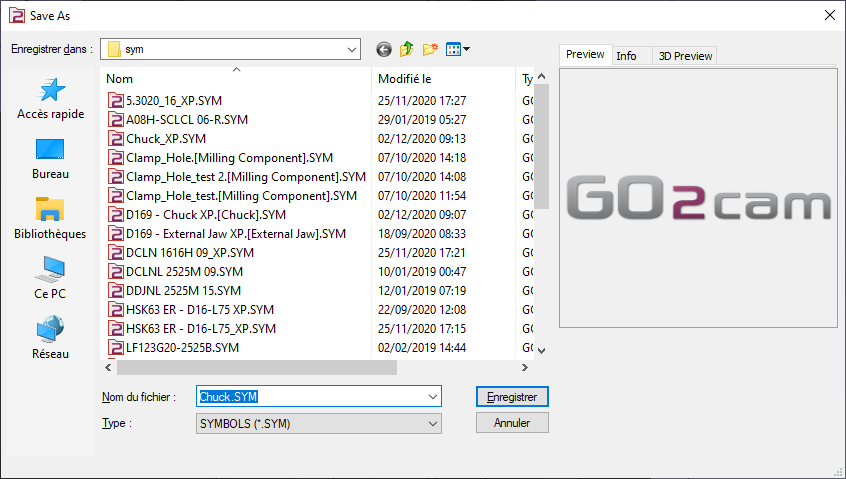
Save the file in your symbol folder to use it in GO2cam. |
|
Key points
-
System of axis 0 is the mounted point on the work assembly support.
-
System of axis 1 define where is mounted the first jaw.
-
The Z axis of the two systems of axis are oriented in the revolution axis of machine.
|
▶️ You can watch a video about Chuck:
|