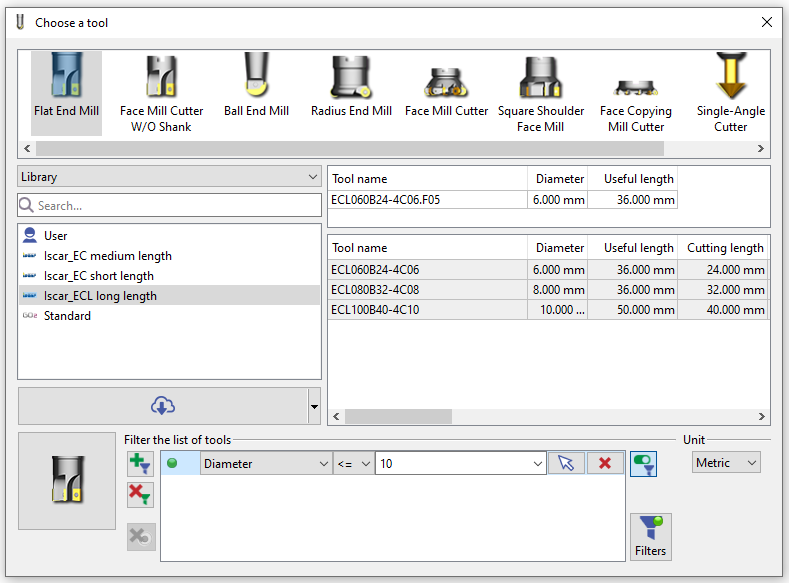
Let’s explain how to define and choose tools in GO2cam.
All the tools are available in the Tools Library. This command is accessible when you create a new toolpath and enables to choose the tool for you cycle programming.
But Tools Library is also available in the environment ‘Forming Tools / Tools Libraries’, where you will be able to create new tools.
The Tools Library enables many actions:
-
Display several libraries of tools: user library, GO2cam default library and libraries downloaded from the cloud,
-
Sort and select tools by different criteria,
-
Accede to the Tool page to define the characteristics of the tool and its holder(s). In there you can modify a tool or create a new tool.
-
Download tools from our cloud libraries.
We can also Import tools from tool-builder databases thanks to the standard GTC format file