
The picking action is a powerful, simple, and intuitive tool that a user will find constant use for.
|
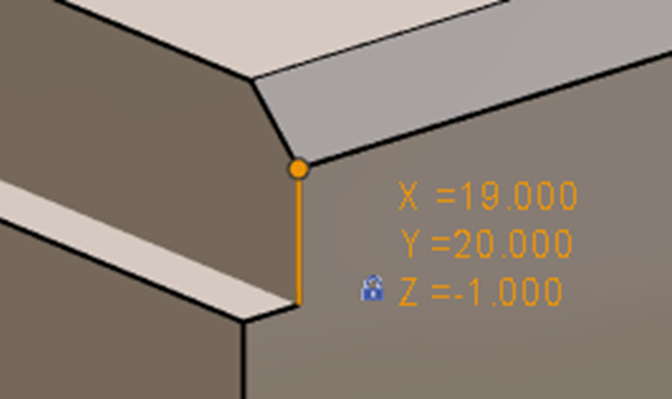
The display for the picking of elements (Wireframe, Solid, Symbols) can be described as follows:
|
|
|
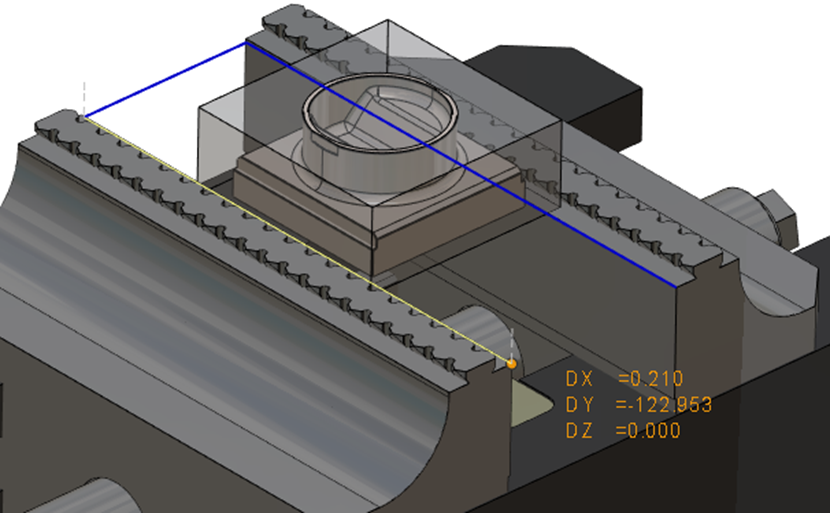
Drawing wireframe and solid geometries are easy and can be made by picking extremities of symbols or any other existing entities. Z value can also directly be picked on the symbol or existing entity.
|
|
|
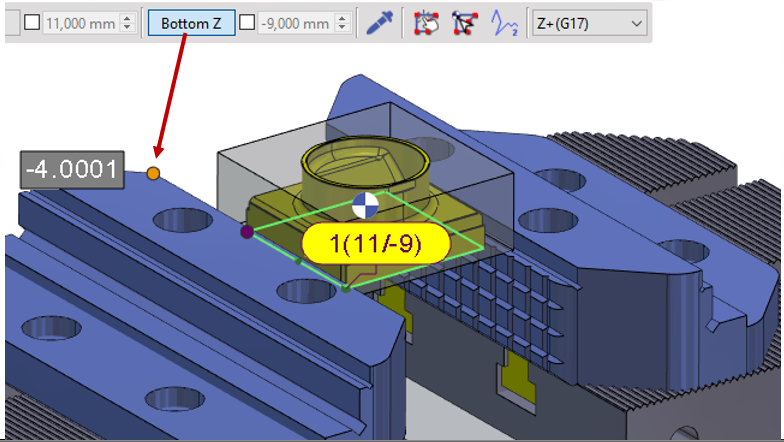
The picking of the Z value is also very useful in defining and adjusting machining depths. The pipette or the Bottom Z button can be used for this function. |
|
|
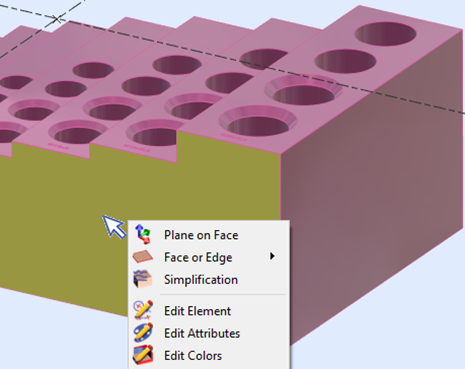
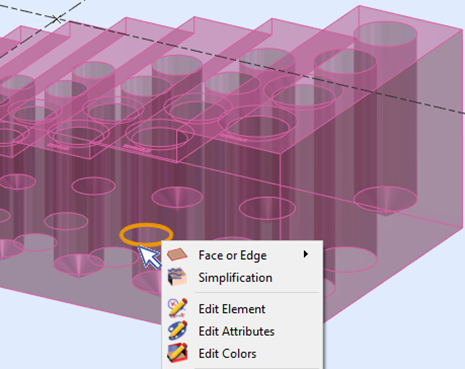
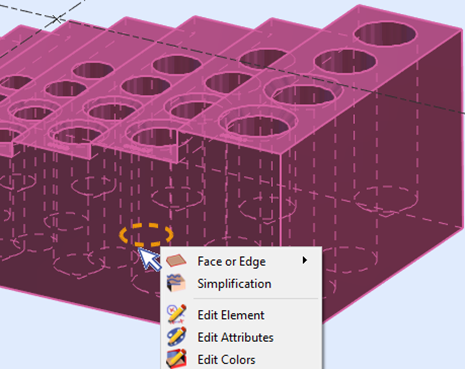
Full display, Transparency and hidden edges are taken into account for the picking and selection of elements. |
||
|
|
|
|
▶️ You can watch a video on how picking is done in the different modes: 
|
||