
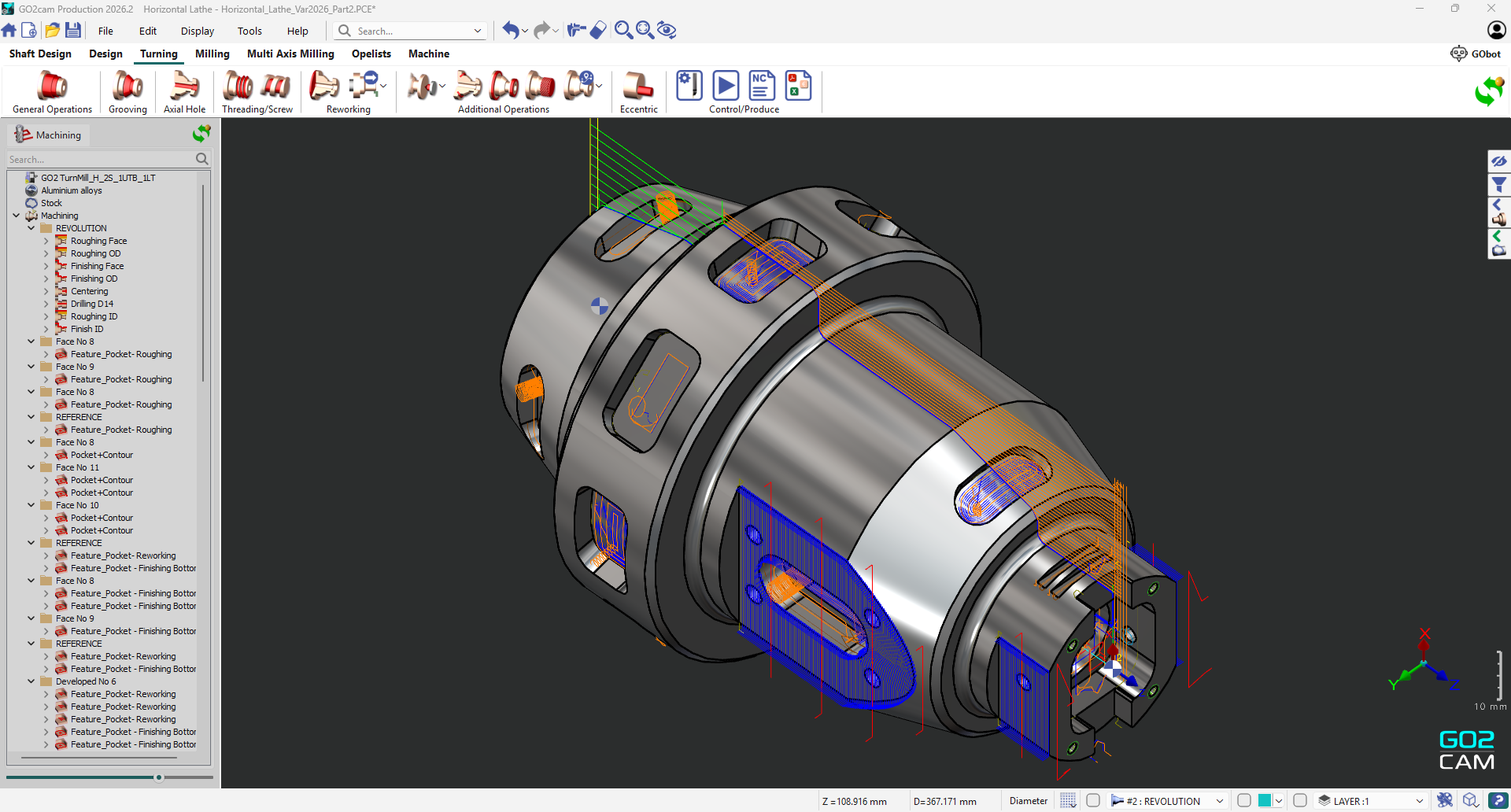
This chapter is aimed at introducing GO2cam.
|
Topic |
Description |
|---|---|
|
Modules and options |
Discover the Modules and Options of GO2cam. |
|
Homepage and configuration |
Get used to the Homepage and learn how to Configure the software. |
|
Graphic user interface |
The Graphic User interface chapter describes the menus, the toolbars and the graphic window. |
|
Working in GO2cam |
Working in GO2cam gives you the major rules to start working with GO2cam: how to open and save files, how to select, move or duplicate elements and many other general rules. |
|
API / JavaScript editor |
Finally, be informed about our new Application Programming Interface that enables to write scripts in JavaScript language: API / JavaScript Editor |
|
|