
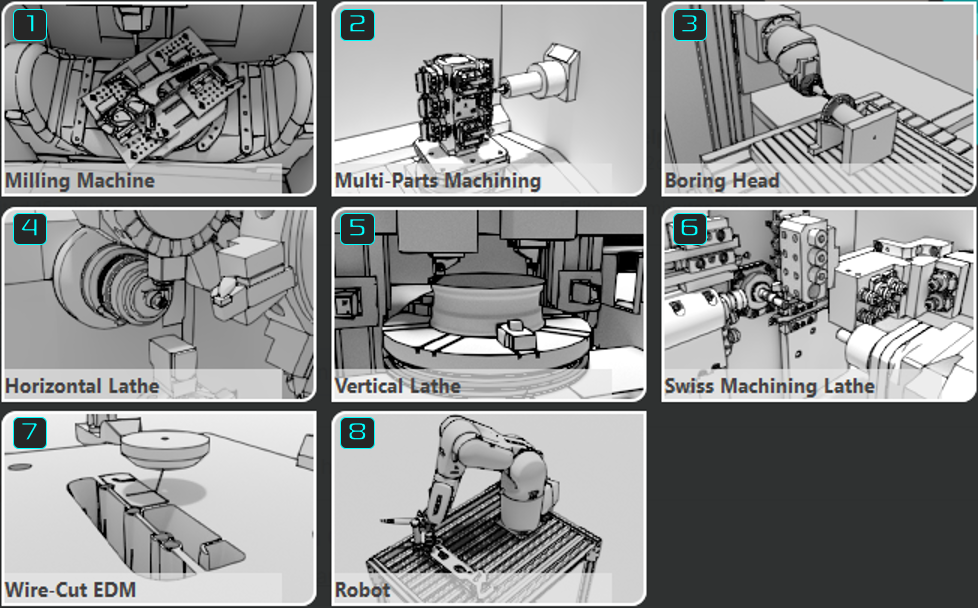
The main purpose of the homepage is to enter GO2cam modules by clicking the animated images. Modules and options which are not included in your license configuration are not available, the corresponding buttons are greyed.
The homepage also provides an access to the common environments and offers some extra features.
Access to the Modules
|
||||

|
Machining center |
|
||

|
Multi-Parts Machining |
|||

|
Boring Head |
|||

|
Horizontal Lathe |
|||

|
Vertical Lathe |
|||

|
Swiss Machining Lathe |
|||

|
Wire-Cut EDM |
|||

|
Robot |
|||
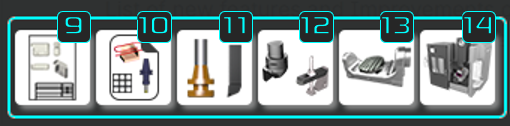
Working Environments
|
||||
|
||||

|
Layout Design/ Dimensioning Layout your part with dimensions and create title blocks. More information: click here |

|
Clamping / Toolholders Import or design clamping elements and toolholders: symbols |
|

|
Users Workshop Documents Optional module for the creation of customized workshop documents. |

|
Creation of Machine Component Import and define rotary table accessories (*.wags) |
|

|
Forming Tools / Tool Libraries Design customized tools and manage your libraries of standard tools. |

|
Creation of Machines (MTE) Dedicated to resellers only: environment for the creation of machine kinematics for MTE. |
|
|
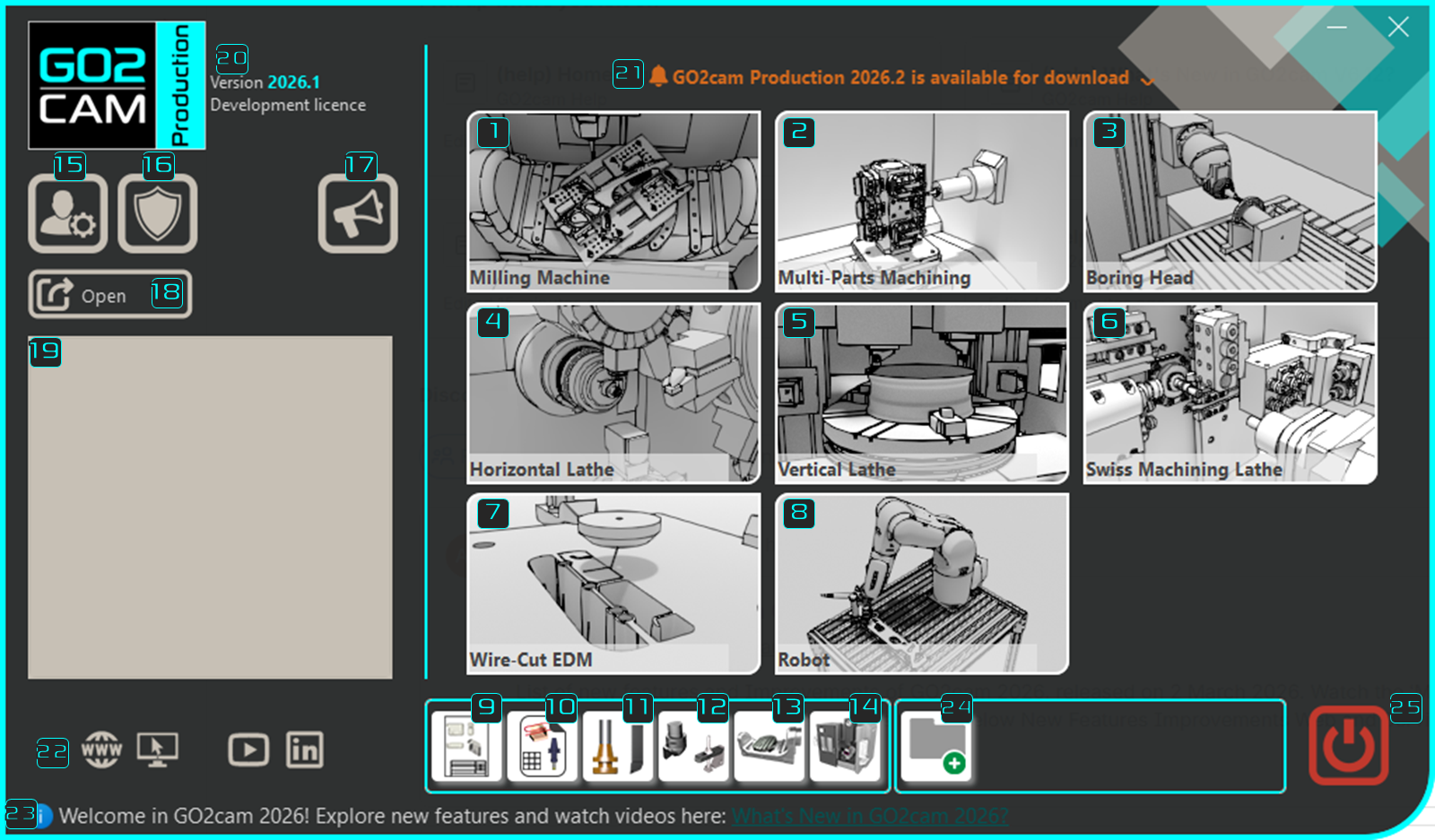
Other Features (Refer to screenshot below) |
|||||
|
|||||

|
Software Configuration Access to the dialogue to define Preferences of Software |

|
Licence Manager Manage your local licence: ID, Modules & Options / Floating Licences: manage and use licences in users PCs. |

|
What’s New? GO2cam 2026 |

|
Open files from explorer |

|
List of recent files |

|
Version and Revision number. |

|
Availability of new Version Get informed about update revision and download it. |

|
Access to website and social networks |

|
Information Banner News given by GO2cam International or your local reseller. |

|
Add a new software Define a shortcut to open any application or software. |

|
Exit GO2cam |
|
|
Information about the licence can be retrieved by clicking on [16]. By further clicking on the icon, you can find displayed products for sale along with the links to GO2cam website for further details.