
To install go2dental:
|
1. Get installation files: You need 2 files to successfully install GO2dental on your computer – Installation package and OEM folder. |
|
|
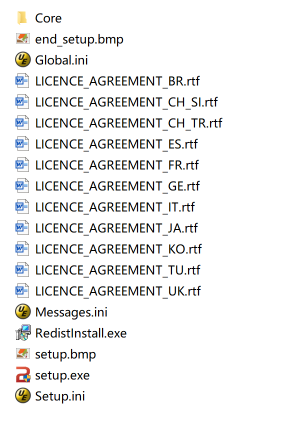
2. Find “setup.exe” file in your installation package. Double click the autorun.exe and start the installation process.
|
|
|
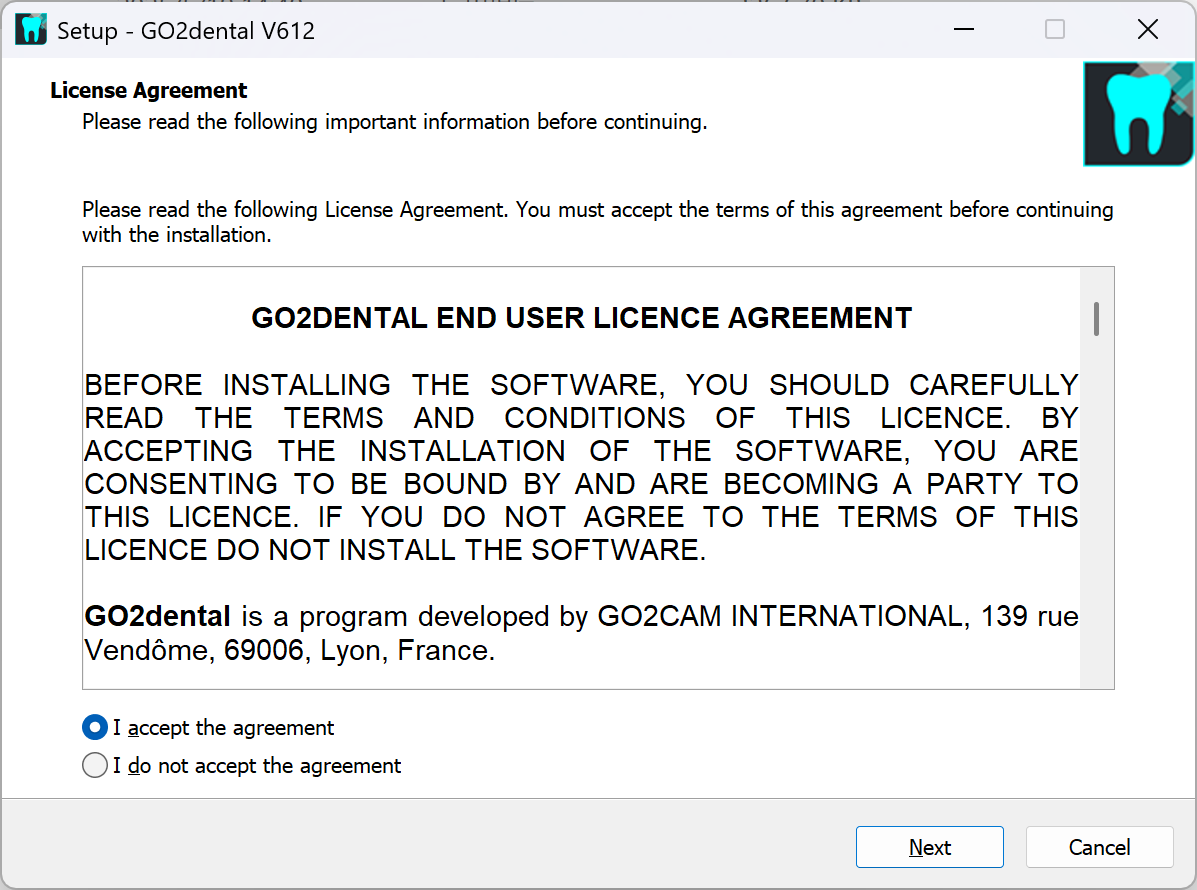
3. Click 'I accept the agreement' and then click 'Next'. |
|
|
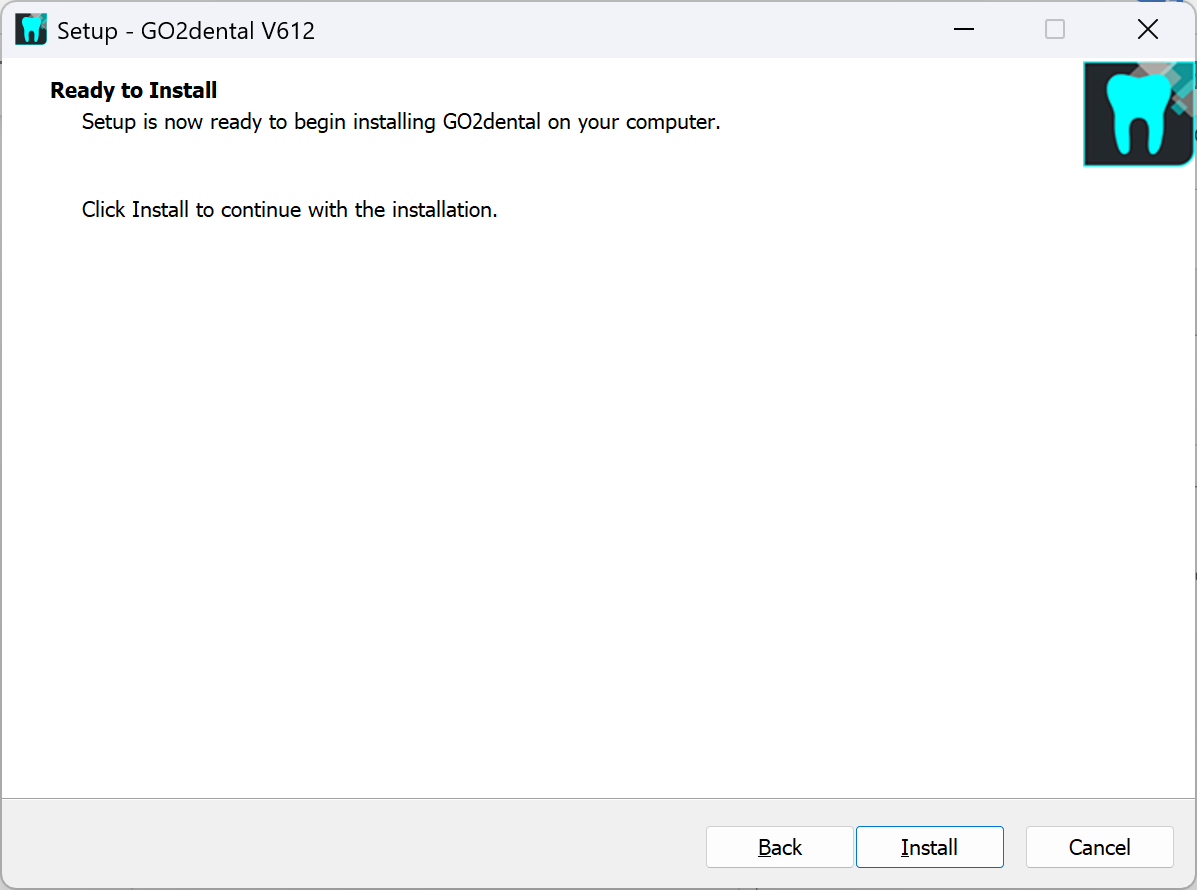
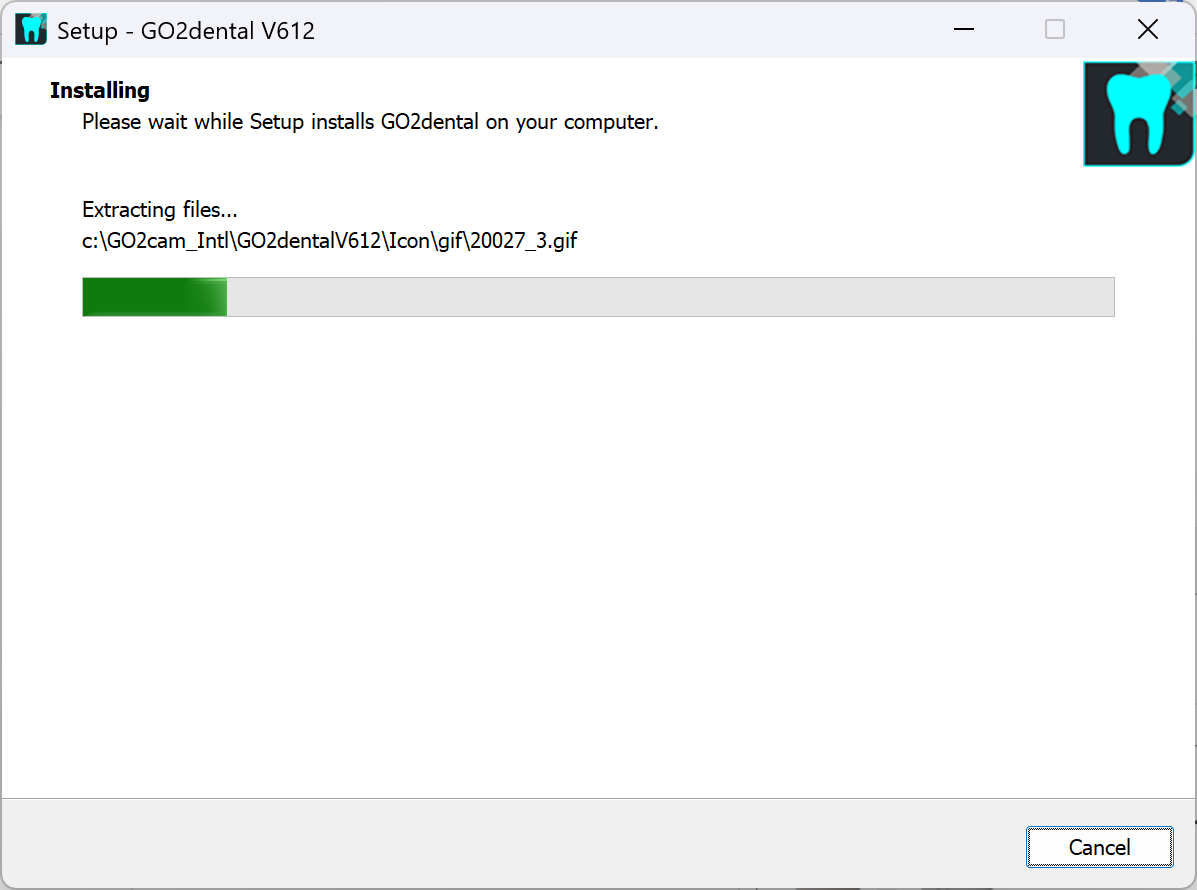
4. Click 'Install': |
|
|
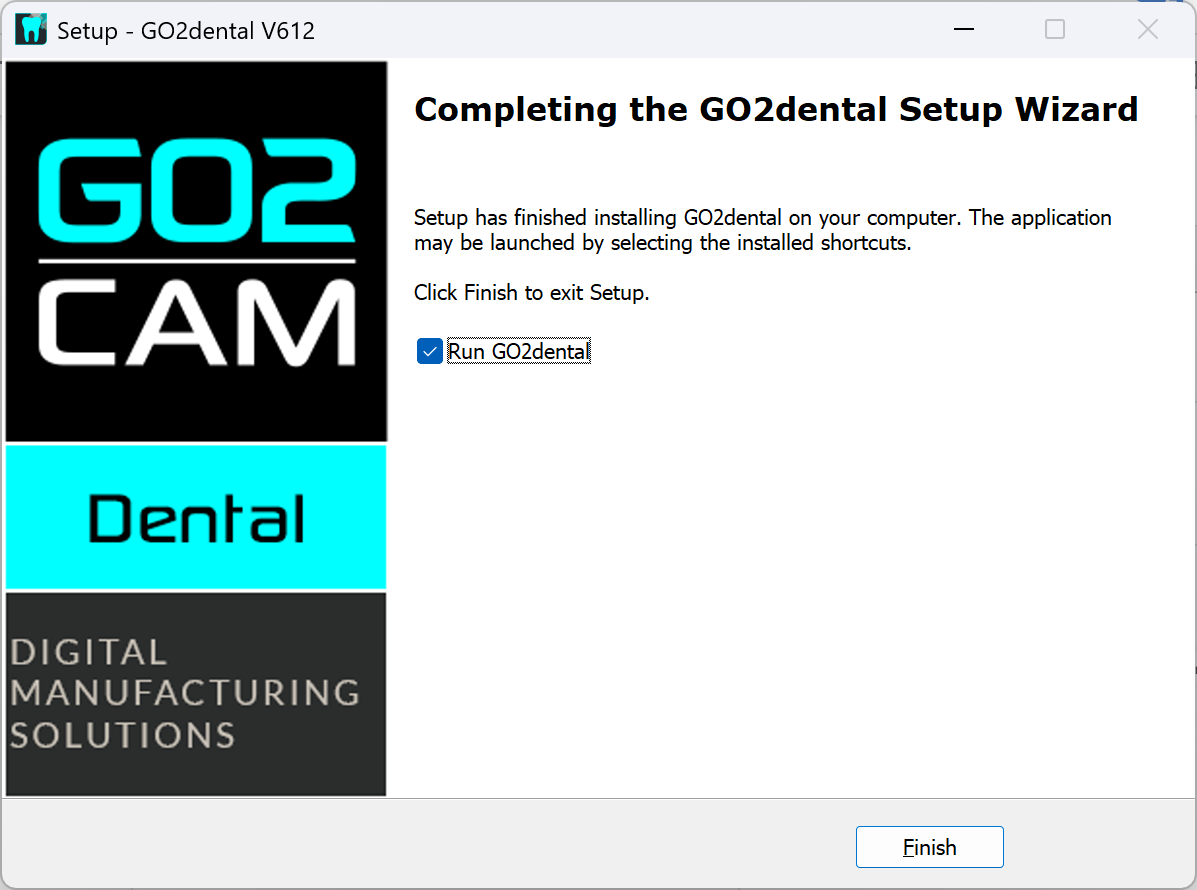
5. Click “Finish” to complete the package installation |
|
|
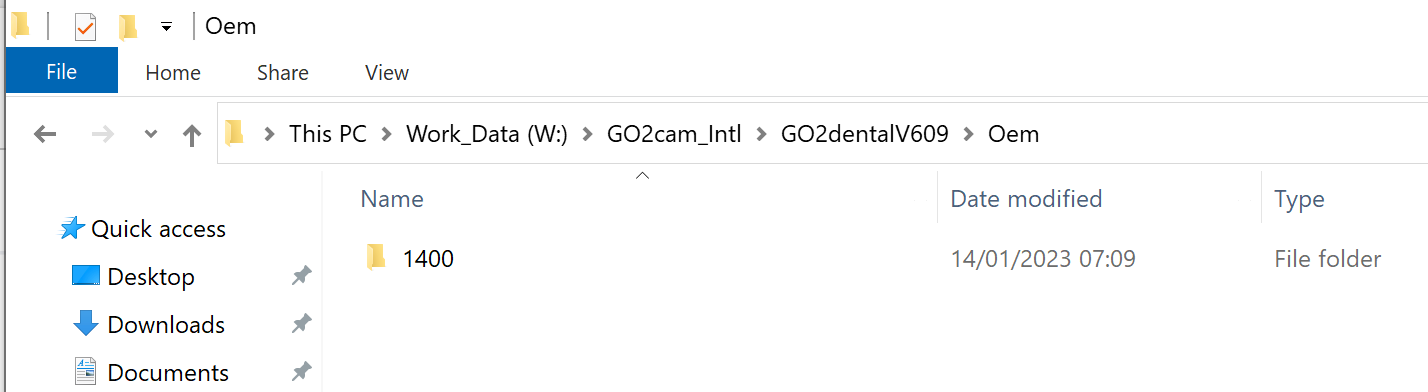
6. Each customer uses a different folder name for the OEM folder. Contact your reseller to get the folder named with a number, such as "801", "880", or "1400". Then copy that folder into the OEM folder in your installation root, which defaults to C:\GO2cam_Intl\GO2dentalV612\Oem. |
|
|
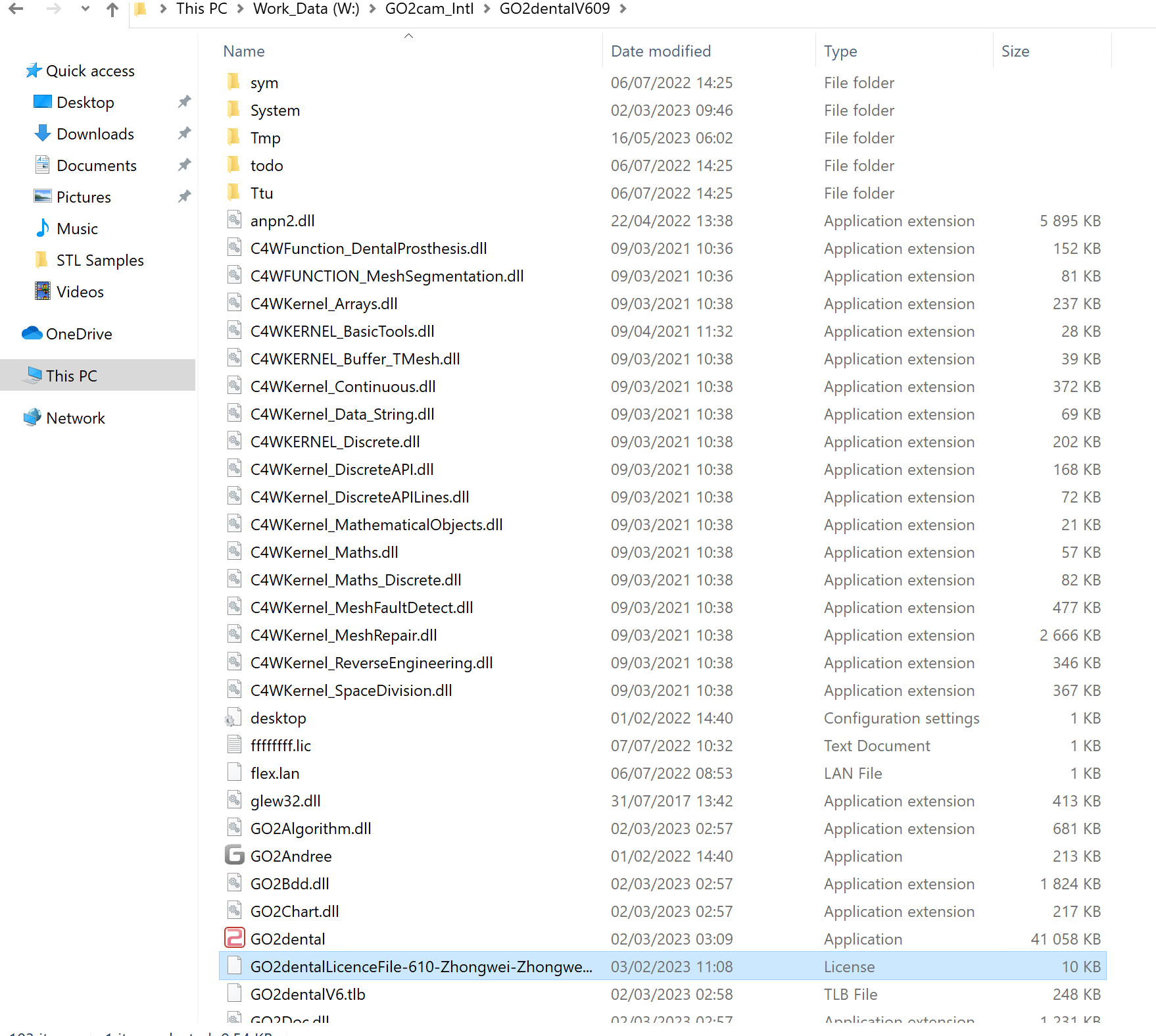
7. Get license file from your provider and copy the file to your installation root, by default it is C:\GO2cam_Intl\GO2dentalV612: |
|