
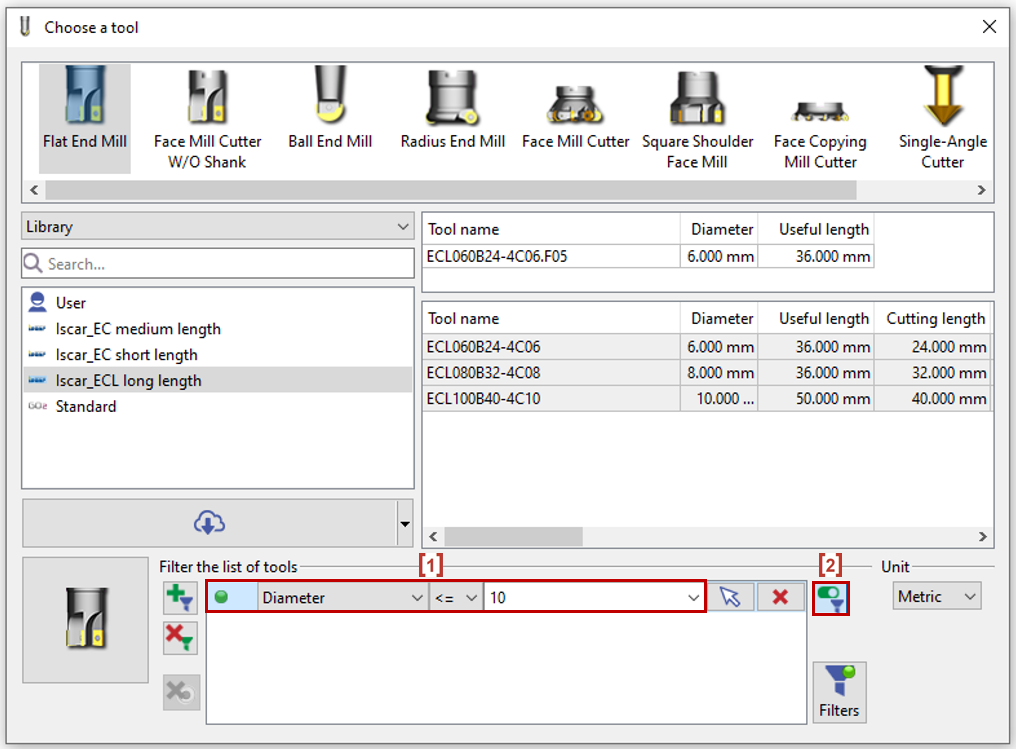
In the filter of tools, when you have already selected a geometry, some filters are automatically applied.
According to the geometry (radius and passageways are checked), tools are preselected by Diameter and bottom radius. [1]
2 solutions if you do not want the automatic preselection:
-
Deactivate the filter by clicking on [2],
-
Or start the selection by choosing the tool, then the geometry.
If several profiles are selected, the smaller values are taken. Here are some cases below:
|
Pocket with different corners 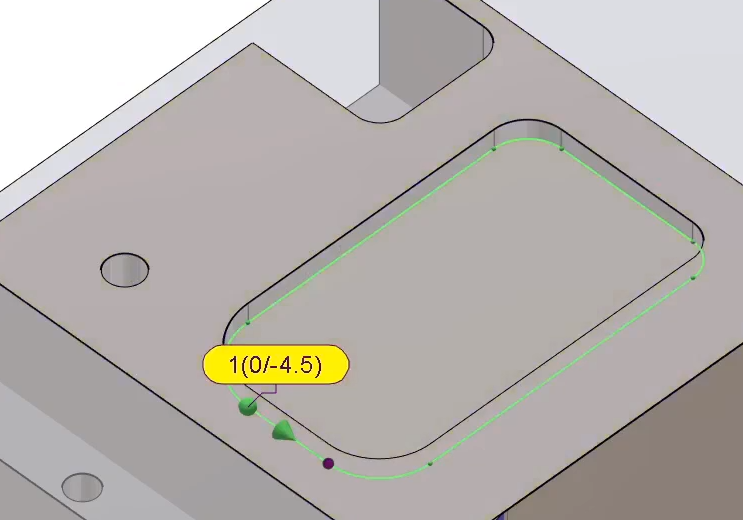
|
We have a pocket with corners at different radii, with the smallest being 6 mm. Hence, the tool finder suggests a tool of maximum diameter of 12 mm. |
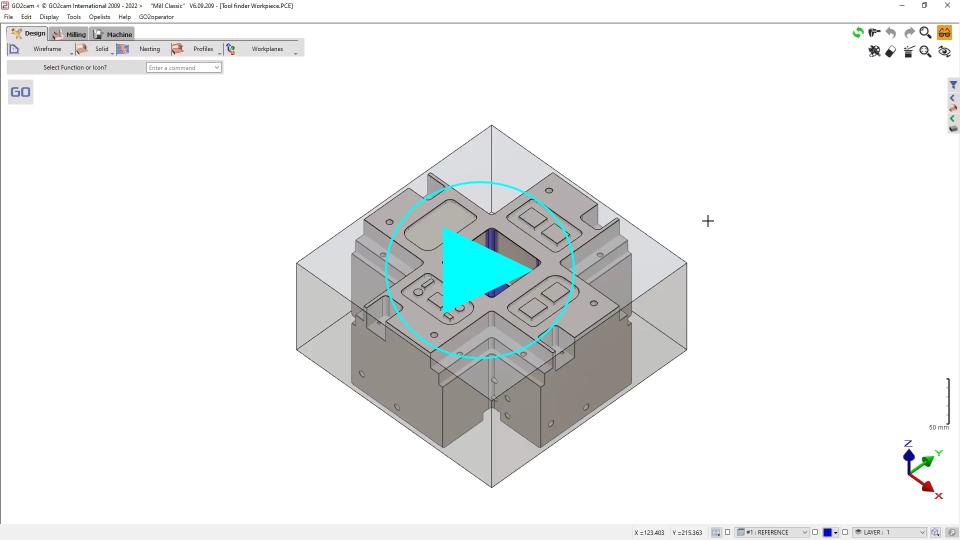
|
|
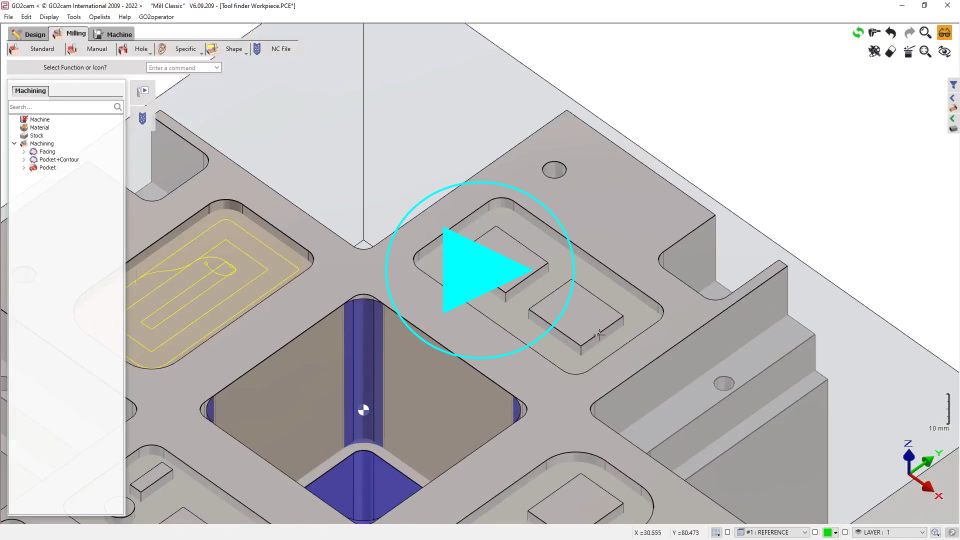
Pocket with 2 Islands 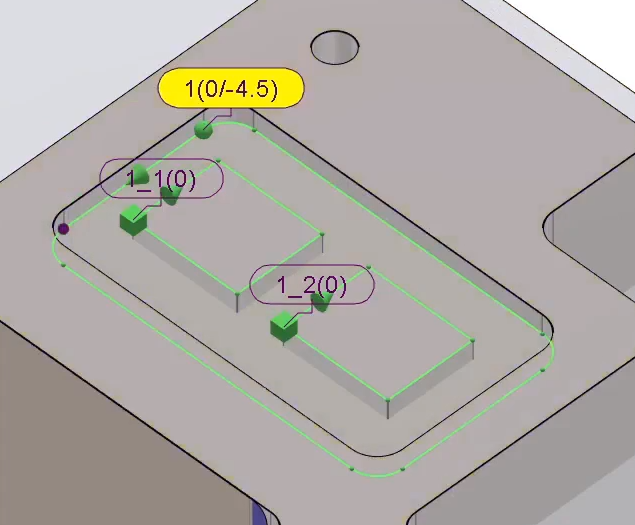
|
We have got a pocket with 2 islands. The distance between the 2 islands is 11 mm while distance between the island and the walls is 10 mm. Consequently, tool finder suggests a tool of 10 mm diameter or less. |
|
|
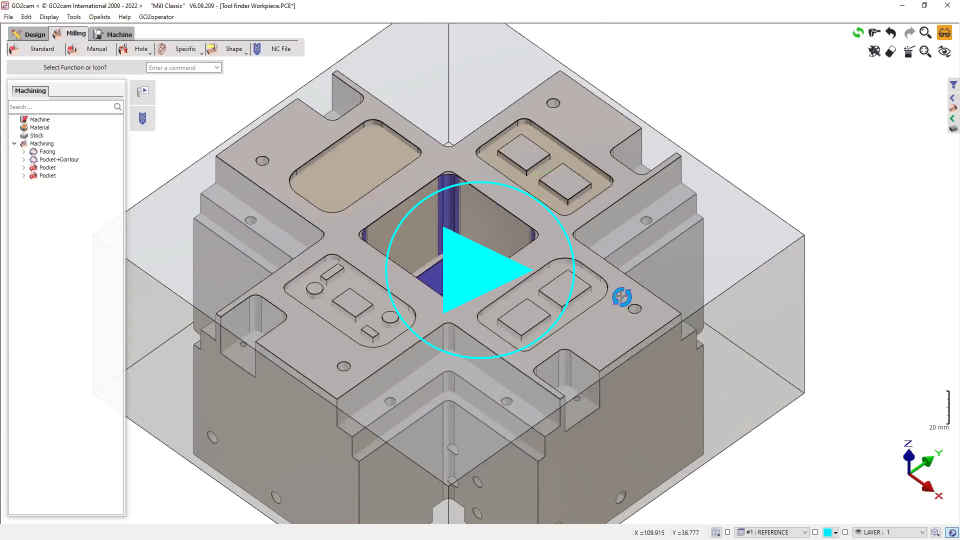
Pocket with 2 Islands and different corners 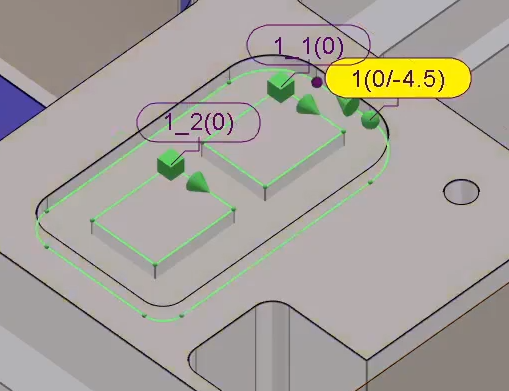
|
This pocket has corners with different radii and contains 2 islands. Both the distance between the islands and with the walls is 10 mm. However, the gap at the island corners with the walls is less than 10 mm and the tool finder suggests 9.73 mm. |
|
|
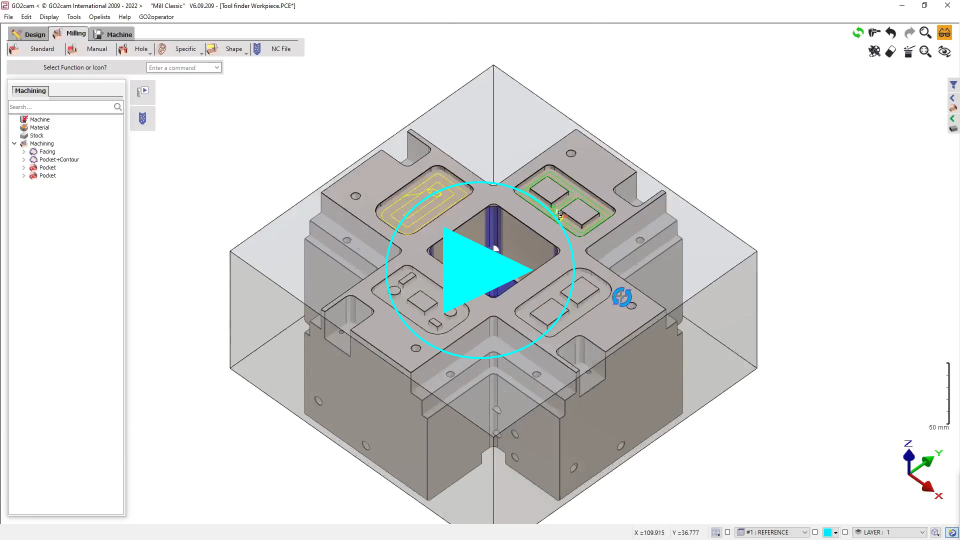
Pocket with multiple Islands 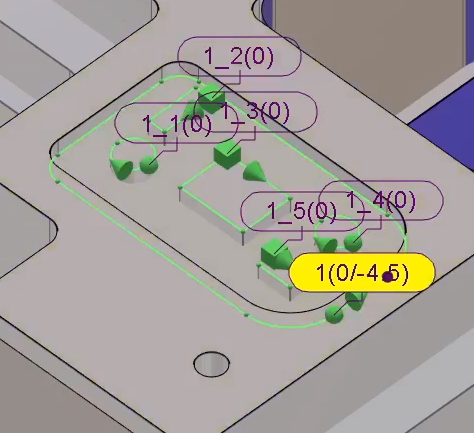
|
This pocket has many islands and it is difficult to measure the gaps in between with control. However, the Tool finder can still measure and suggests a maximum tool diameter. |
|