
Definition
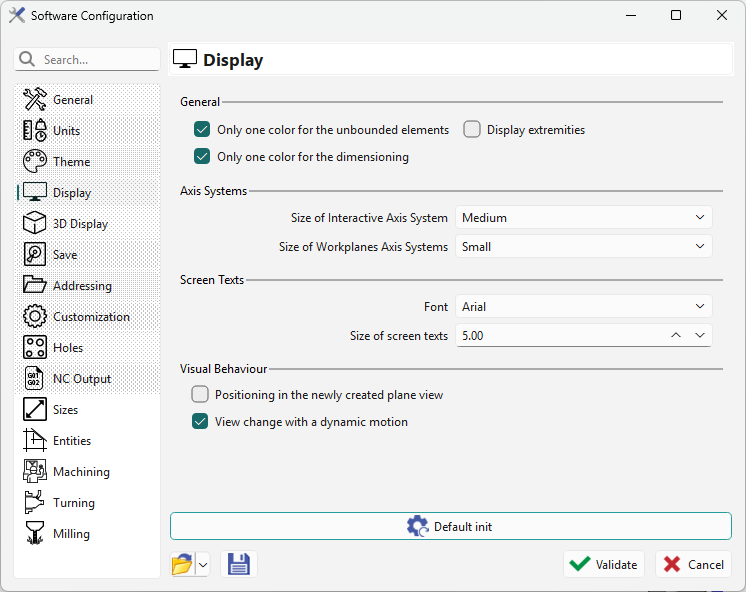
In this page, you will be able to customize your display according to the options listed below.
|
There are four sections:
|
|
Description and Use
General
-
Only one color for unbounded elements: lines and circles display in a single color (black by default). Unchecking this option lets these elements use the current color like other bounded wireframe elements (segment, arc, etc.).
-
Only one color for dimensioning: applies the same rule to dimension elements.
-
Display extremities: shows a symbol at wireframe element extremities.
Axis Systems
-
Choose the size of the Interactive Axis System (bottom right corner).
-
Choose the size of the Workplanes Axis Systems, shown at Workplanes origins. Most are hidden; see the explanation here: Display Bar.
Screen Texts
Change the font and size of all texts displayed on the screen, such as the Control command measure result and profile labels.
Visual Behaviour
-
Positioning in the newly created plane: when created, a plane becomes the current plane.
-
View change with dynamic motion: views and zooms change with dynamic motion.
|
New general behaviour of the software regarding views:
|