
Introduction
This page explains how to create a Multiple Toolholder for lathe.
|
▶️ Watch a video at the bottom of page: Click here |
|
The creation process for tools, symbols, machine, etc. has become more fluid with the interactive system of axes.
|
▶️ Watch a video on the creation process. 
|
Creation of Multiple Tool Holder
|
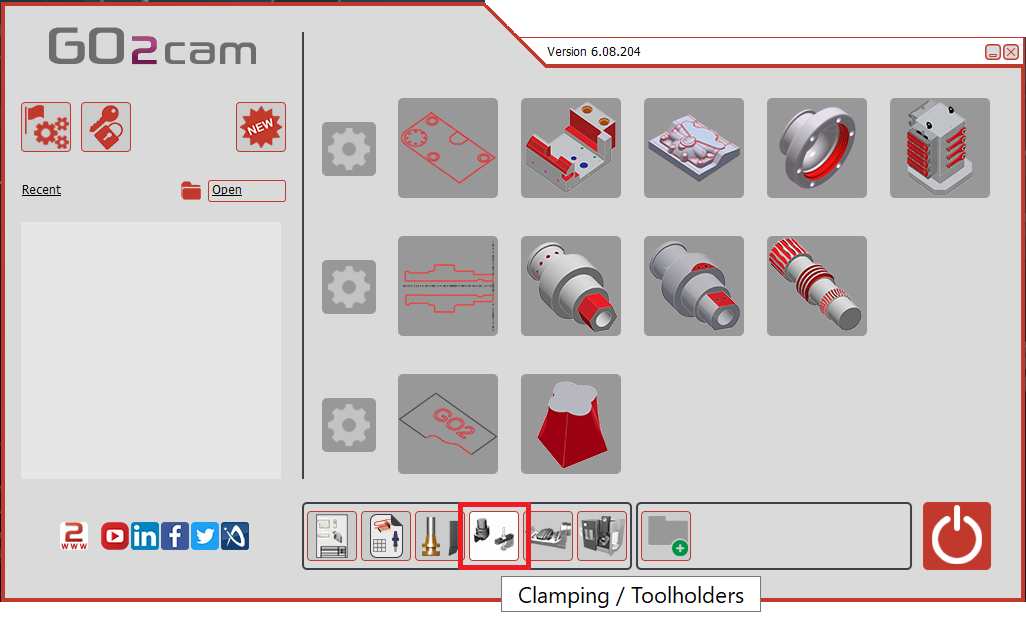
Select the “Clamping / Toolholders” module in the Homepage.
|
|
|
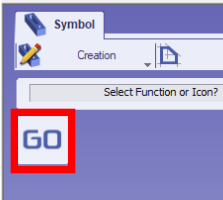
Click the GO button |
|
|
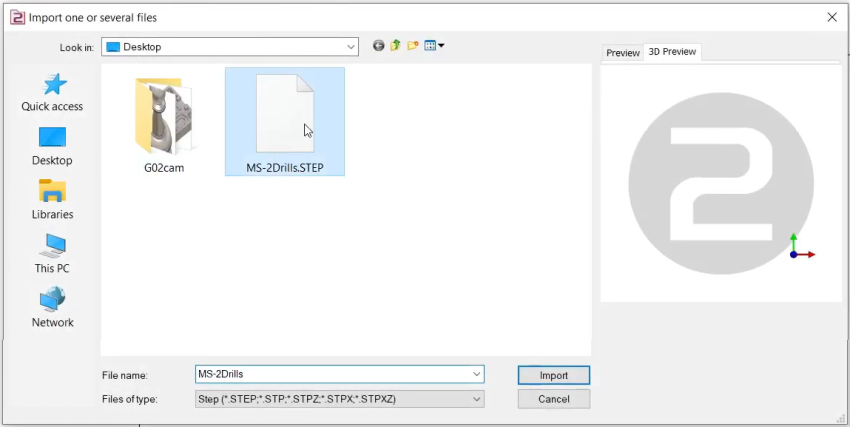
Select the file to import |
|
|
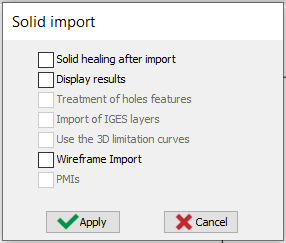
Select the import option to be applied to the solid. Click “Apply”
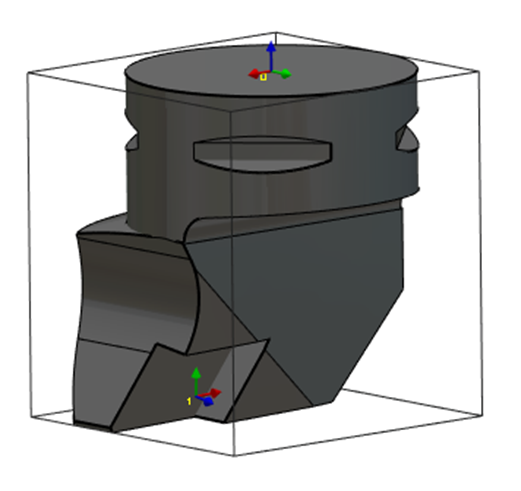
The axis system can also be imported from solid CAD files by activating the Wireframe Import option. This feature is particularly useful for creating holders by importing STEP files from databases such as Sandvik or Iscar. It allows the recovery of the axis systems for positioning inserts, as illustrated for the turning tool in the image on the right. |
|
|
|
|
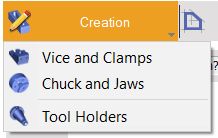
Click on the tab “Creation” then “Tool Holders” menu |
|
|
Click the command to create system of axis |

|
|
Select the tool to define the position of system of axis |

|
|
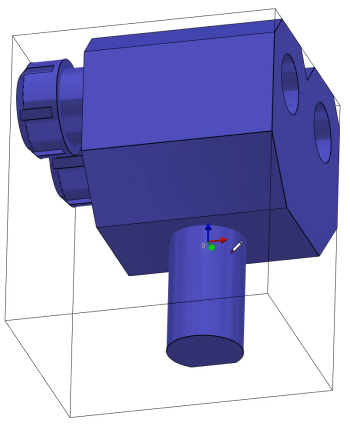
Select the faces to orient Z and X axes and point to define the system of axis. The system of axis referenced 0 define the point that will mounted on the previous element. The previous element can be a tool support or another tool holder component. The center of a circle can be selected by pressing CTRL + SHIFT and then clicking on the arc edge. Then validate. |
|
|
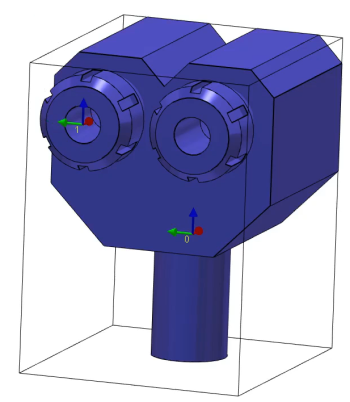
Do the same command to create the system of axis 1. It will be the mounted position for the tool or next element. |
|
|
Repeat the same command to create the system of axis 2. This one also will be the mounted position for another tool or next element. |
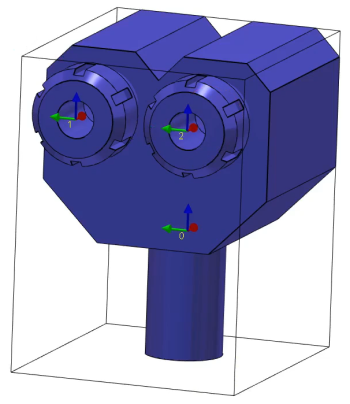
|
|
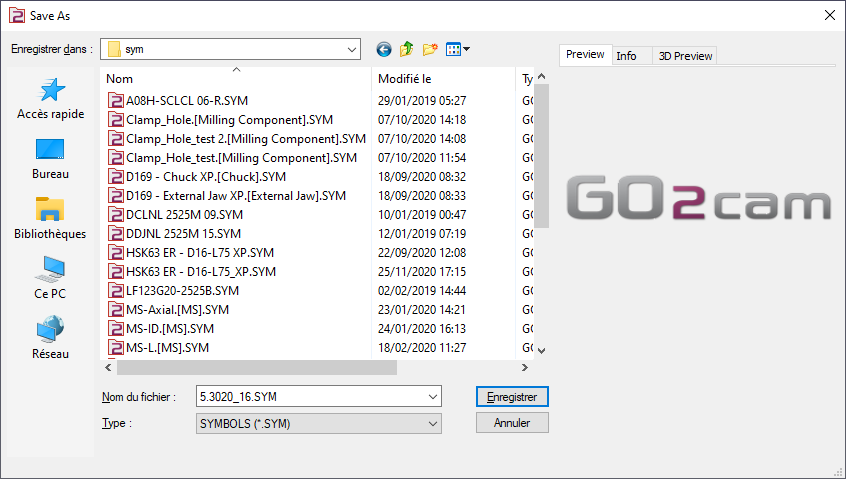
Save the file in the user’s symbol folder for use in GO2cam. |
|
|
▶️ Watch a video about the creation of a multiple turn Toolholder:
|