
|
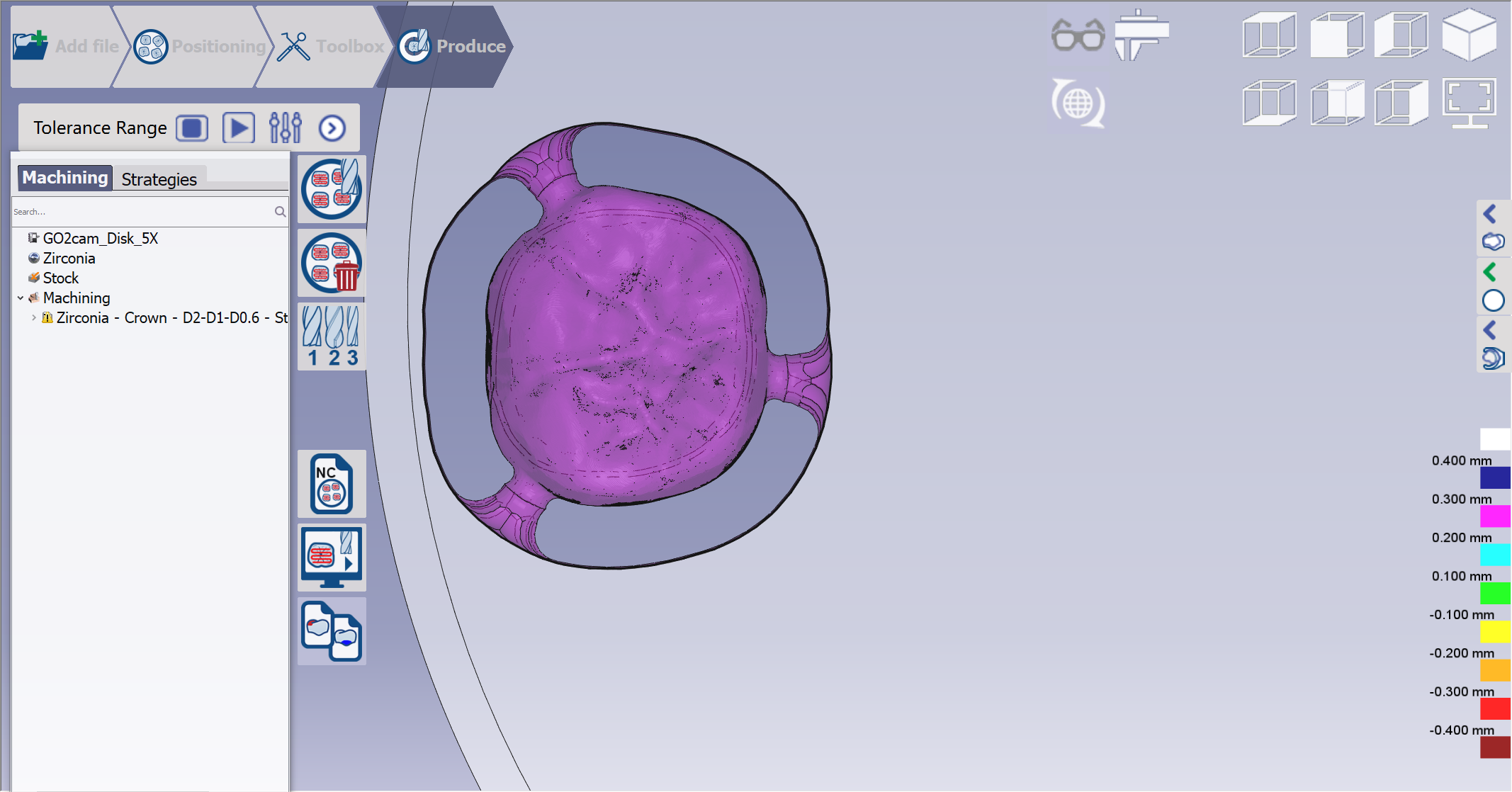
Click at the icon to compare the results of machining with the imported CAD geometry, to check the gouges and left material.
|

|
|
If the color is red, it means the tool cuts into the part which leads to a stock of -0.3mm on the part. |
|