
Instead of modifying the cavity allowance in CAD software, we can define the allowance for each cavity of a bridge in go2dental anytime easily.
|
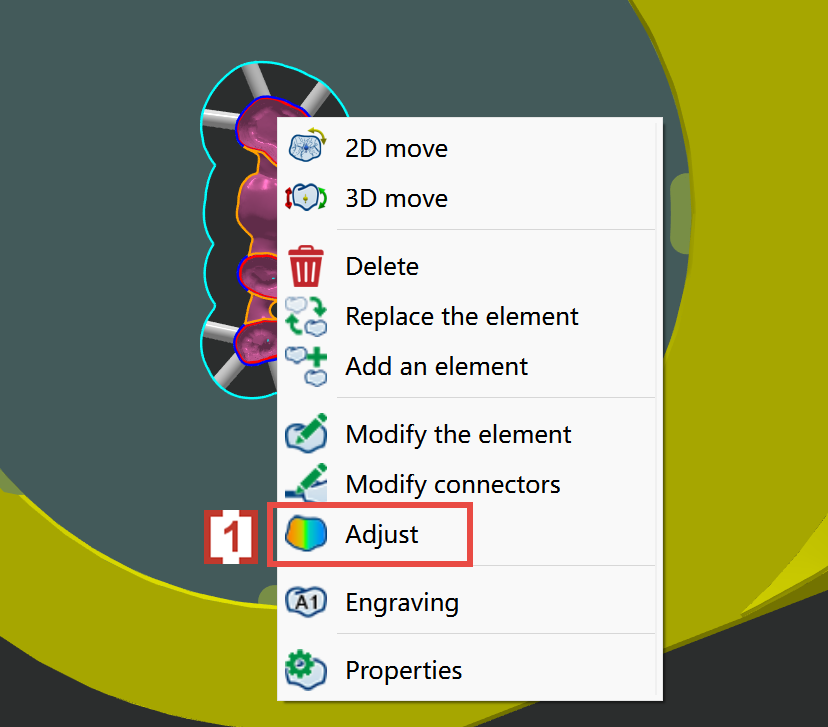
Right-click the STL and select Adjust [1] 
|
|
|
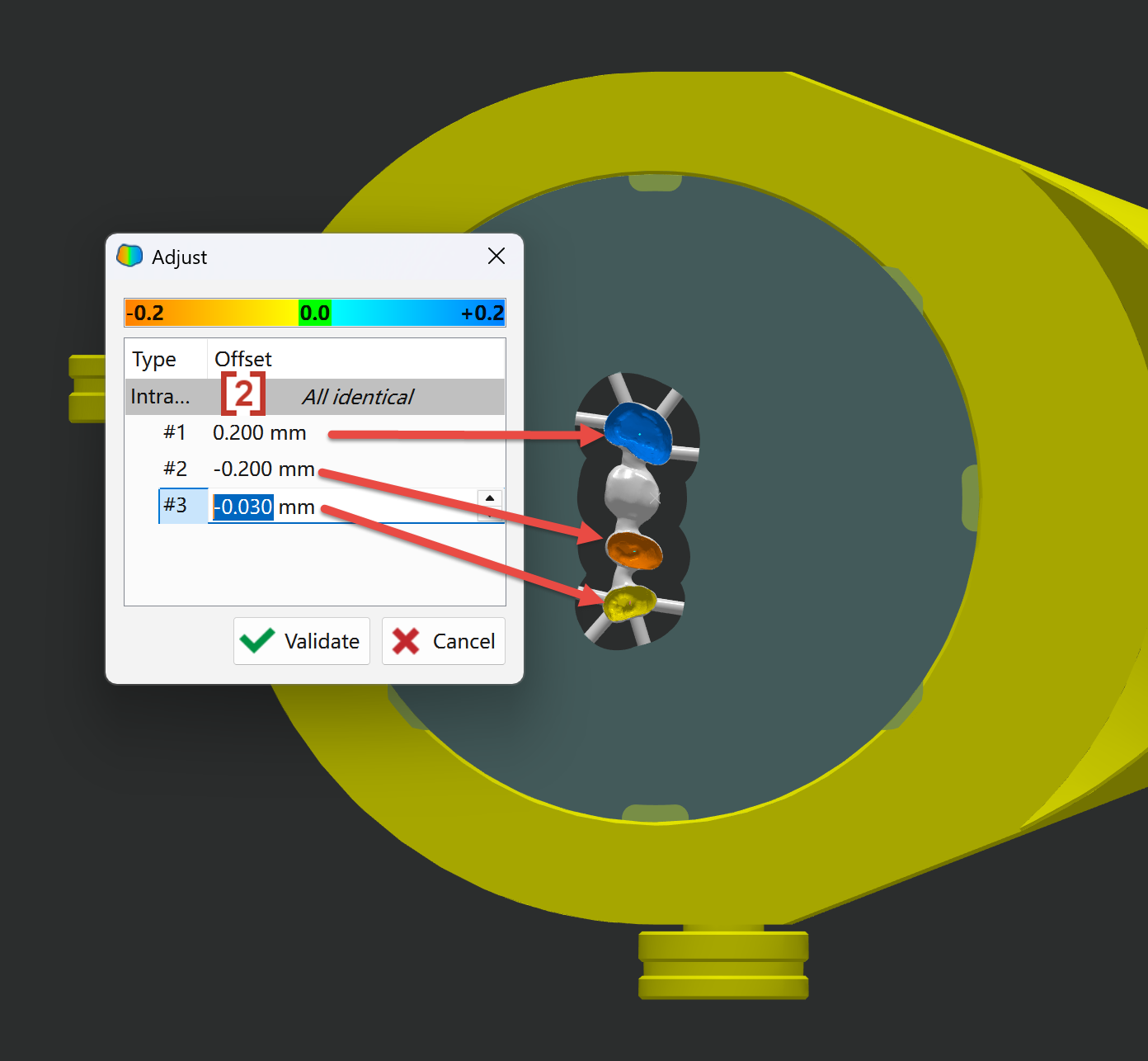
Enter the value in the Offset column [2] for the cavity. The cavity color changes from orange to blue as the allowance value increases.
|
|
|
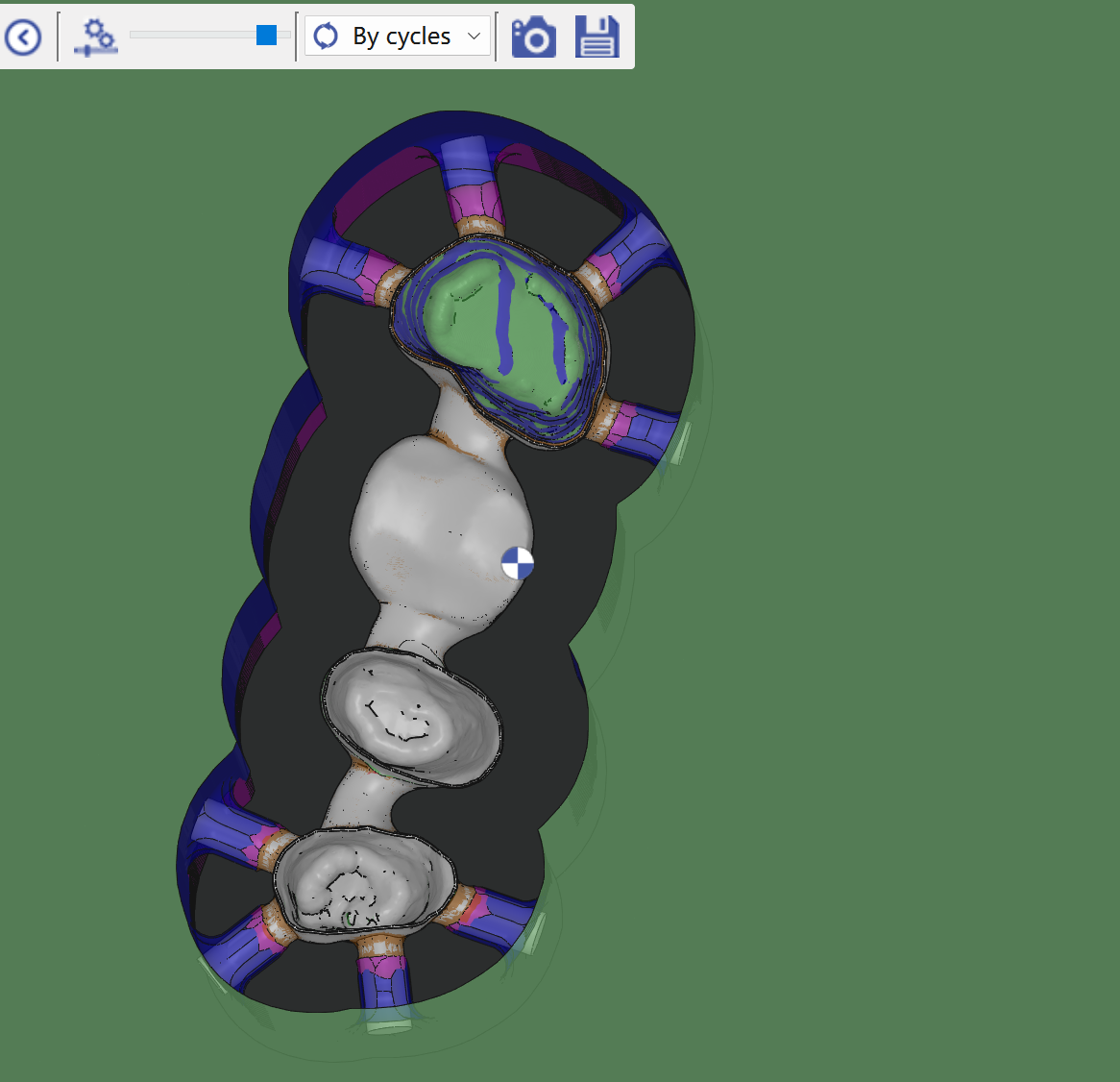
The toolpath respects the defined allowance for each cavity above. |
|