
The goal of the function is to create some new milling directions to remove undercut areas.
During the using of this function, the rotation of STL will be limited by the capacity of machine tool.
|
Click at the icon to create undercut area.
|

|
|
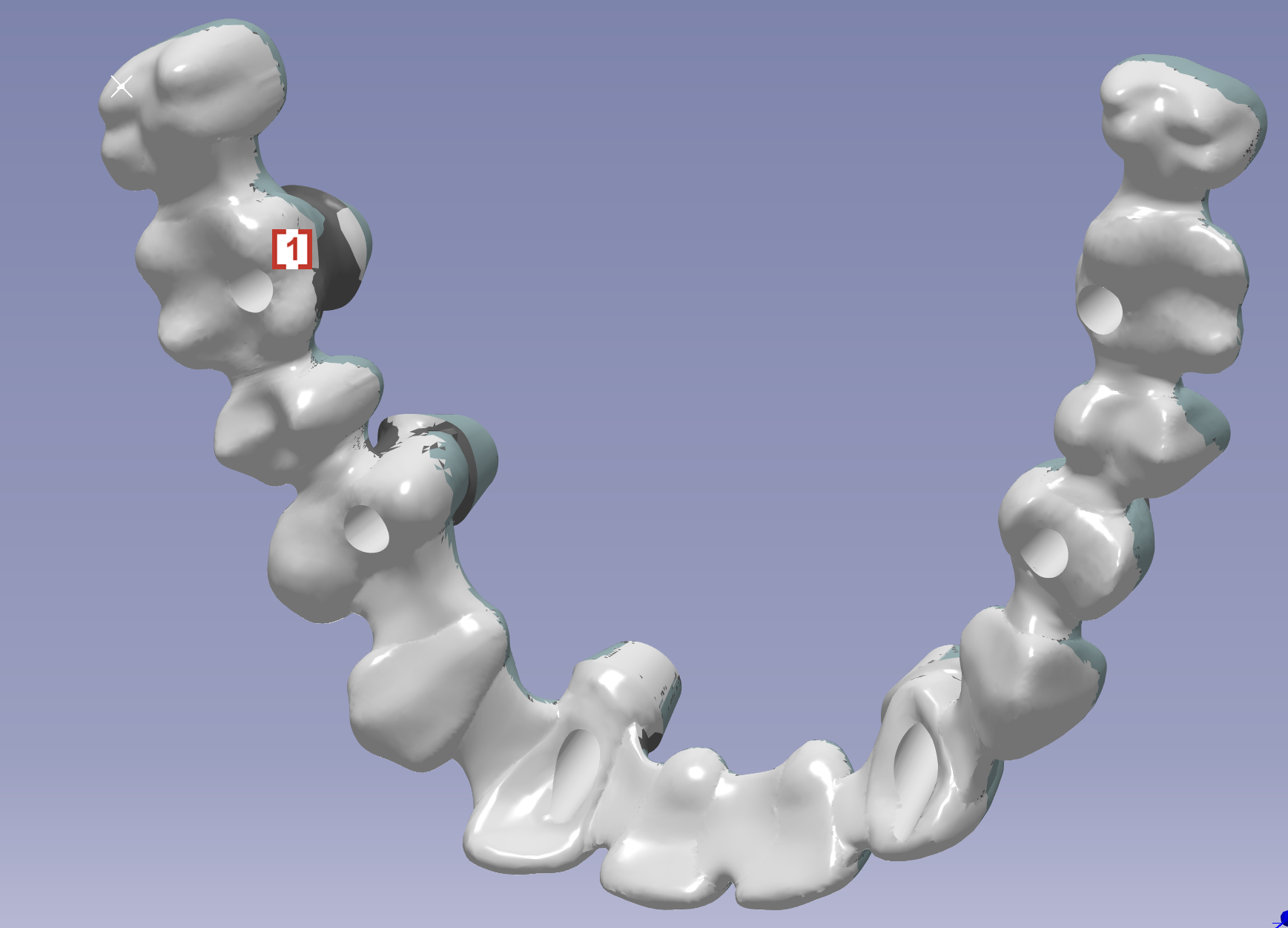
In the pop up window, we can choose the mode to define undercut area[1] and invert the view [2]. We can also change the type1, 2, 3… of undercut. But we will use type1 by default until your reseller give you advice of the other types. |

|
|
We can define an undercut area in Automatic mode which is recommended when the undercut is small and discrete:
|
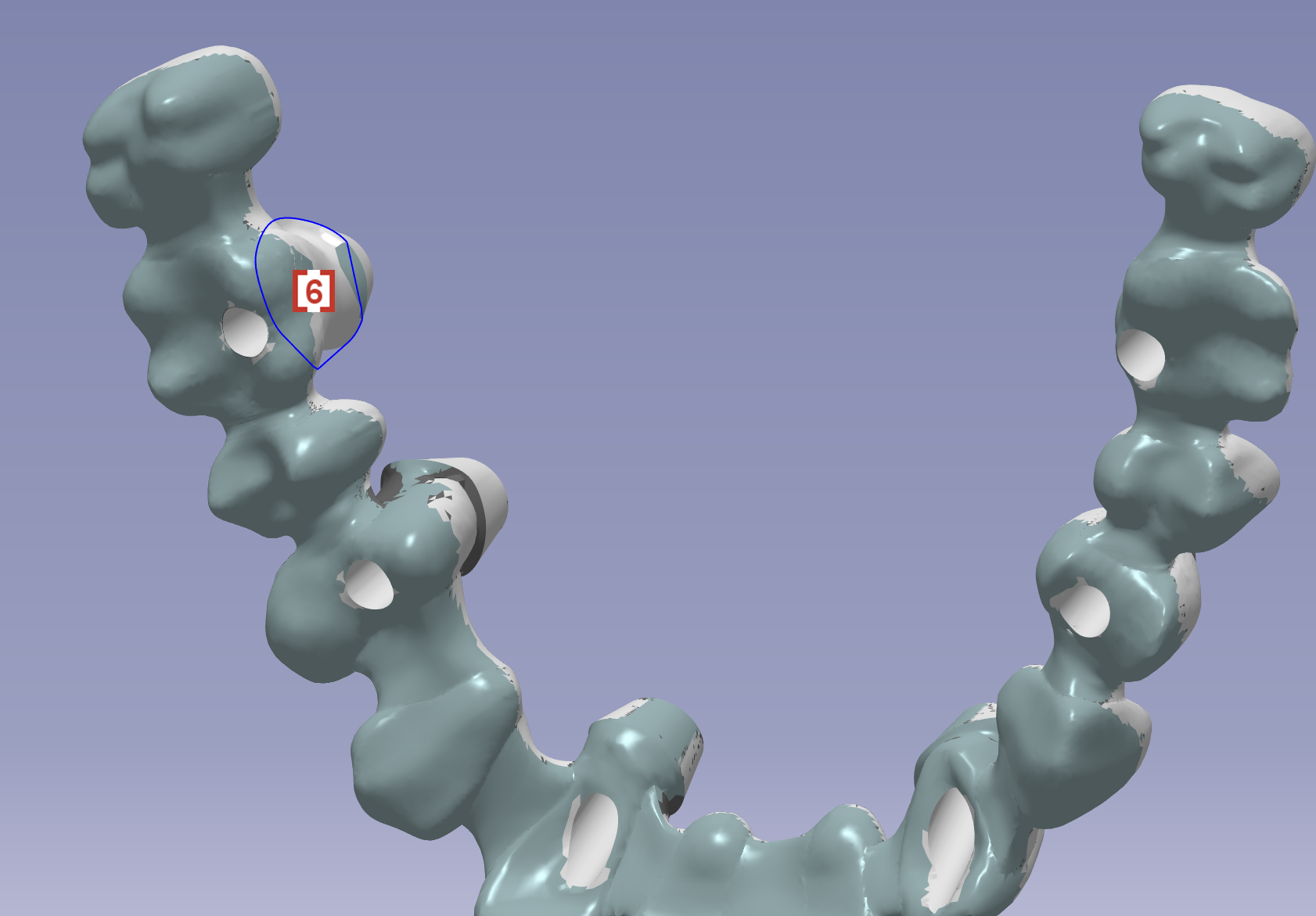
|
|
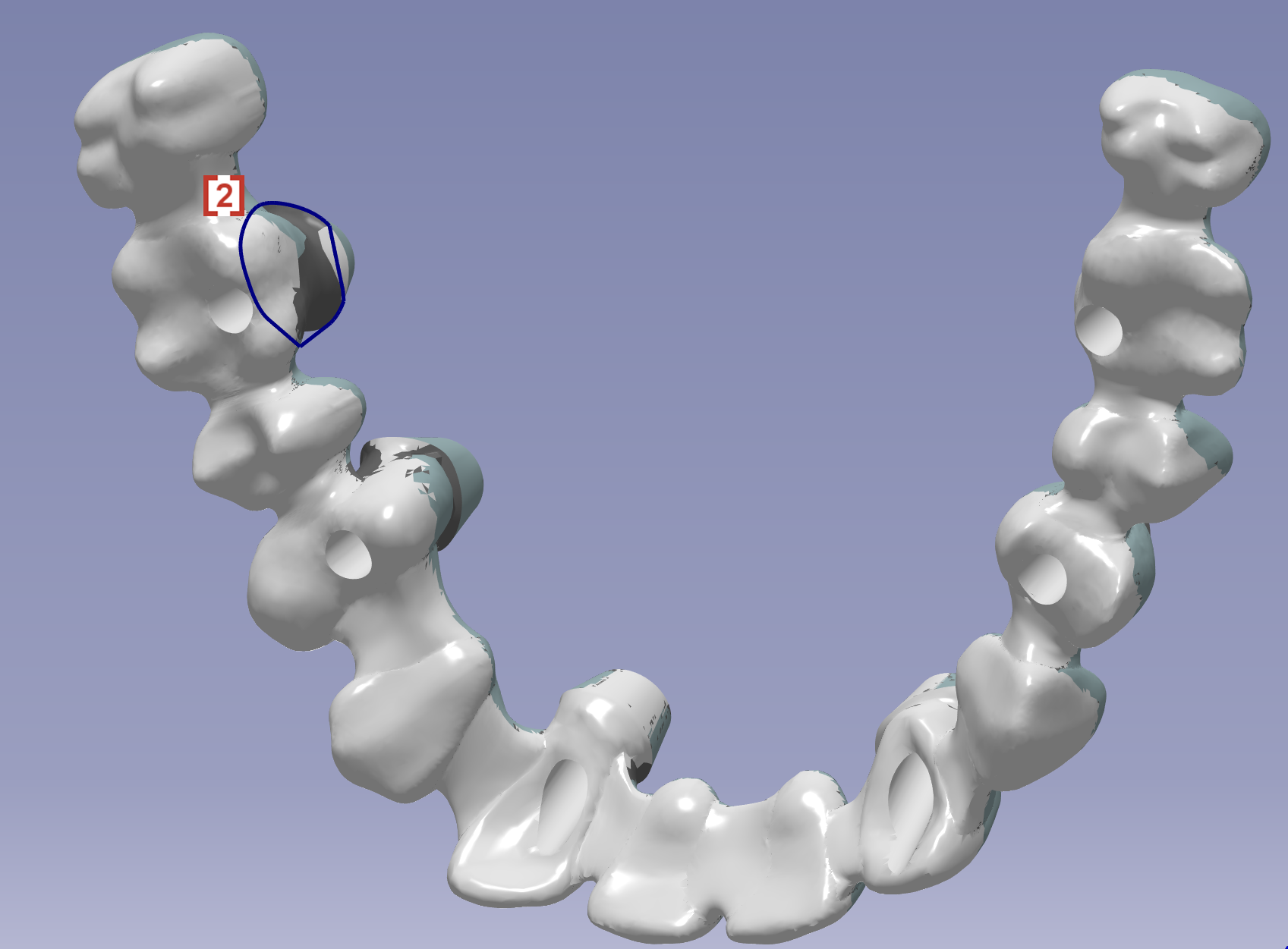
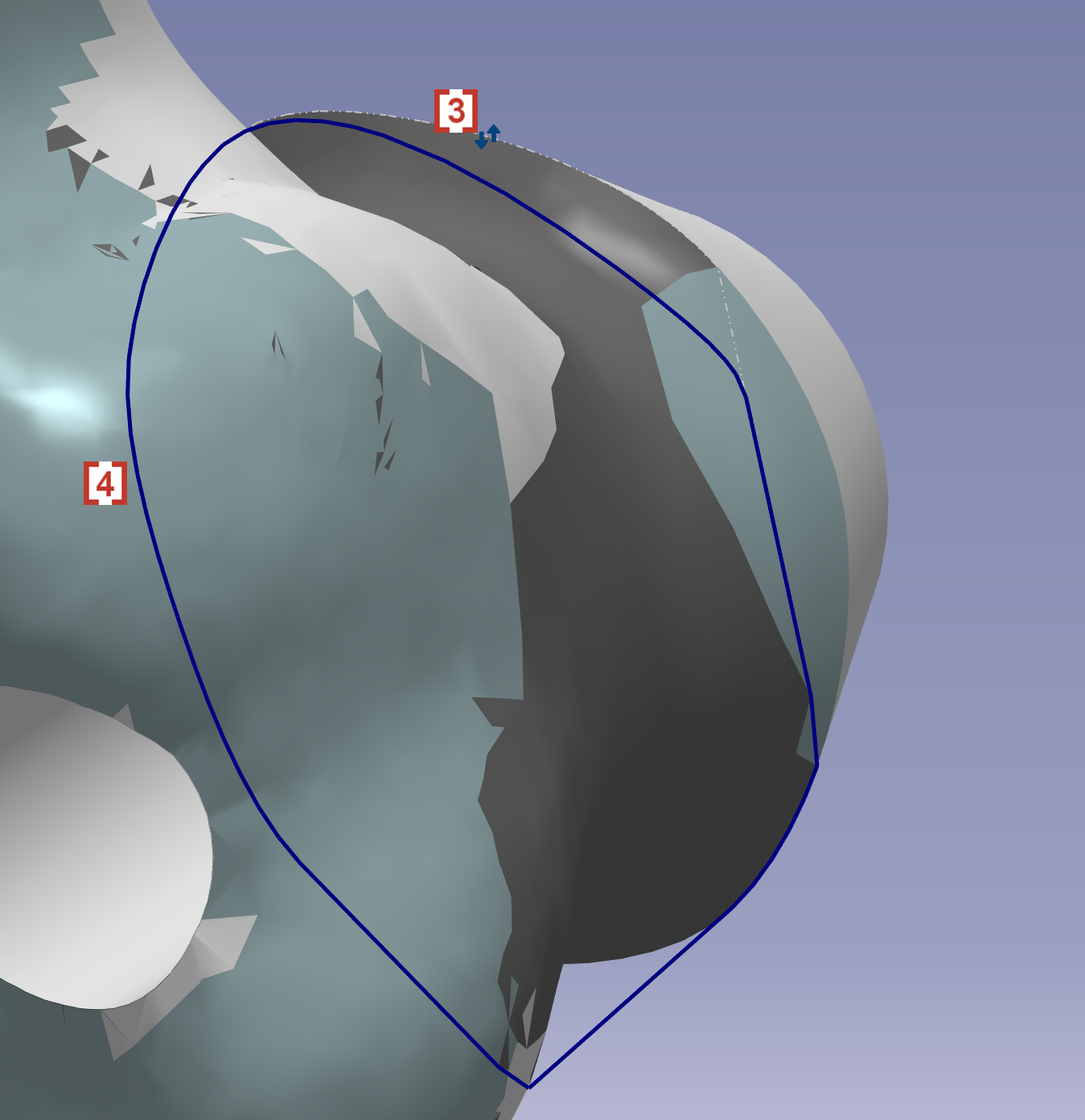
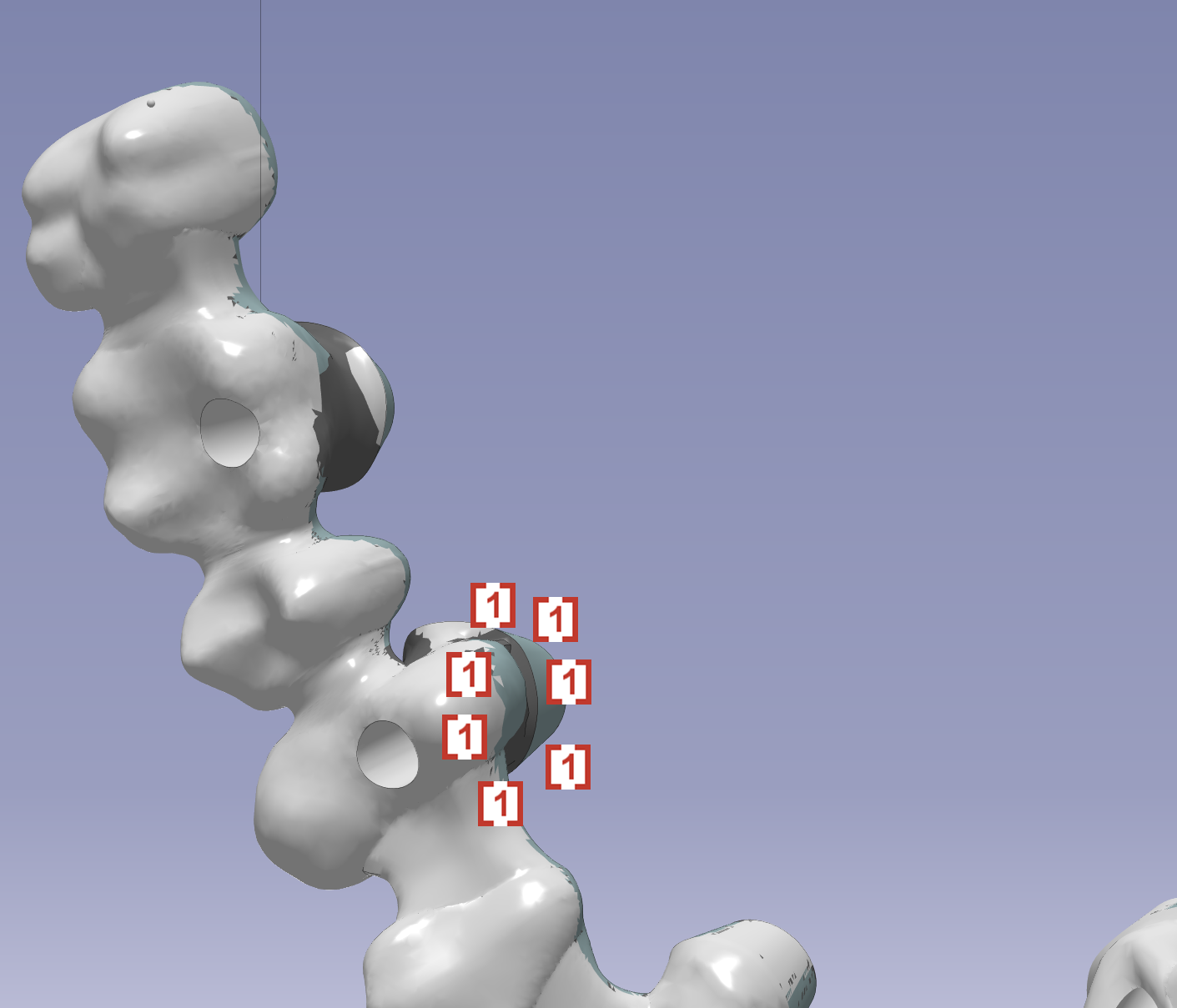
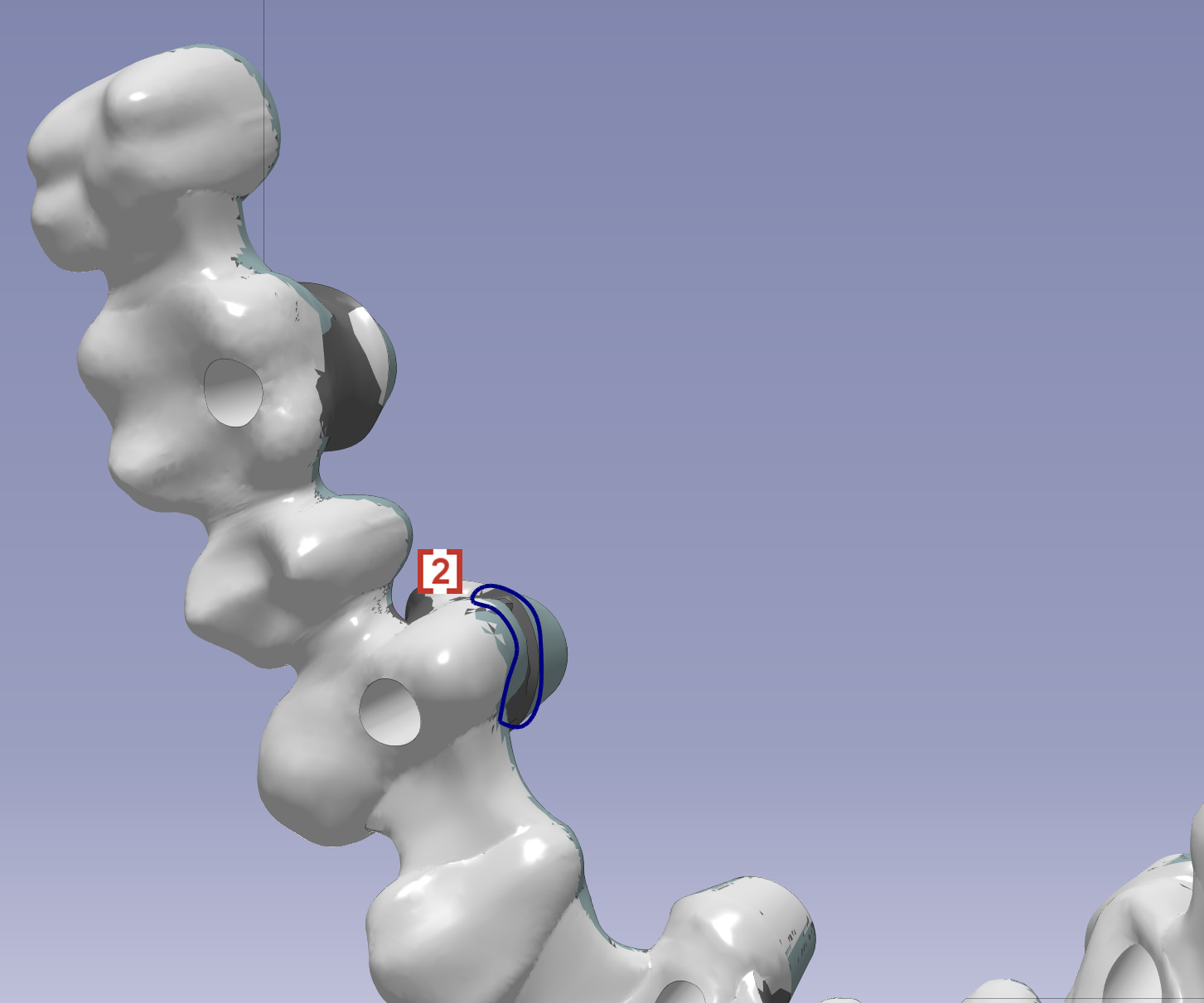
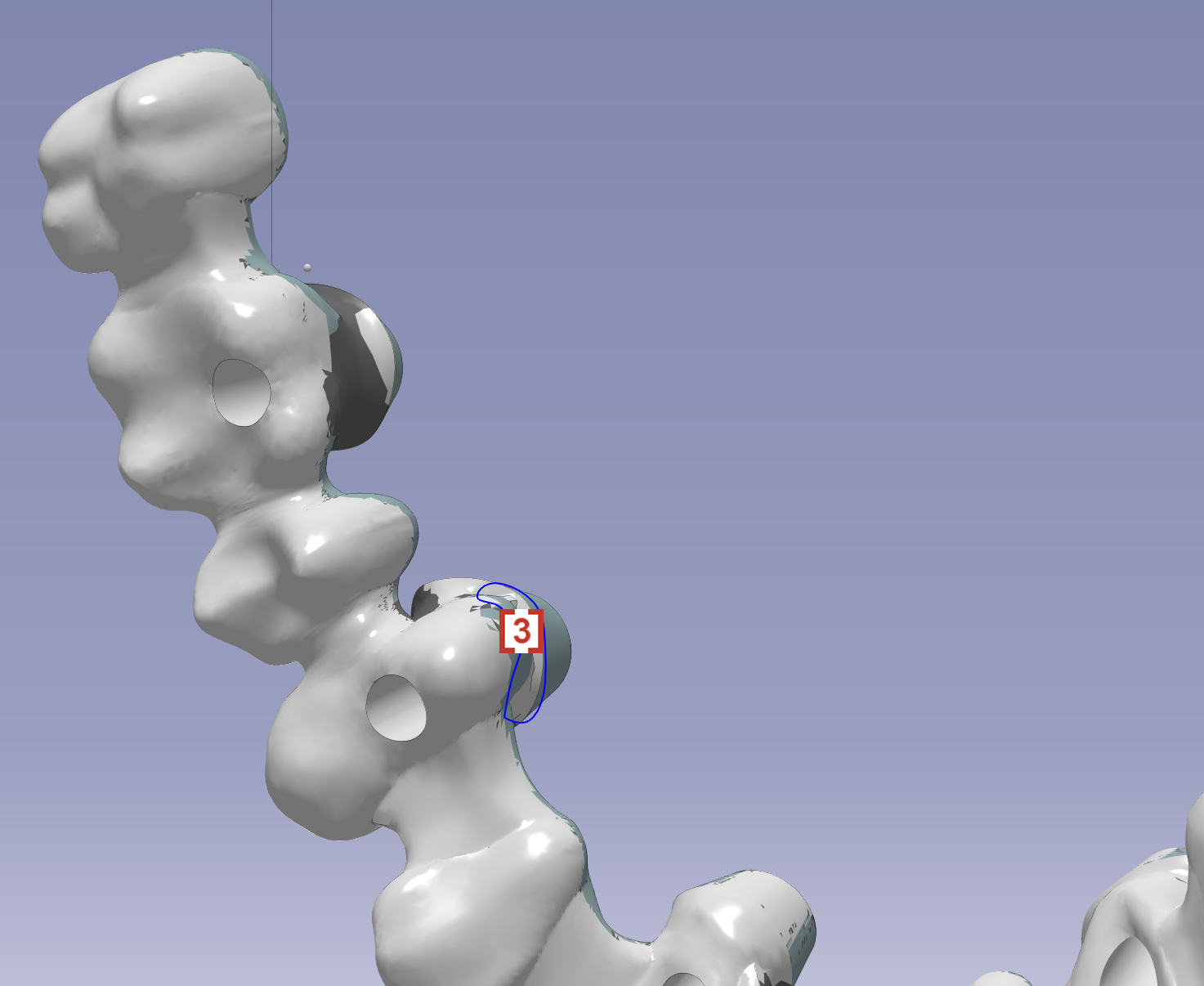
We can also define an undercut area in manual mode which goes through multiple points outside of the undercut:
The circle [2] is recommended to be fully on the stl surface, otherwise tool collision could be happened. |
|
|
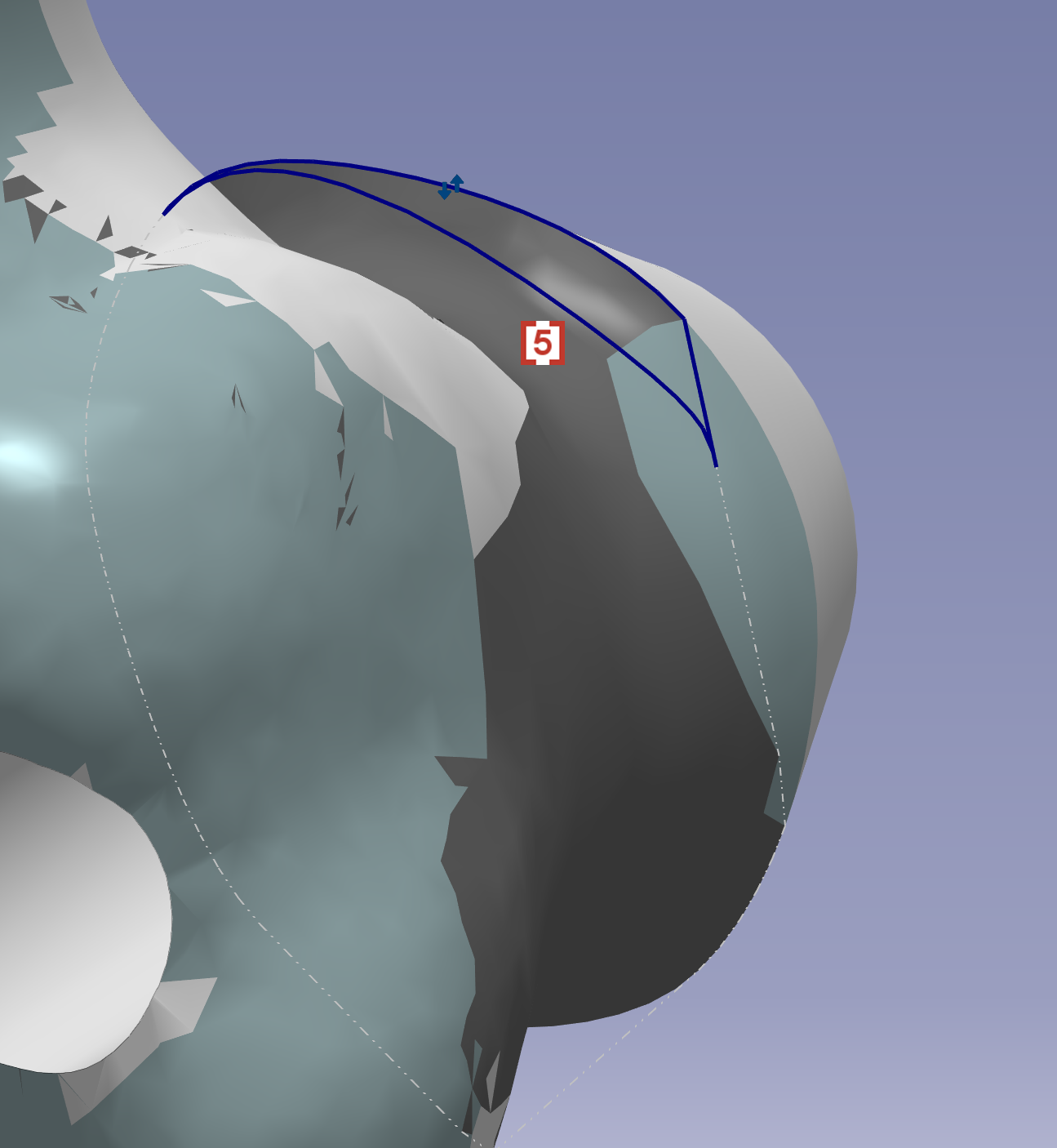
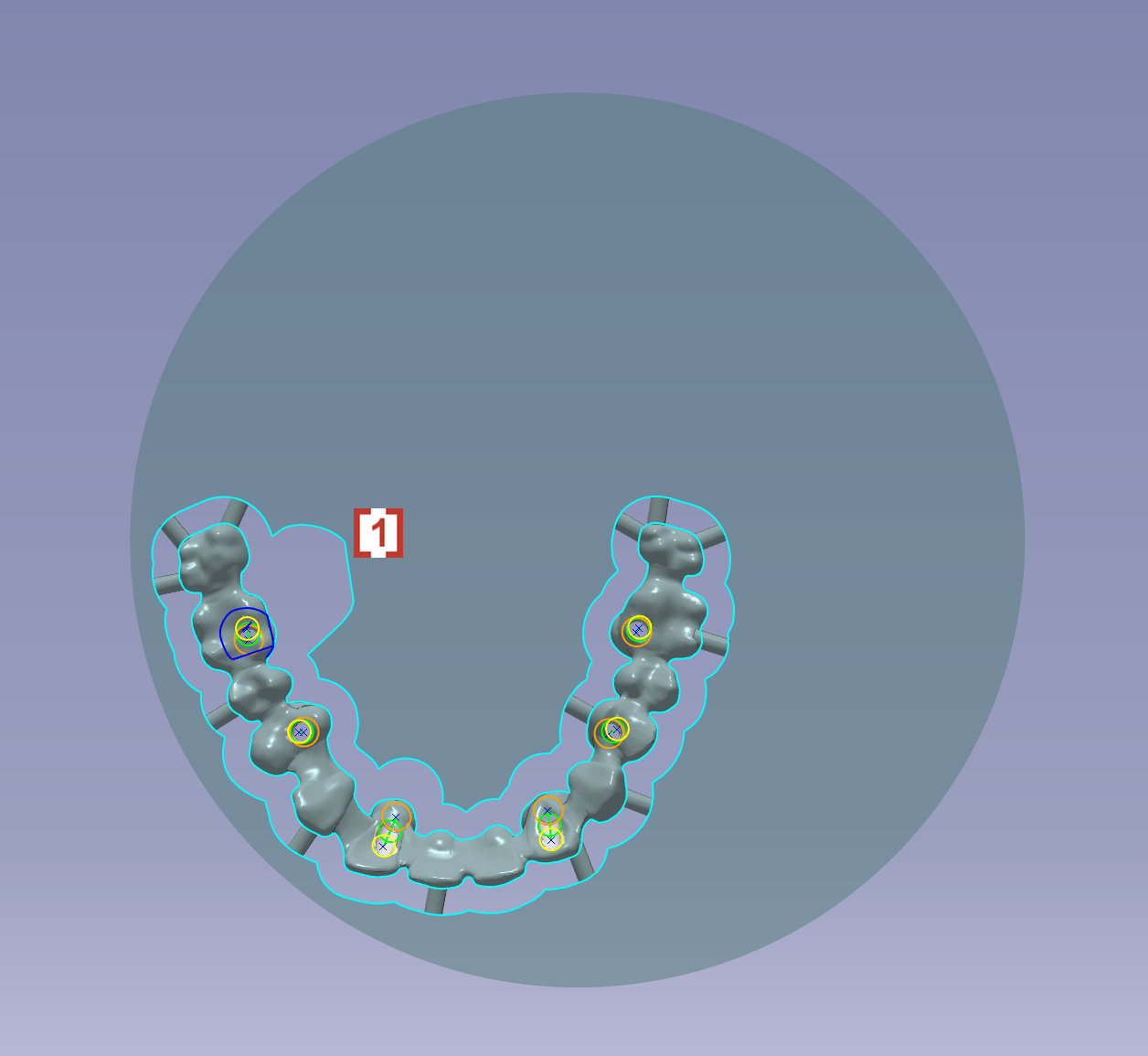
After this, we will automatically enlarge the offset [1] to avoid collision during the machining of undercut. |
|
|
|