The interactive system of axis has 4 purposes:
-
enables to visualize the XYZ axis of the current plane.
-
It also gives the access to numerous viewing commands. For this you have to click on the different parts of the system of axis:
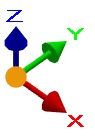
|
Origin |
Left click: change of views Left click + Ctrl key: invert the view Right click: access to the list of views |
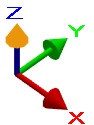
|
Top of Arrow |
Left click: invert the view |
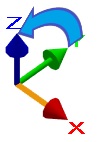
|
Body of Arrow |
Left click: rotation around the axis Left click + Ctrl key: rotation with a 5° step |
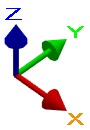
|
Letter |
Left click: orientation of the vector in front of you Left click + Ctrl Key: reverse direction. |
-
Access the existing views
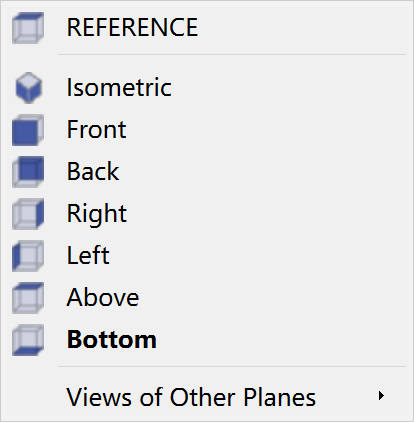
By right-clicking on the origin of the interactive axis system, you can look into the existing views that has been created.
You will see this dialog box appearing: