
Many functions are available through popup menus, accessible by right-clicking the screen.
These menus are contextual, varying slightly depending on the context.
When a function requires validation (deletion, move, selection, etc.), the popup usually provides the validation option.
The popup also includes general functions like Edit import, Edit connector, and Rotation.
Elements Popups
Popups menus relative to the type of elements are available. Directly right-click on some elements to open dedicated menu.
Some example of element Pop-ups are found below:
|
STL 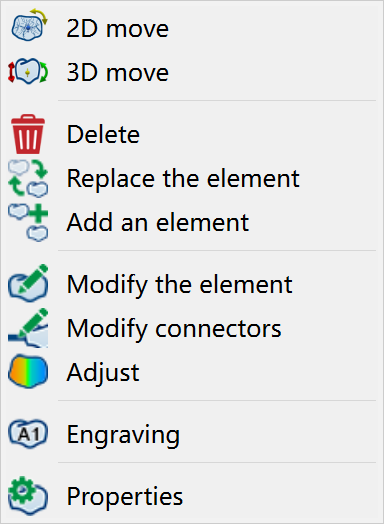
|
Connector 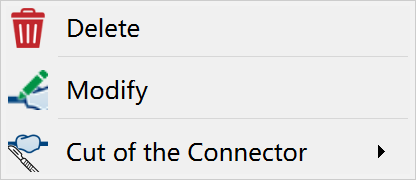
|
Material 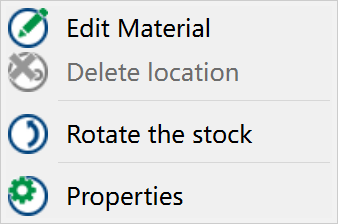
|
|
System of Axis 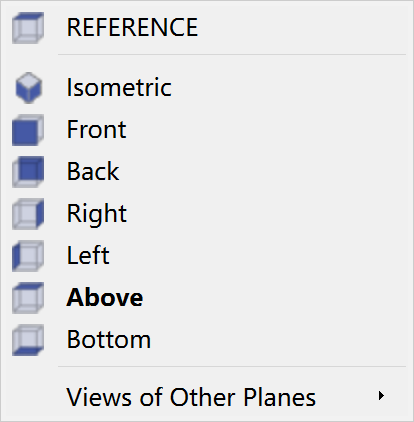
|
STL when selecting strategy 
|
Hole Axis 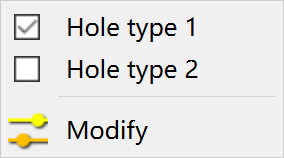
|