
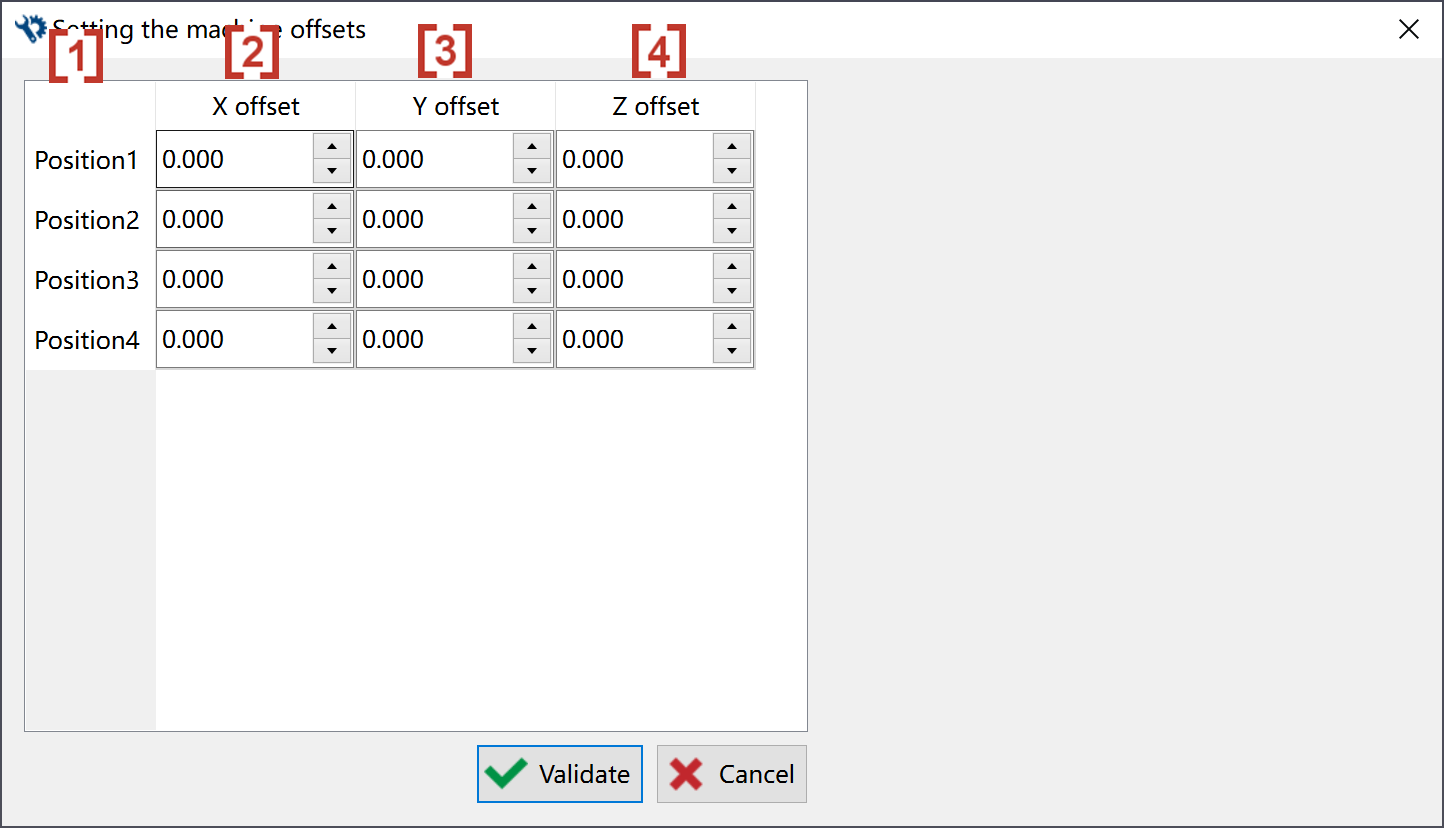
In the premilled configuration, we can set the X, Y and Z offset of machine tool for each of the position.
|
Click at the icon to set the machine offsets. This function is only available in premilled configuration. |

|
|
In the pop-up window, we can give offsets of machine zero for each position [1]. The offset values of machine zero can be given in 3 columns along X [2], Y [3] and Z [4]. |
|