
|
Click at the icon to Auto nesting multiple files.
|

|
|
We can use Automatic Nesting to optimize the position of all the imported elements to save material. We can define if elements will be positioned overlapped or not [1]. We can also define the gap distance between elements [2]. Click at Validate [3] to start the Automatic Nesting process. |
|

|
|
|
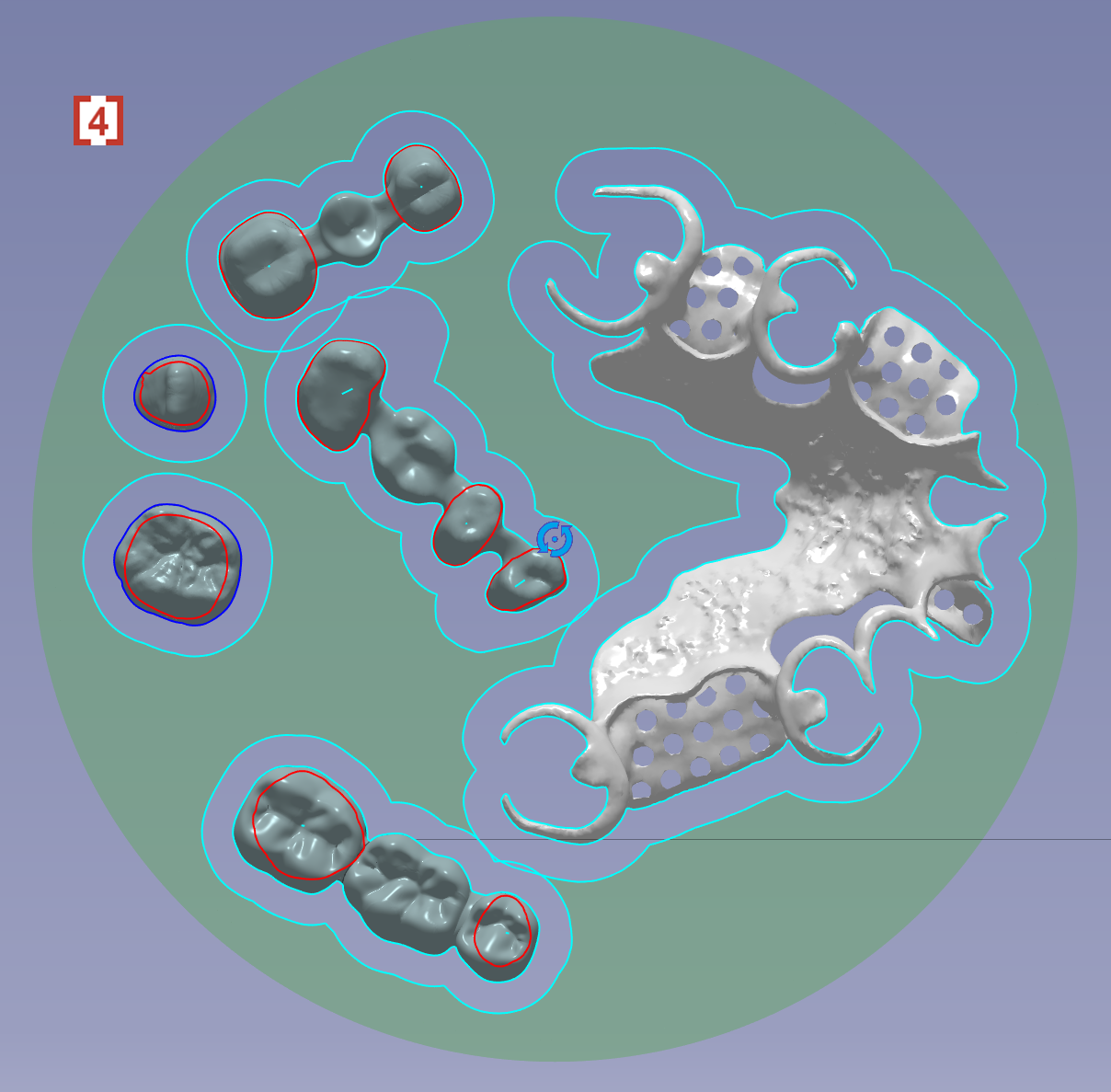
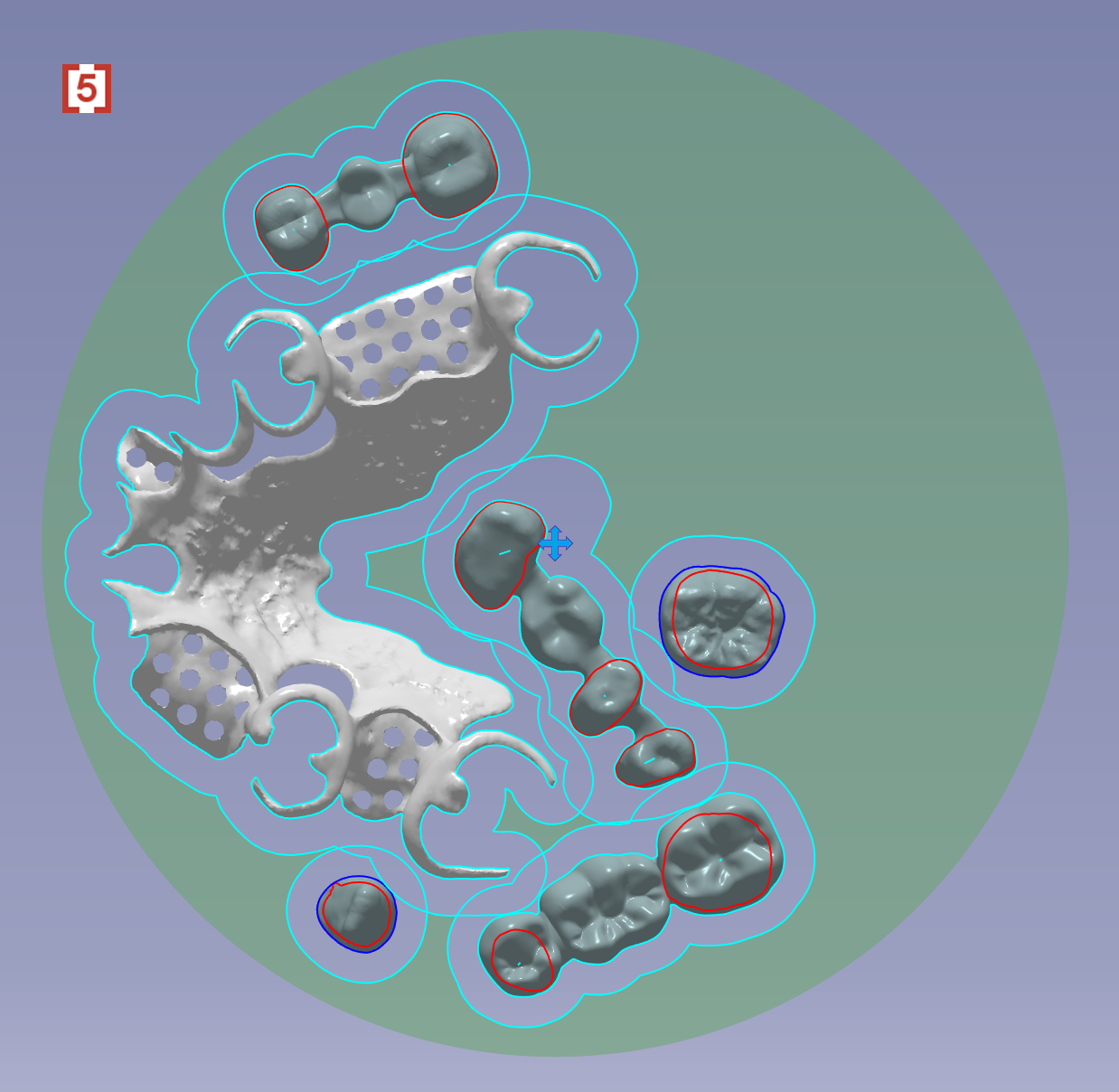
You will see the positioning is changed from original [4] to a new optimized result [5]. |
|
|
|