
|
Click at the icon to offset the origin of element.
|
|
|
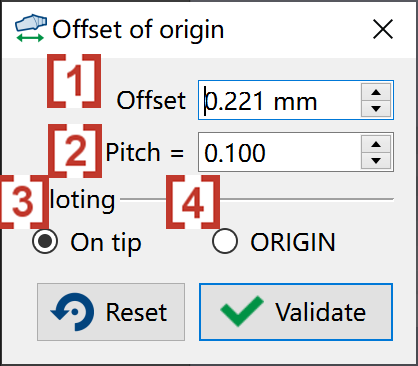
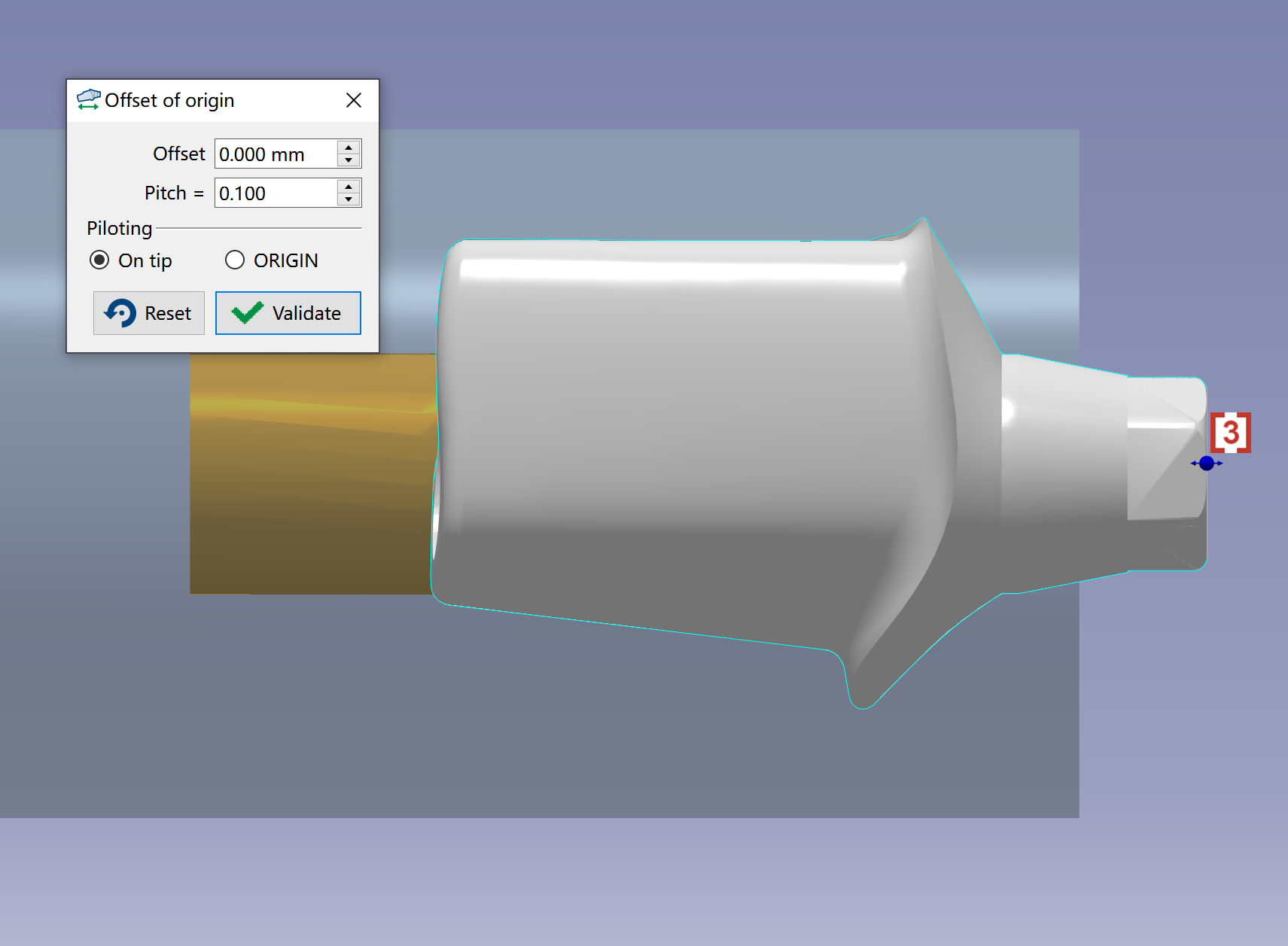
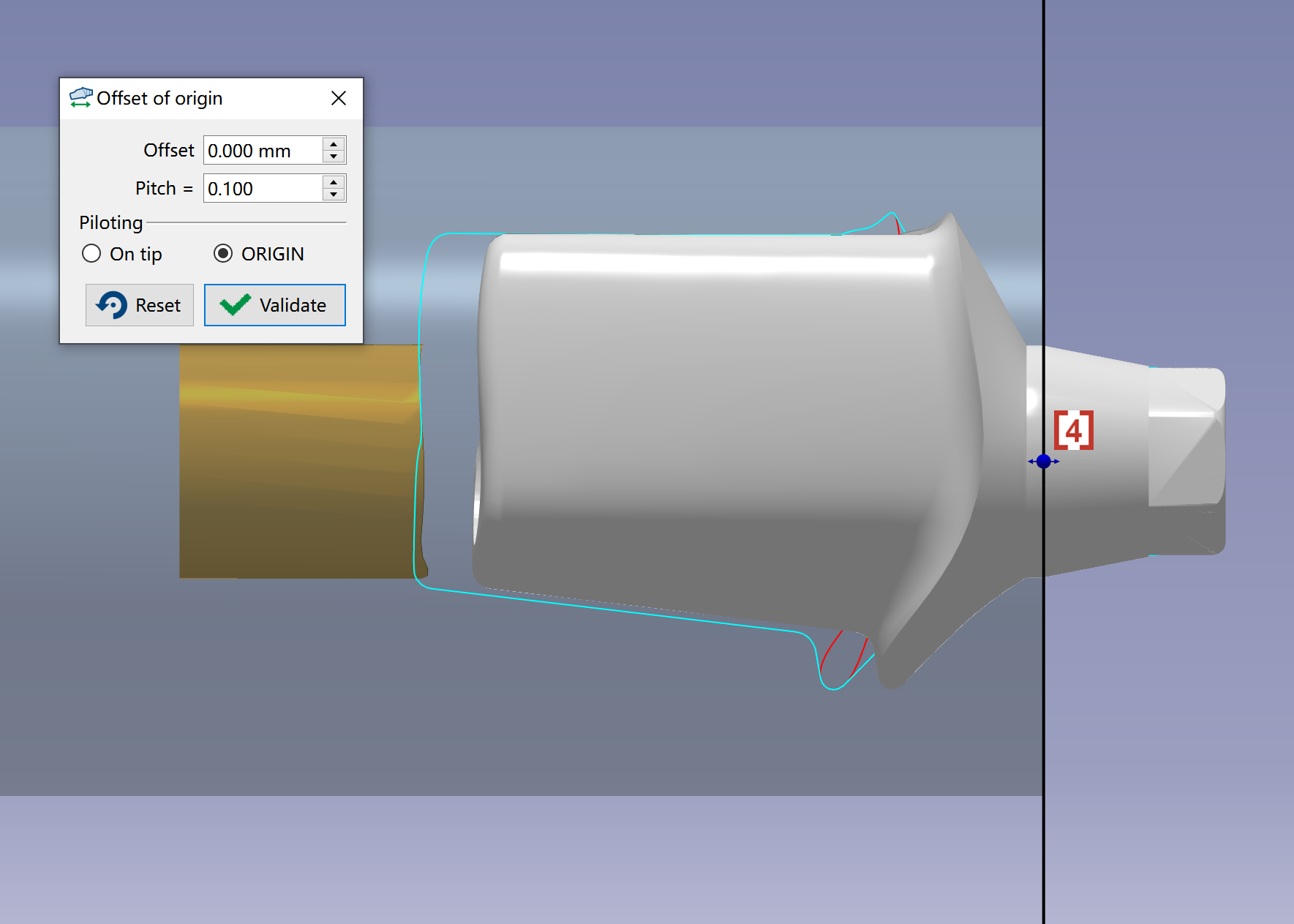
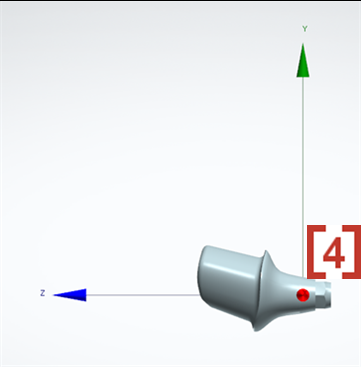
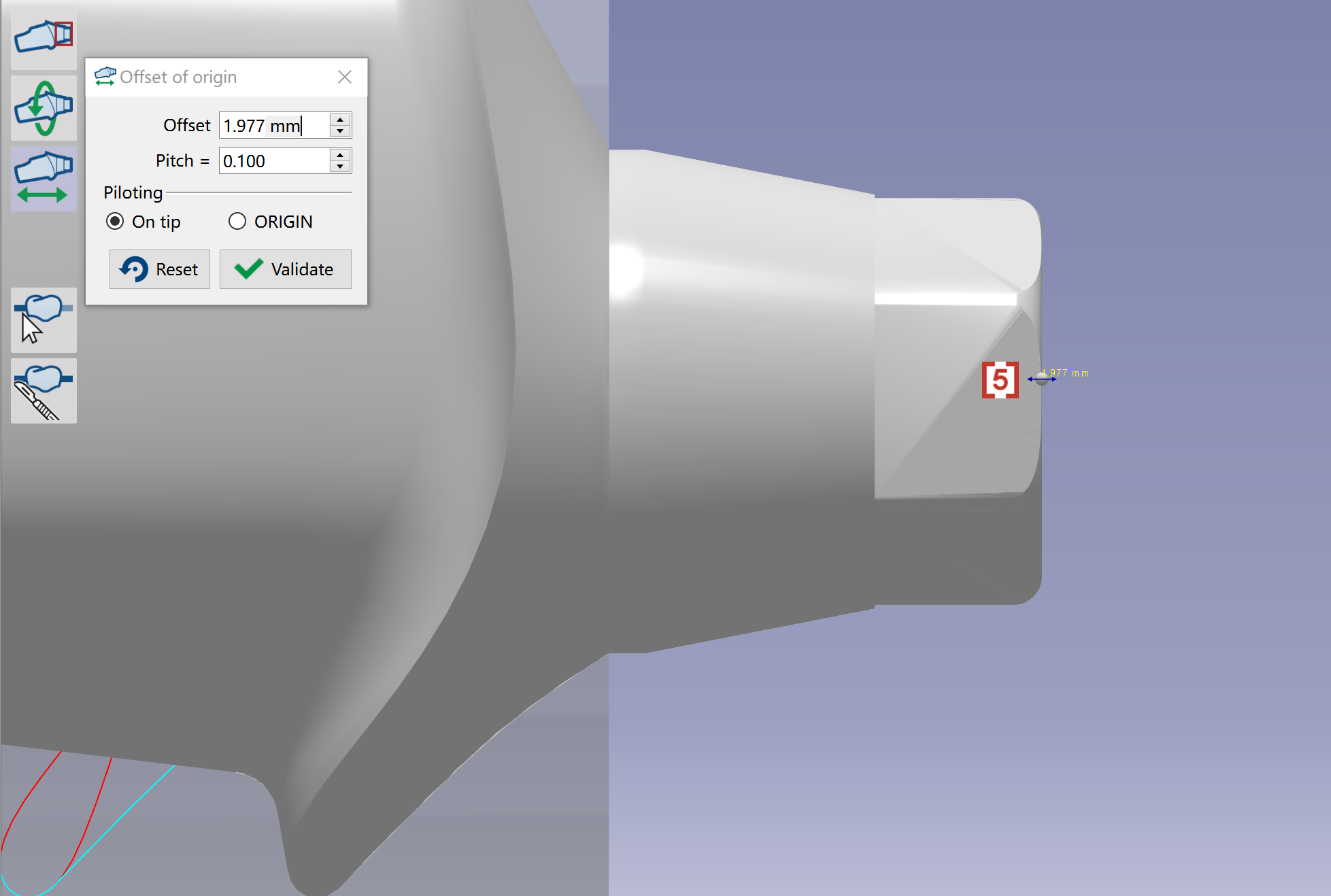
In the pop up window, we can give the value of Offset [1] to change the position of element along the direction of axis. We can also enter value of Pitch [2] to define a change of offset each time you click at up or down arrow in the value window of Offset We can change the way of piloting to be On tip [3] or ORIGIN [4]. We will use On tip by default, the stl will get offset from current position. If we use ORIGIN, the software will first make the ORIGIN in CAD [4] to be overlapped with the big end face of material, then the stl can get offset from this new position. |
|
|
We can also move mouse at the small ball [5] on the tip of interface, then drag to adjust. The values in the window will change after we drag the ball. |
|