
The profile selection process is an important step in the programming stage. It determines the region to apply a machining process, the direction of machining, the depth and subsequently, the types of toolpaths to use, etc.
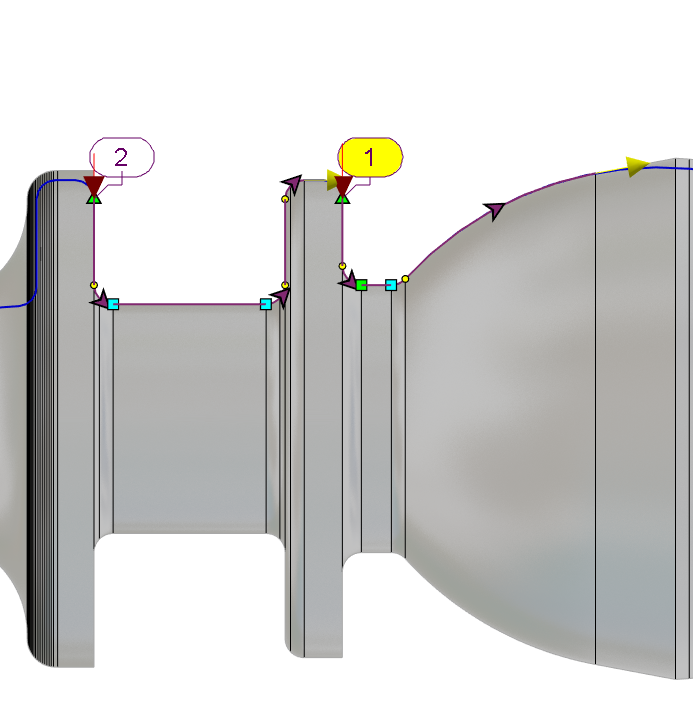
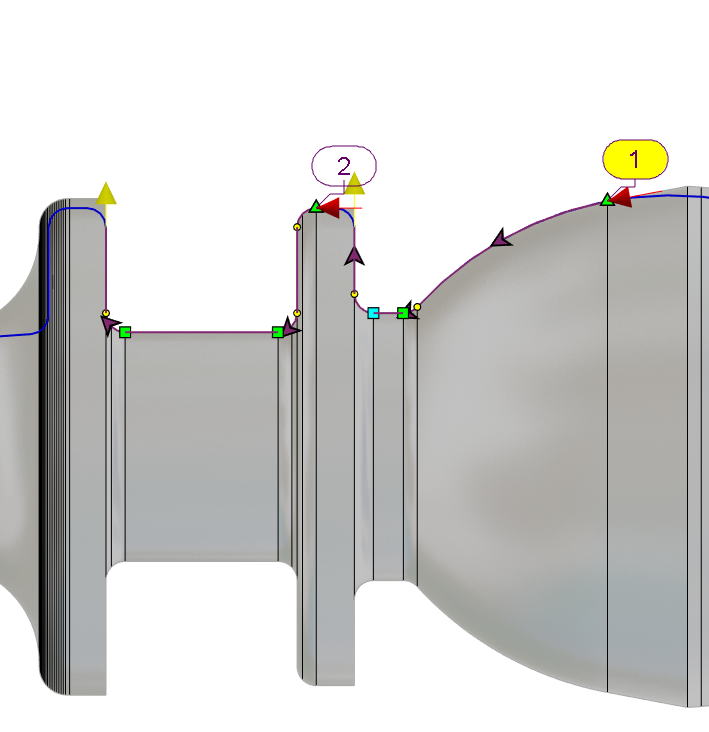
Changing the direction of machining is sometimes desired and there are 3 easy methods in GO2cam to do that:
|
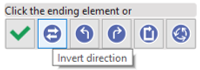
During profile selection - you can directly invert the currently selected profile by clicking on the icon in the selection popup dialog. |
|
|
|
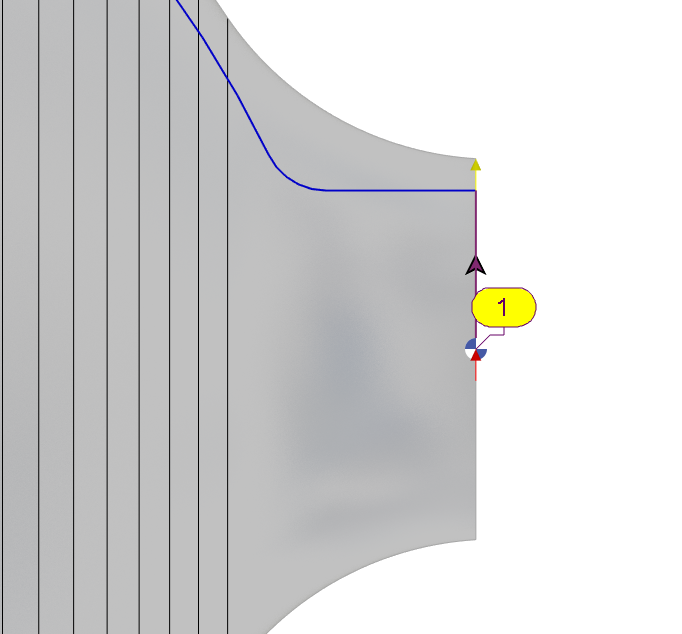
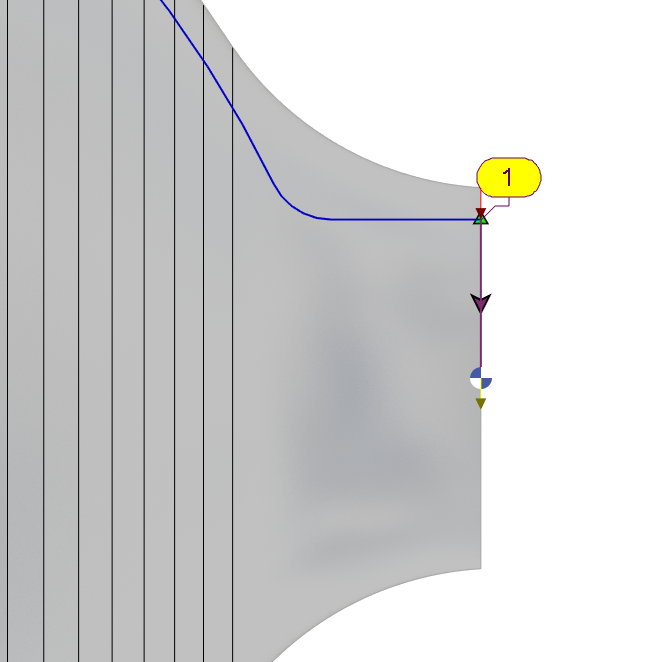
After validation of profiles - you can click on the activation of a profile arrow 
and then individually click the profile itself or the profile label to invert it. |
|
|
|
After validation of profiles - you can click on the activation of a profile arrow and then right-click in the background and select Invert All on the pop-up. 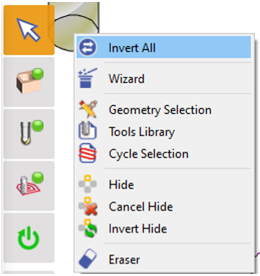
This will invert the direction of all the current defined profiles without having to individually choose each one of them. |
|
|