

|
Machining allowances are stock allowances defined in a specific location of the turning geometry. They are considered during machining alongside standard stock allowances. The parameter to set is called Local stock allowance. It applies to one or more profile elements and affects segments and arcs. Watch the video on the right introducing the command. |

|
It is possible to add local allowances before or after machining, you need to do re-execution to calculate it afterwards.
Machining Allowances Creation Parameters
Launching the command prompts the user to select either an element or a profile. Selecting an element allows allowance definition only on that element. Choosing a profile permits selective definition on its elements.

|
|||

|
Mode: Element/Profil/Extend Defines the shape of allowance segments where they intersect. |
||
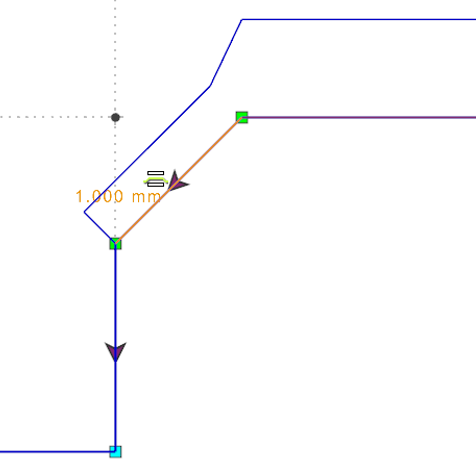
Element |
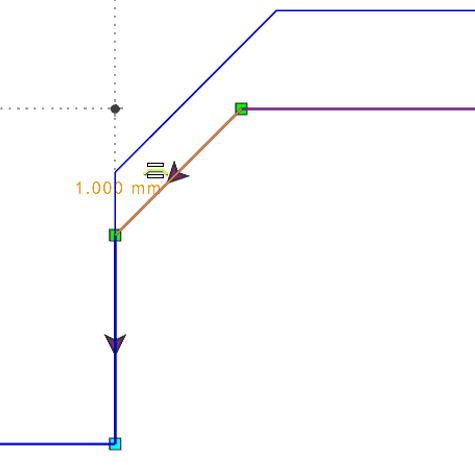
Profil |
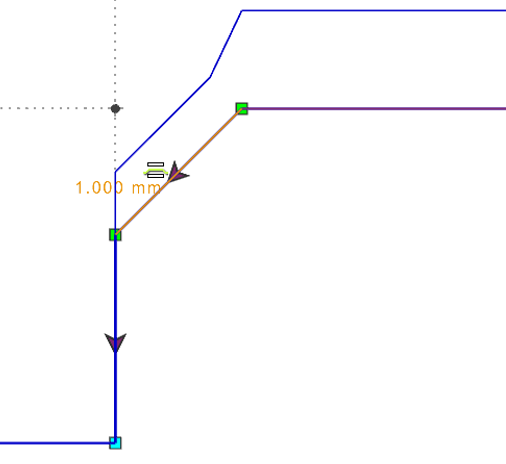
Extend |
|

|
Right/Left: Defines the allowance direction relative to the profile |
||

|
Init: Resets all allowances in the profile. |
||

|
Forward and Backward buttons: allow moving to the next or previous element in order. The selected element is highlighted. Users can click any element along the profile to select it and apply an allowance. |
||

|
Thickness: enter a value to set the allowance offset from the profile. |
||

|
Radius: Conic/Isometric/Not Forced Available only in Profil mode for arcs. Not Forced and Isometric do not allow defining an allowance value for arcs. Conic allows defining an allowance. |
||

|
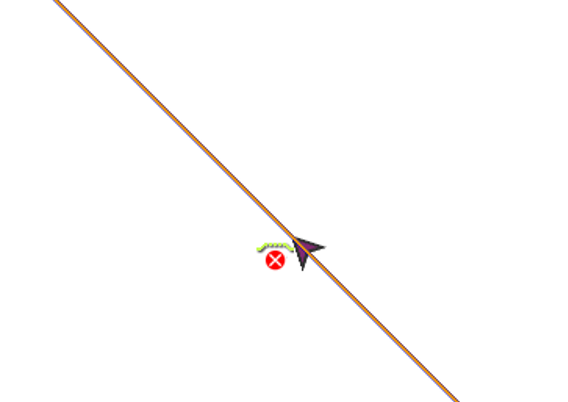
Eraser: locks an element, preventing machining allowances from being applied. A red cross indicates this. It is used, for example, when you don’t want to apply a roughing cycle on a groove. |
|
|

|
Press the Esc key (Red cross) to validate or select Other profile (Green tick) to define other stock to leave on your part. |
||
|
Watch the video on the right explaining the various settings for defining machining allowances. |

|
||
Application in Machining Cycles
|
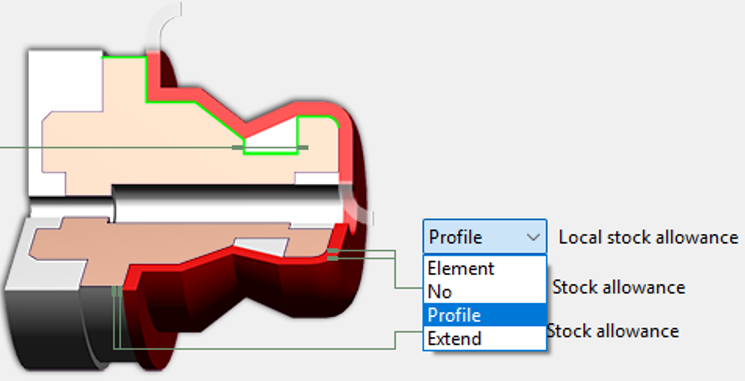
To apply machining allowances during machining cycle calculations, use the strategy parameter 'Local stock allowance'. By default, it is set to No. The drop-down offers three modes similar to the allowance geometry definition. The cycle prioritizes the mode selected in the strategy. It is recommended to match the mode used during definition. |
|
||
|
Watch the video on the right showing an example of machining allowances applied in a finishing operation. |

|
||
A special case of using the Machining Allowances is explained in the FAQ section: click here