
Overview
This guide provides step-by-step instructions for installing NC control within GO2cam Production and GO2cam Operator environments. Ensure you have installed GO2cam Production or Operator version 6.10 or higher before proceeding.
Installation Steps
|
Step |
Description |
Image |
|
1 |
GO2cam Production:
|

|
|
2 |
GO2cam Operator:
|
|
|
3 |
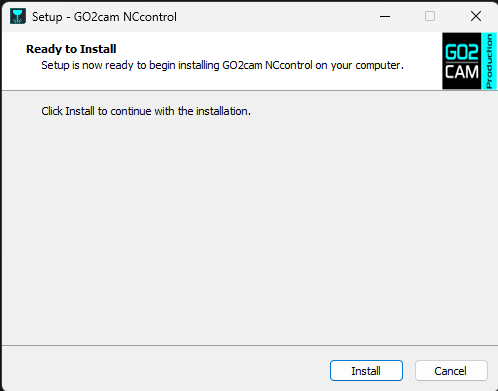
Double-click on NCcontrol_GO2cam_V6xx.exe to start the setup. |
|
|
4 |
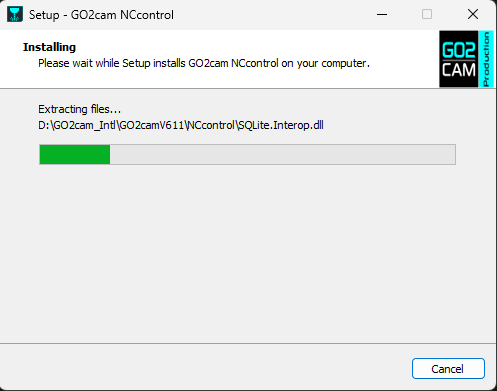
Click on Install when prompted. |
|
|
5 |
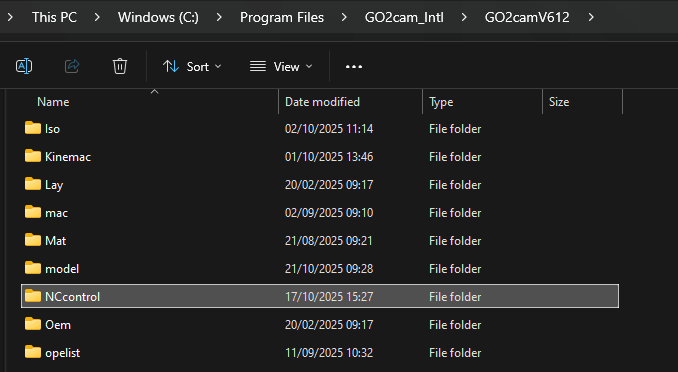
The installer creates the NC control subdirectory inside your GO2cam installation directory (recovered from the Windows registry, by default C:\Program files\GO2cam_Intl\Go2camV6xx ). |
|
-
Install GO2cam before running the NC control setup.
-
The installer detects the GO2cam installation directory from the Windows registry.
-
NC control is available starting with GO2cam Production V6.10 or GO2cam Operator V6.10.