
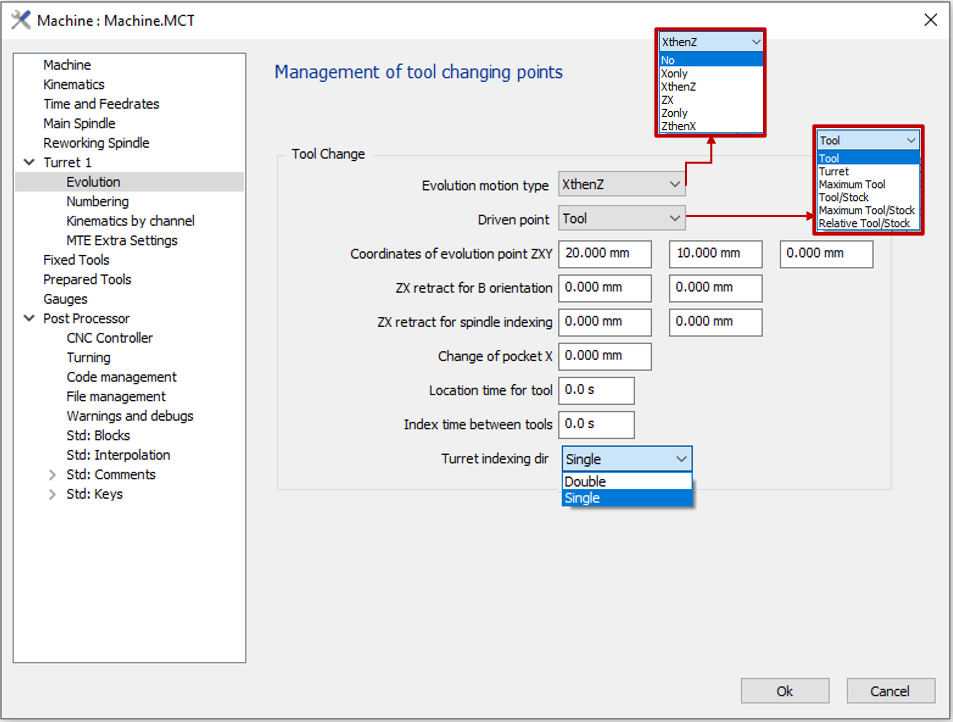
The Evolution Point is the tool changing point. It is accessible in the machine editing window which allows various configurations for the management of the tool changing points:
|
Evolution Motion Type
|
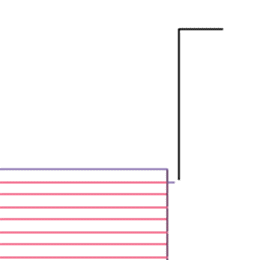
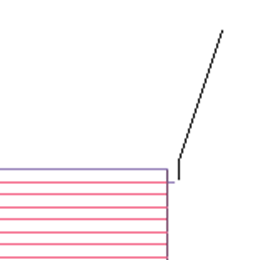
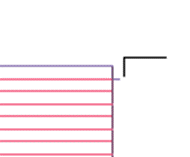
The Evolution motion defines the tool movement at the end of machining to the tool change point based on the driven point chosen. The Evolution motion type can be of various configurations as visible on the image above; either motion only in X or Z, combination of motion in X followed by Z or vice versa, or a diagonal motion following ZX. |
||
|
|
|
|
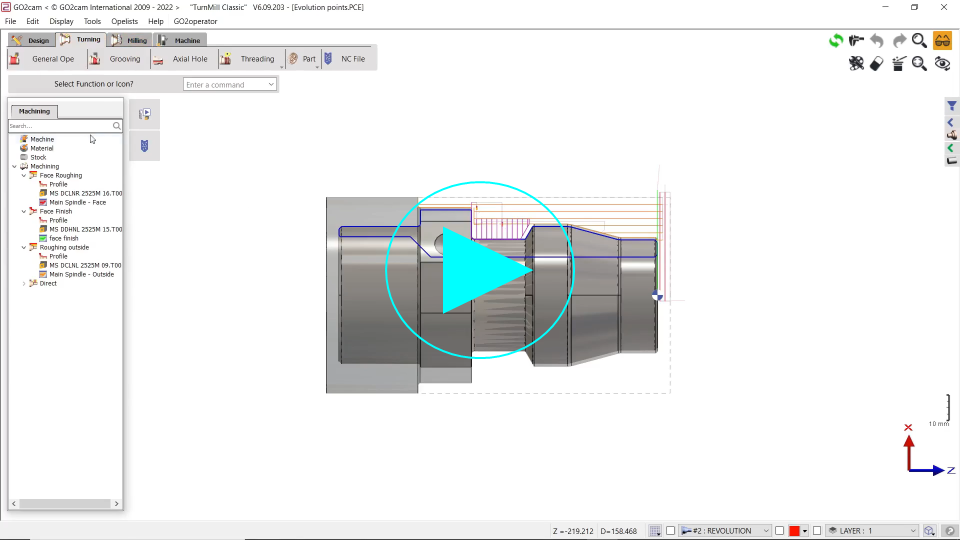
You can watch a video on the right showing some of the motion types. |
|
|
Driven Point
The motion of the tool is directed by the Driven point option chosen and the values of the ZXY coordinates defined.

|
|||
|
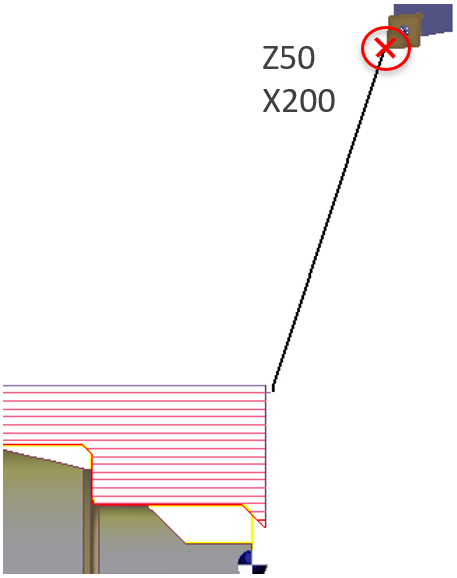
Tool Option The tool tip will move up to the ZXY coordinates set. |
|
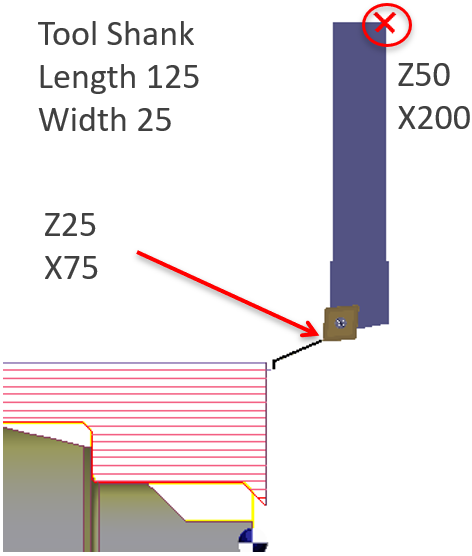
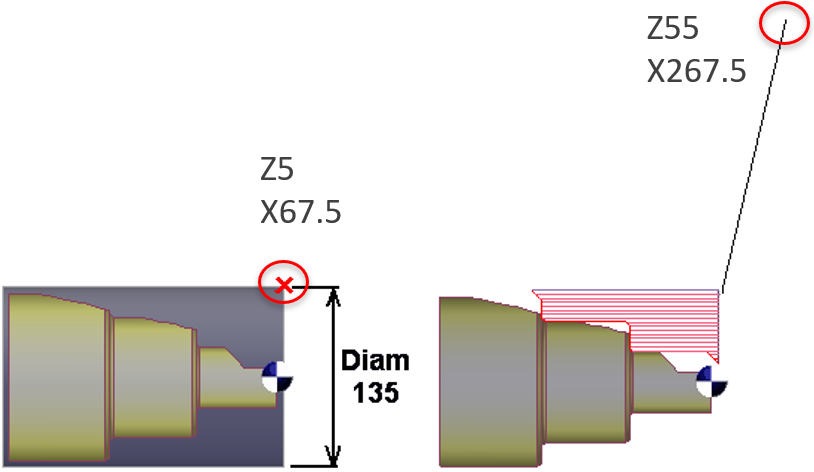
Turret Option In this option, the tool will move until the point of the tool held in the turret ( indicated in red cross) is at the ZXY coordinates defined. |
|
|
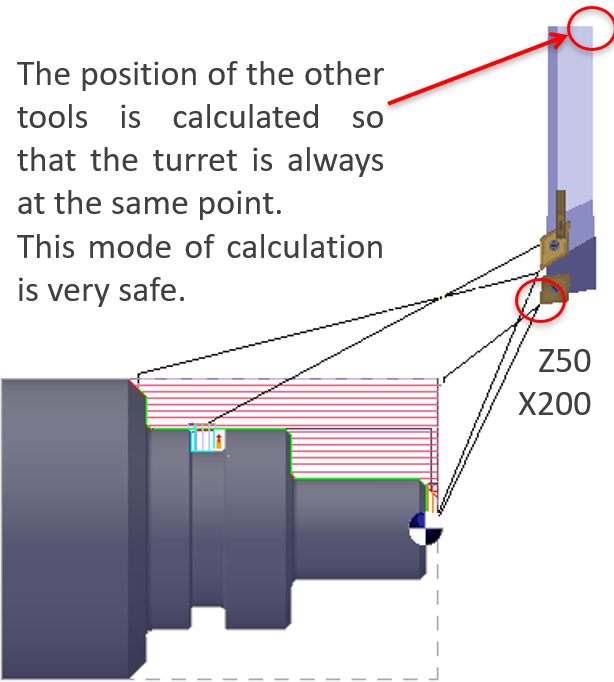
Maximum Tool option The longest tool used in the part is taken into account. This tool approaches and retracts at the evolution point coordinates. |
|
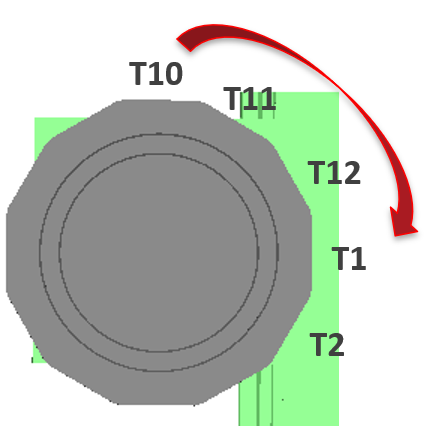
Relative Tool/Stock option Same as Max Tool, the calculation is done according to longest tool but the longest of the posts between T10 and T1 only. Cycle 1 : Tool T10 Cycle 2 : Tool T1 |
|
|
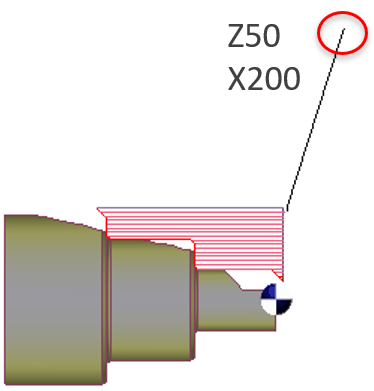
Tool/Stock, Maximum Tool/Stock Tool option and Maximum Tool option relative to Stock. Same options as Maximum Tool but the calculation is not absolute but relative to the remaining stock. |
|
|
|
|
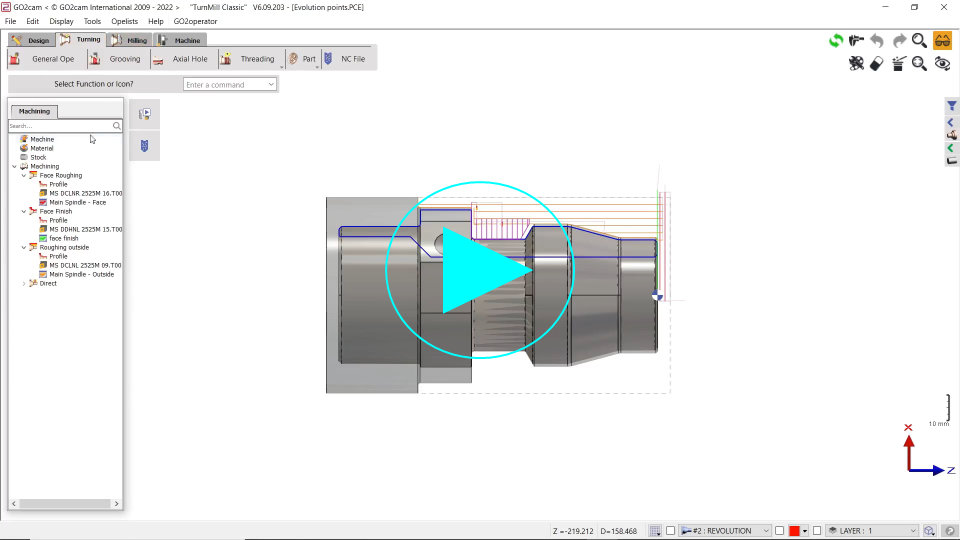
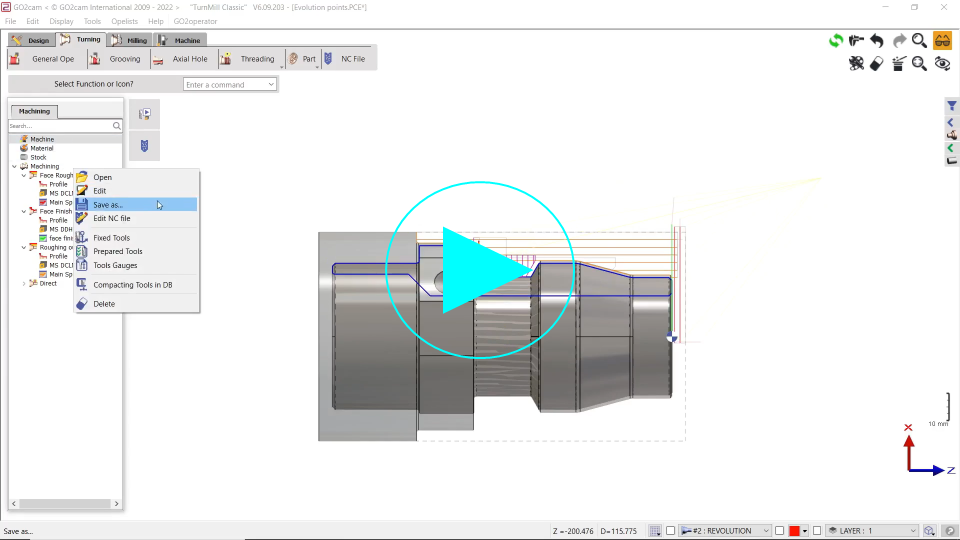
You will find a video on the right showing examples of the Tool, Turret and Maximum tool options.
|
|
||
|
You will find a video on the right showing example of the Tool/Stock option. |
|
||
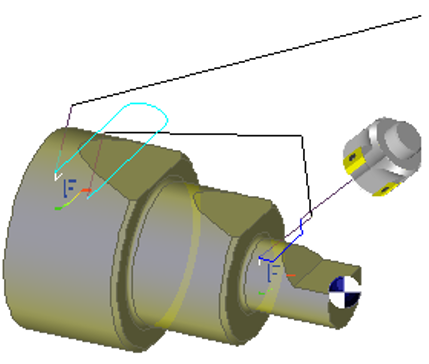
ZX Retract for B orientation
|

This option is used in a very special case:
|
|
|
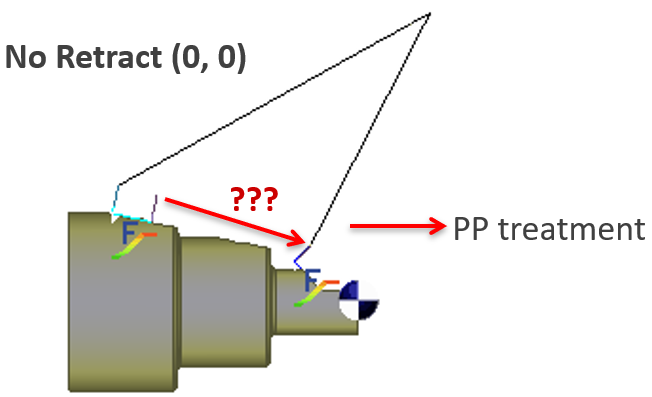
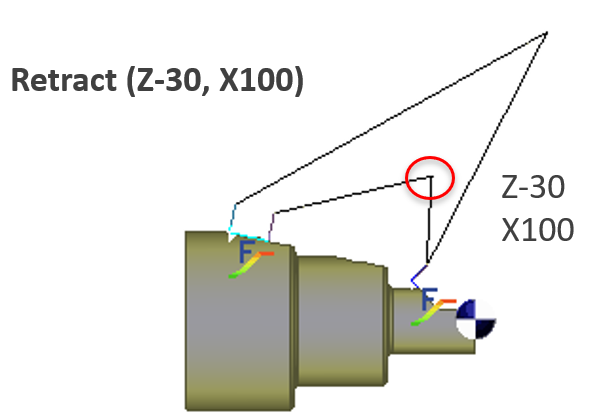
In such a case, a retract point is added to enable the new orientation to be done with safety. |
|
|
|
Location/Index Time
|
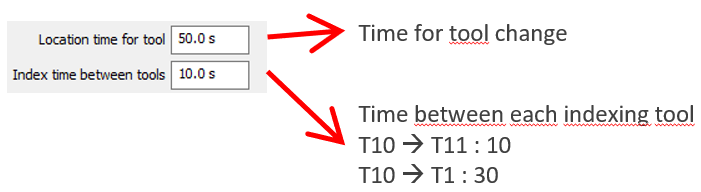
These 2 options, Location time for tool and Index time between tools, set the time for a complete tool change. Location time for tool is the time for a tool change between 2 cycles, excluding the time for tool indexing in the turret, which is defined by the Index time between tools. You must define the number of tools in the Numbering page. |
|
|
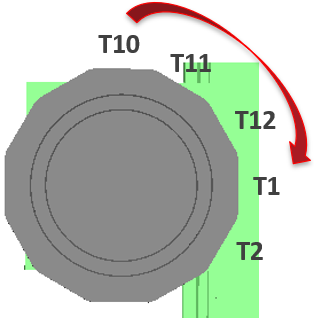
Example: 1 tool change between cycle 2 and cycle 3= 50 s 3 indexing between T1 and T10= 3 x 10 s = 30 s Total = 80 sec.
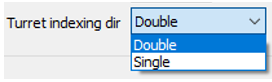
If direction of turret is single, you can not turn from T10 to T1 but only from T1 to T10: 9 index times! Total time = 140 sec.
|
|