
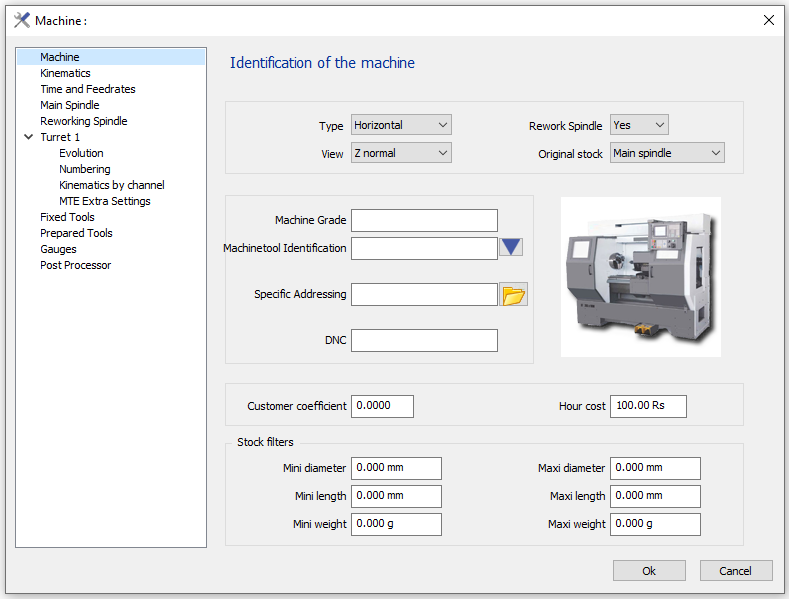
The Machine editing dialog is accessed from the machining tree, do a right-click on machine and select edit. In turning, the dialog is as shown below, where you are going to define the different parameters related to the machine.
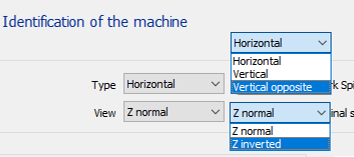
Type and View
|
Combinations |
Results |
Combinations |
Results |
|
Vertical & Z normal |
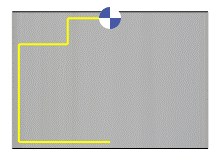
|
Vertical & Z inverted |
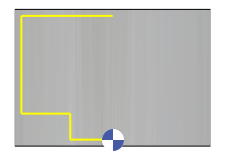
|
|
Vertical opposite & Z normal |
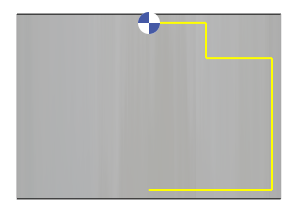
|
Vertical opposite & Z inverted |
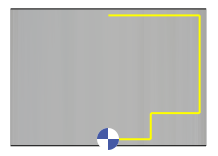
|