
Definition

|
This command enables you to transform an island into a pocket. |
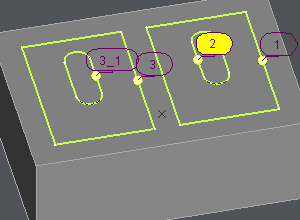
In case of subpocket inside a pocket, if you do the selection by click or by selection box, the inside shape is considered as an island to avoid. If the pocket has label 3, the label of the inside shape is 3_1.
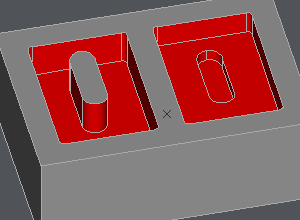
To transform an island into a pocket, select each island profile, then fill the altitude of the pockets. The profile label has no underscore anymore and is considered as a profile.
|
|
|
▶️ You can watch a video about the change island into pocket command:
|