

|
This command enables the creation of a face to fill a hole in a solid. |
As from V6.10, the command is located in Design > Solid > Face > Stop Faces
Creation of Stop Faces
|
By clicking on the Stop faces command. The following dialog will appear. |

|
|
Select the faces surrounding the hole to fill and validate.
|
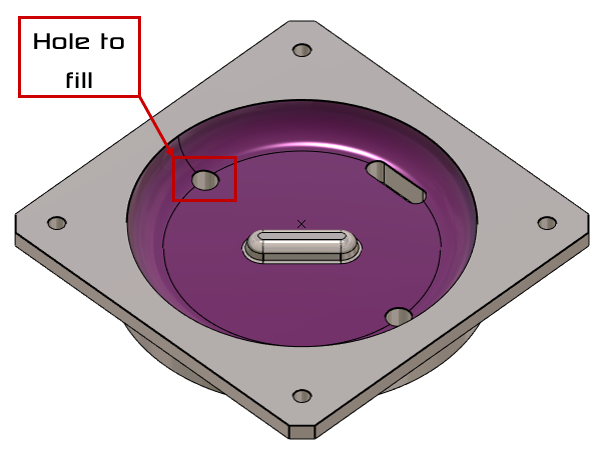
|
|
Click on the Edges path icon [1]. |

|
|
Click on the edge of the hole to fill and click on validate the selected edges. |
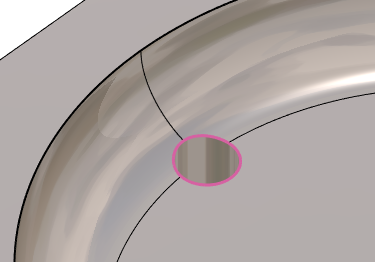
|
|
Click on validate. |
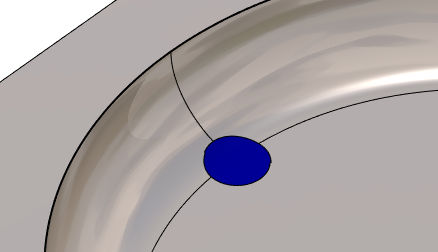
|
Apply Stop Faces to Machining
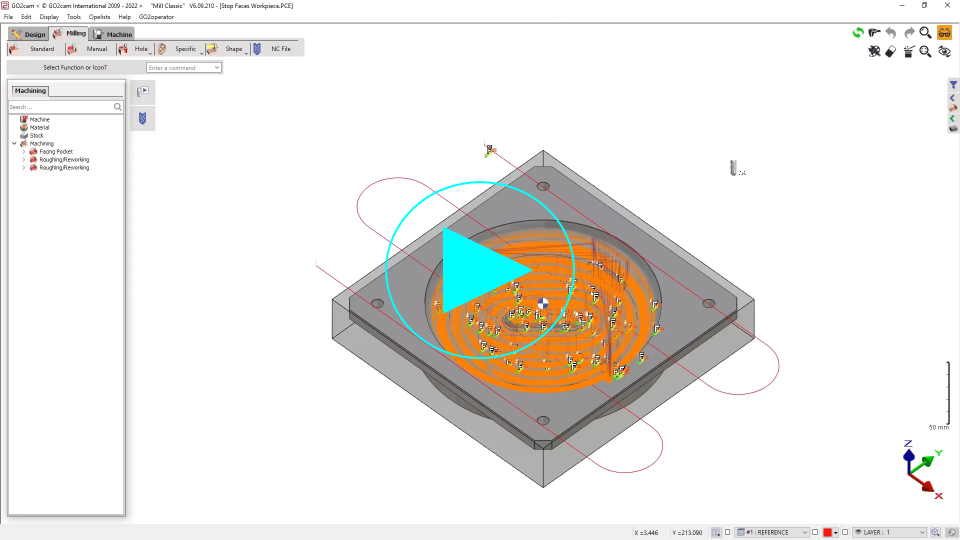
In machining, you must include the stop faces in the geometry selection. The most easy way is to do a window selection to be sure to select all the solids, the main body and all the stop faces.

|
You can watch a video on Stop Faces Machining:
|