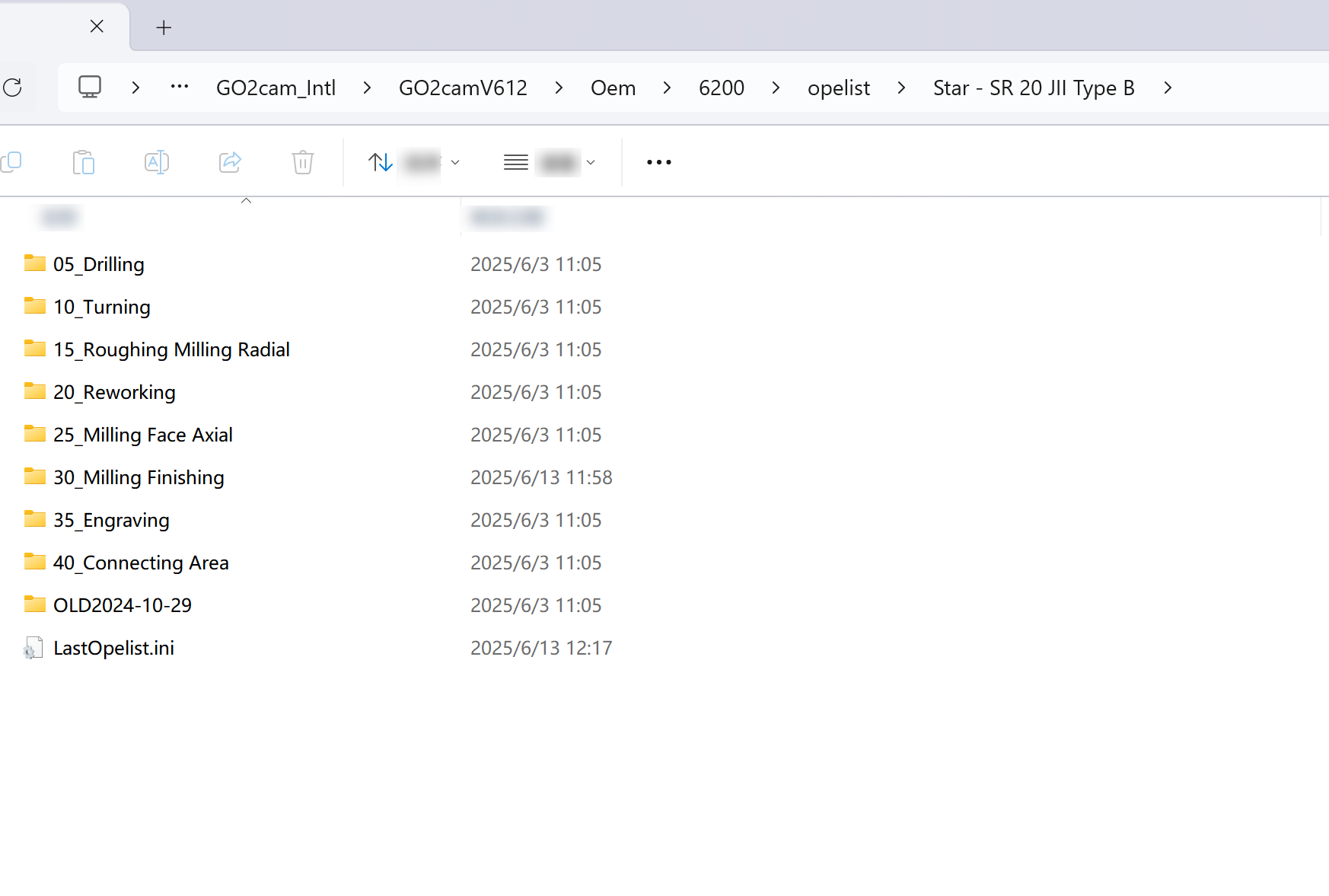
This adding is optional
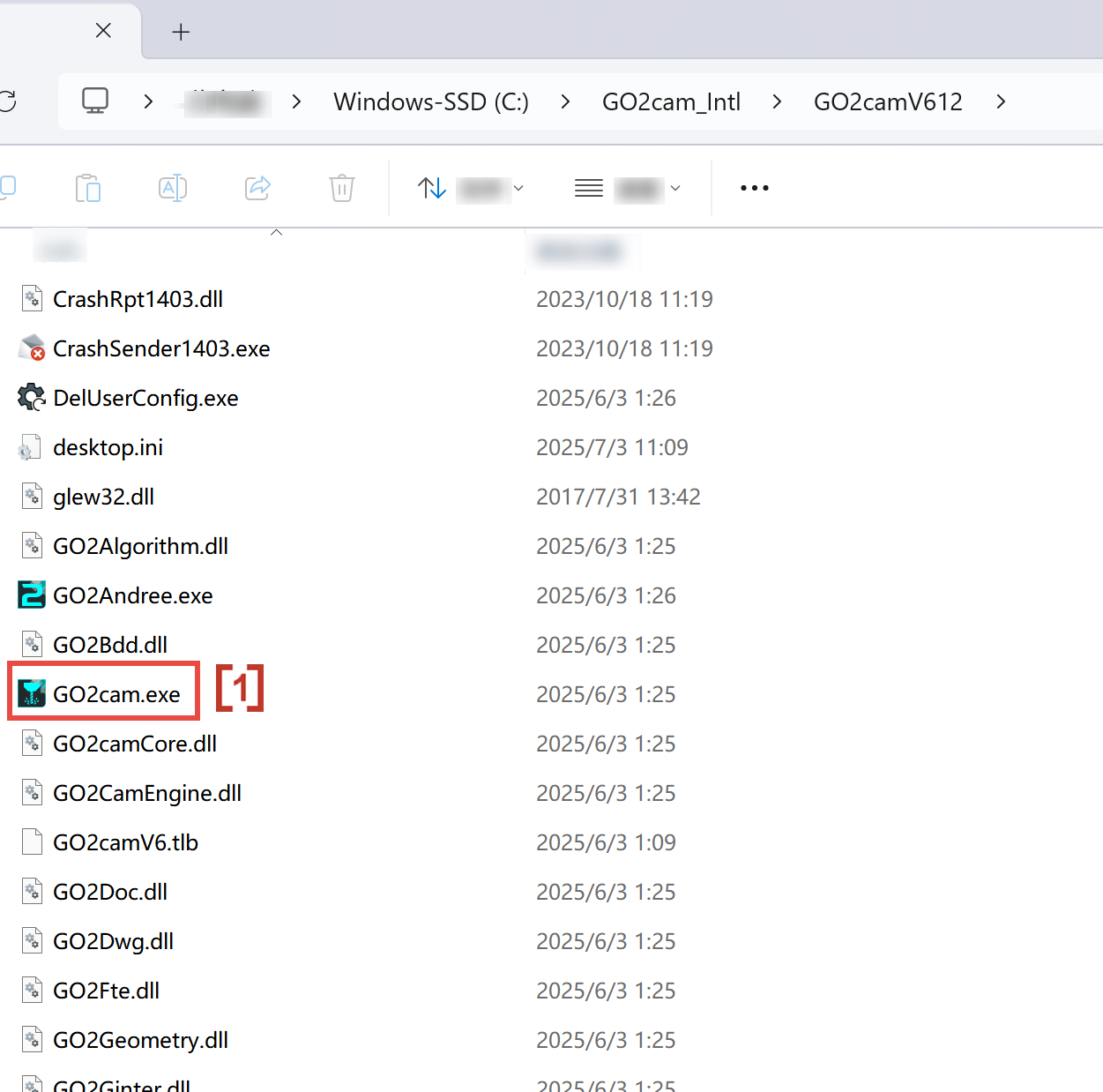
1 - Start CASM APP
Go to location C:\GO2cam_Intl\GO2camV612 and run GO2cam.exe [1]
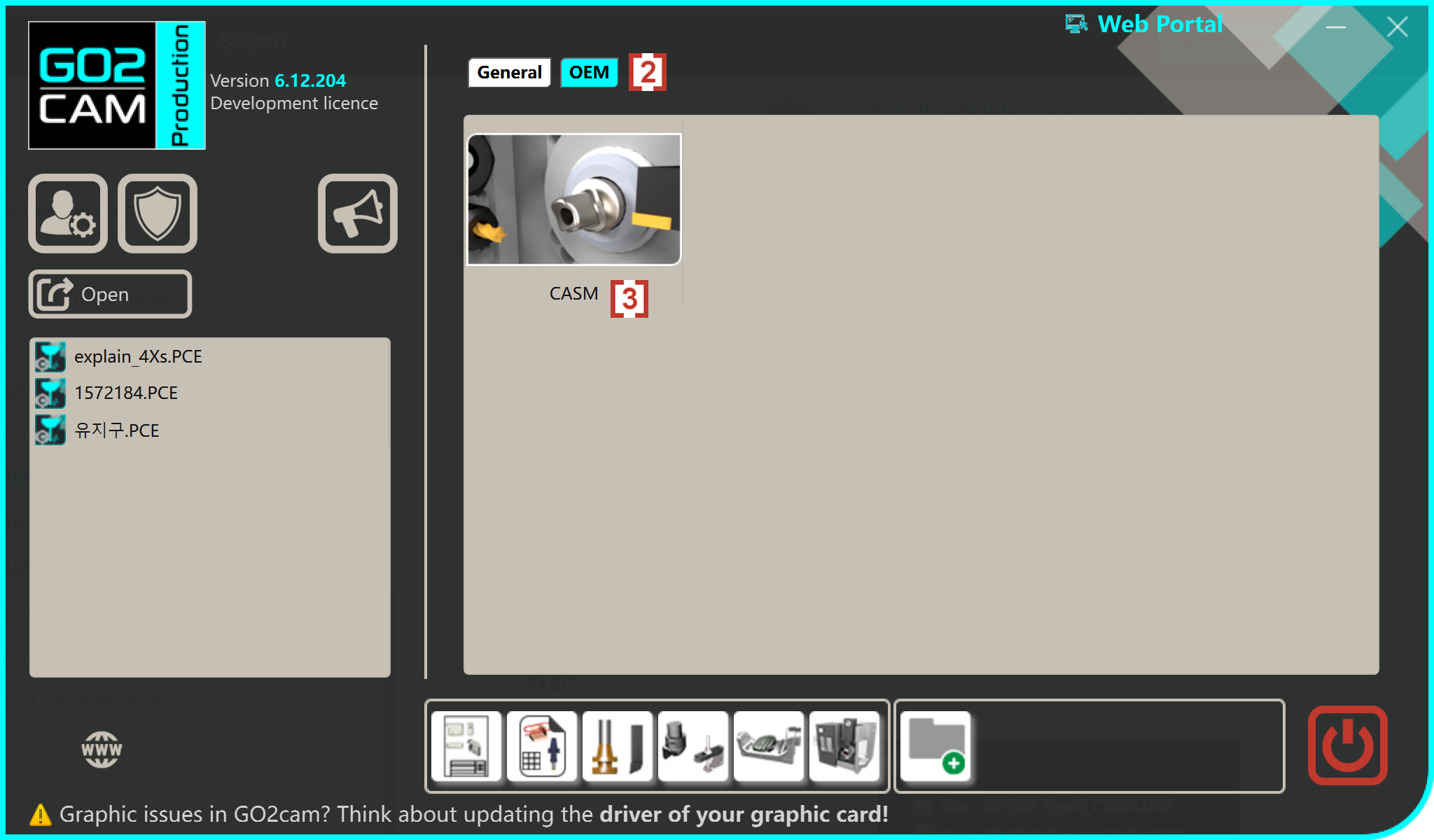
Click the tab 'OEM' at top[2] and click into configuration CASM[3].
2 - Database for CASM
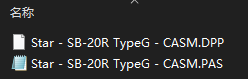
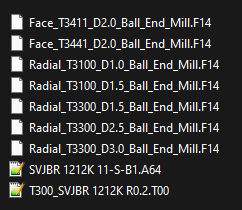
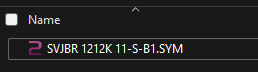
OEM folder 6200 which includes MAC, kinematic ,PP, Tool, Sym, opelist folders are required to run CADM. All necessary technical data are created within those folders.
MAC
Kinematic
PP
Tool
Sym
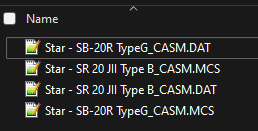
opelist\CASM