Occlusal Limit - Axial milling:
Blue Line is to define the STOP surface for occlusal face.
We can rotate this line we have hight Margin line and angulated abutment.
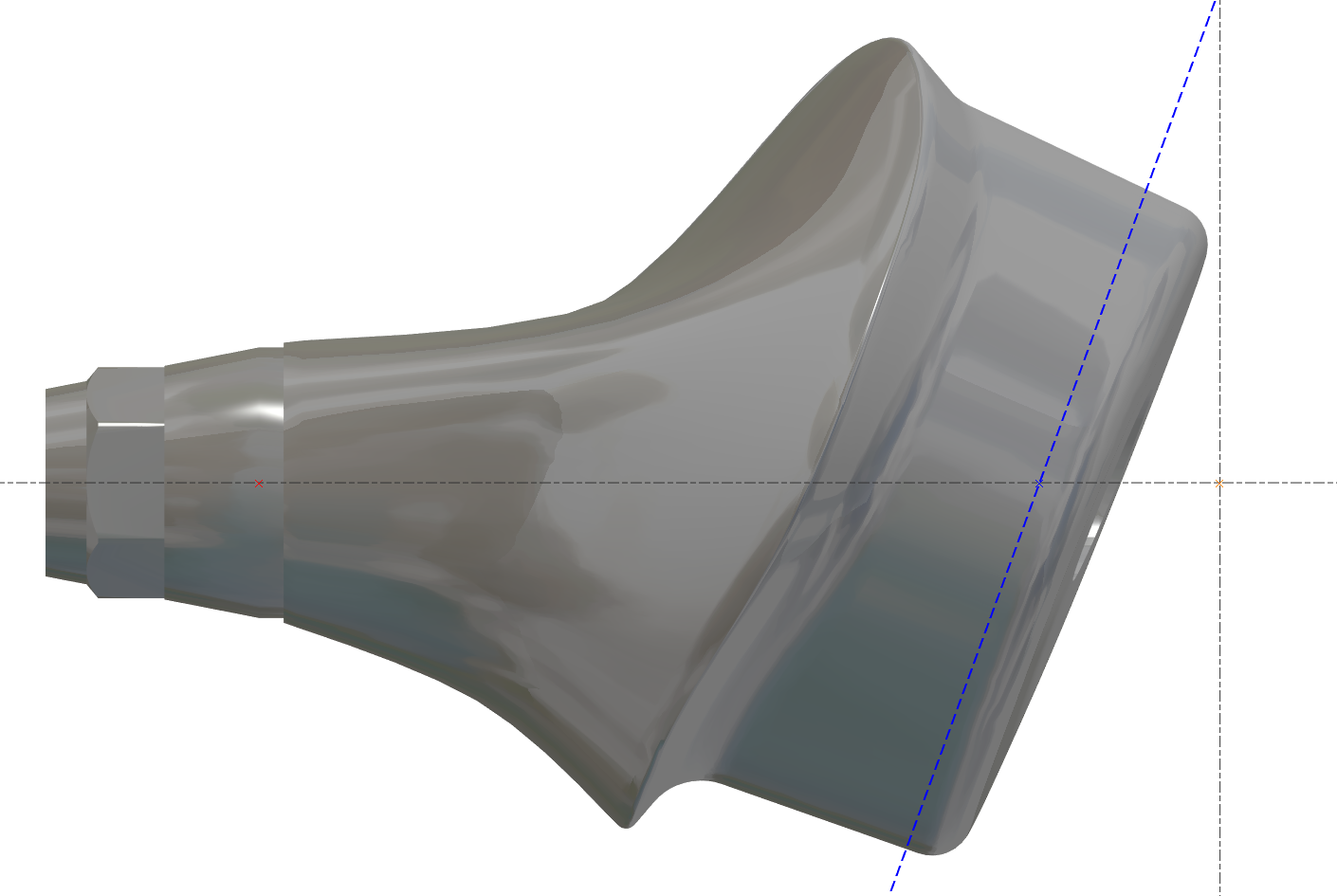
Target is also to reduce machining time - blue line must be close to the area.
|
Correct 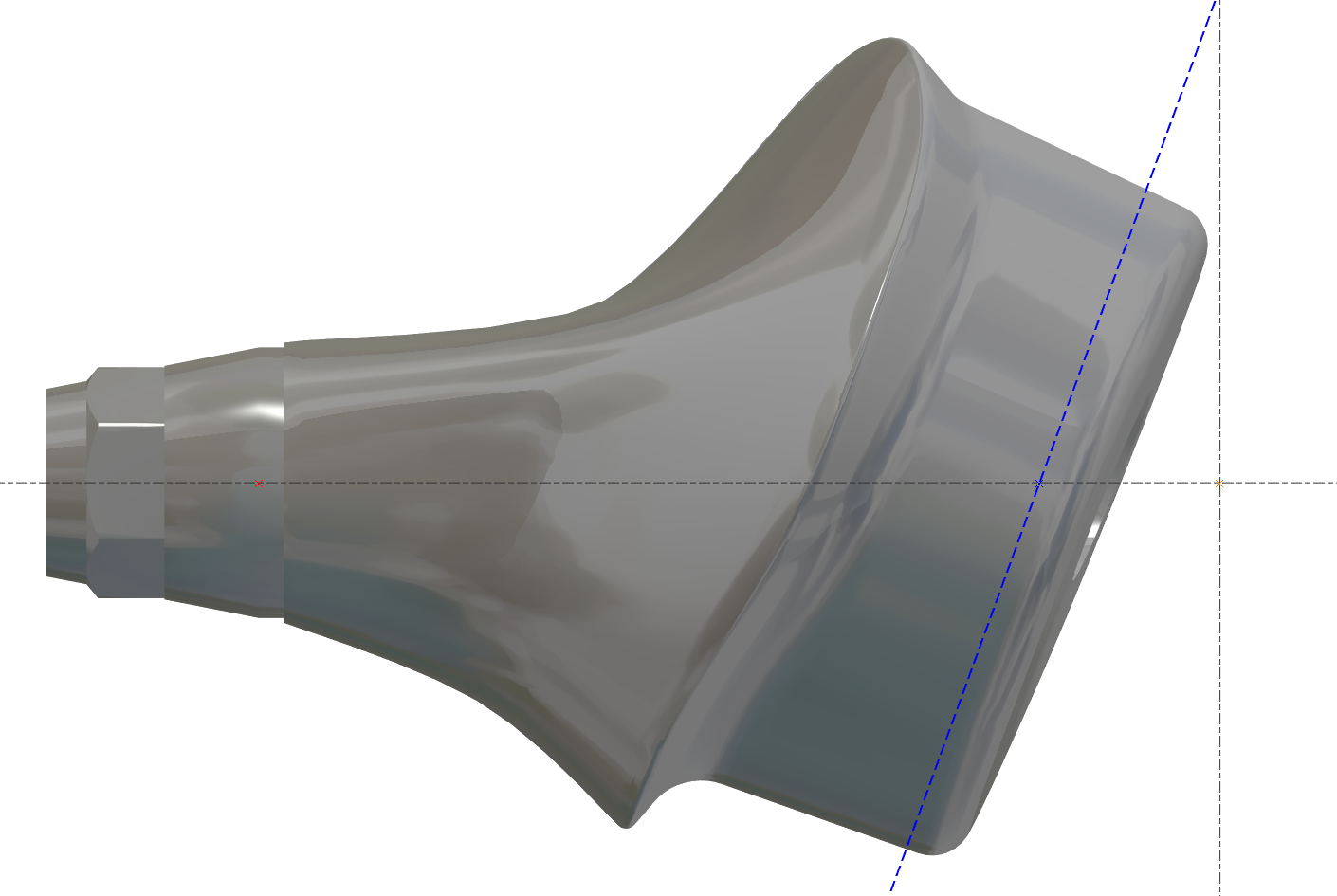
|
Not Correct 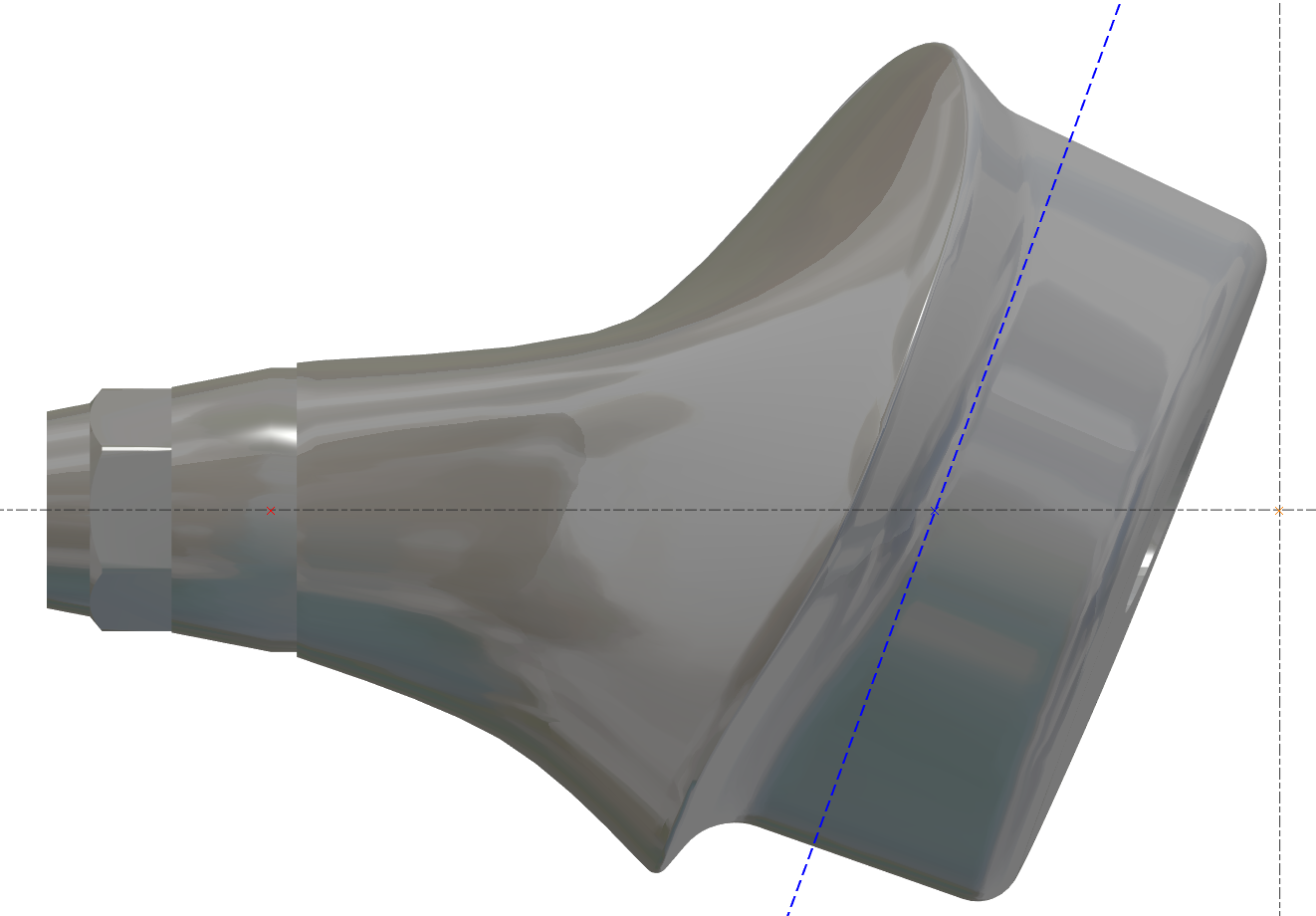
|
|---|
Change Stock Diameter - BUG inside the APP
Inside the machine value must be the maximum, then we can change it
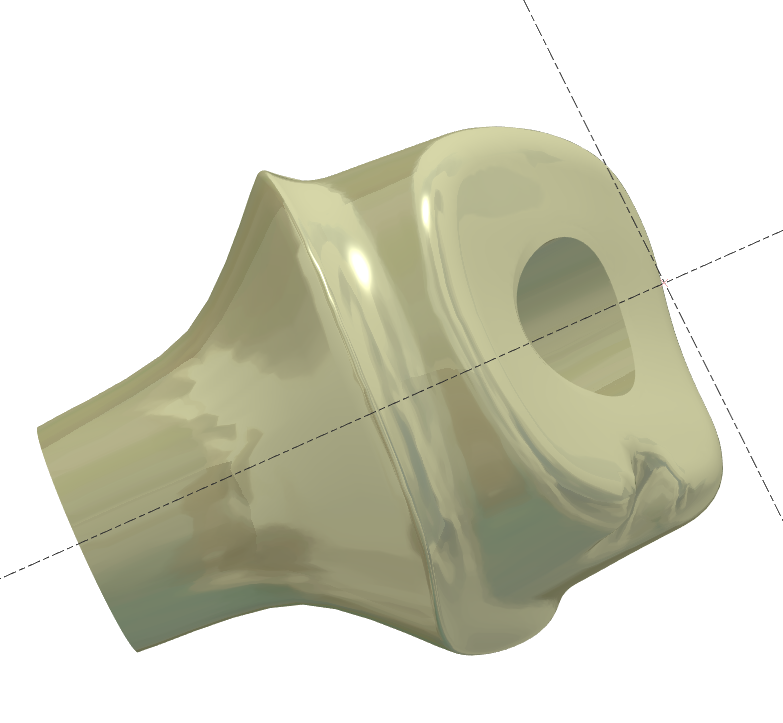
Abutment without Connectic
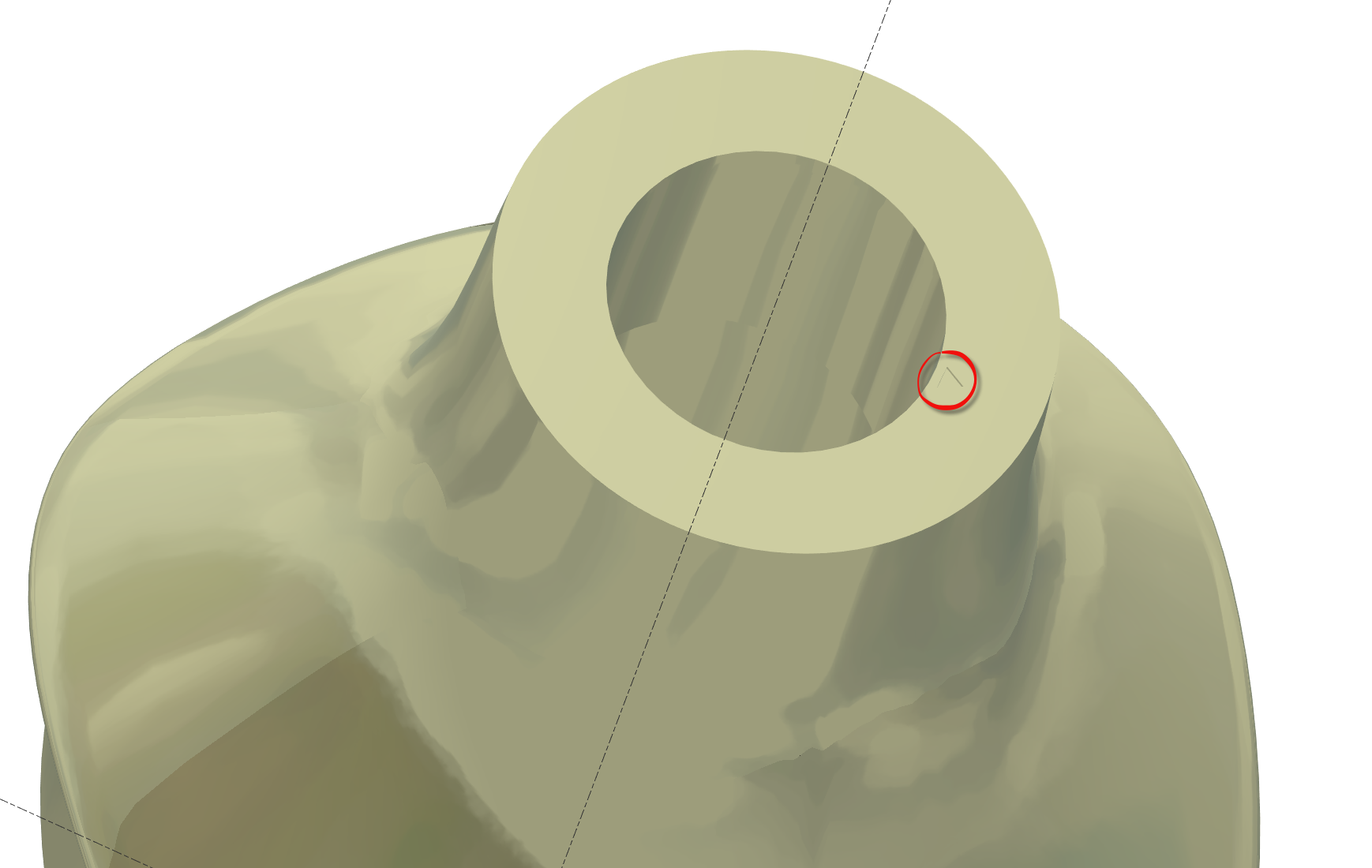
Some STL file arrive without connectic, but we must be sure that alignement is correct.
Abutment without connectic have “small triangle” on the bottom surface do indicate reference position
Have to have predifine view?
Some user wants to have predifine view, is according each user.
We can have 3 predifined view.
User must create hese view.
move the part in the correct “predefined” view N°1 then CRTL+F2
move the part in the correct “predefined” view N°2 then CRTL+F3
move the part in the correct “predefined” view N°3 then CRTL+F4
Then to use the view press F2 or F3 or F4
Rest material in the edge of side surface?
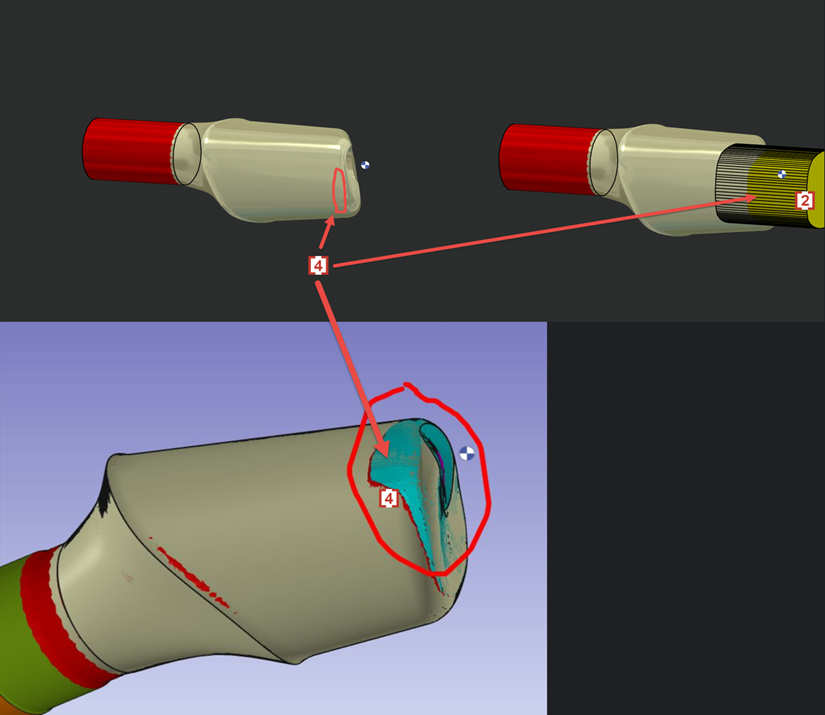
We don't want 4XS toolpath in this area of occlusion [1].
4XS toolpath will cause tool marks and bad surface quality.
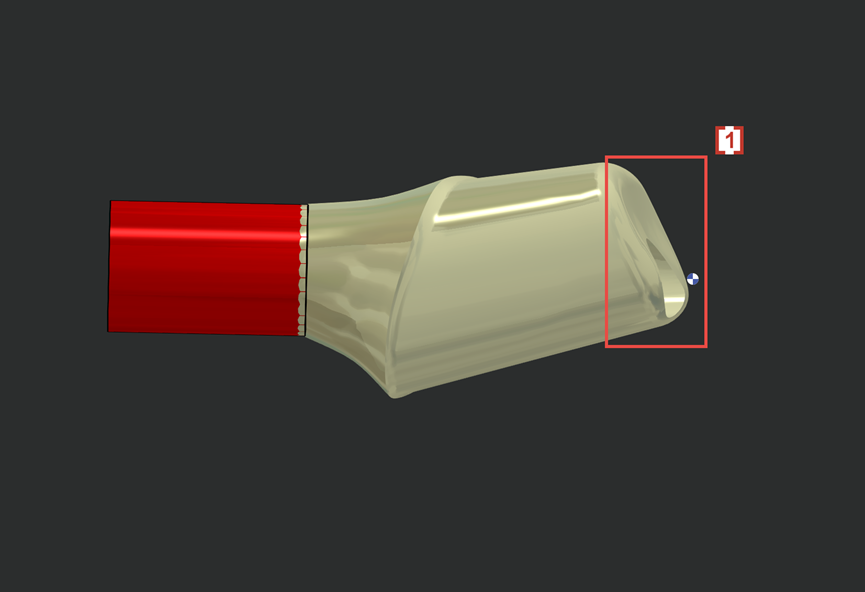
So we will create solid layer 102 [2] to prevent 4xs toolpath to contact and damage the occlusion surface on STL.
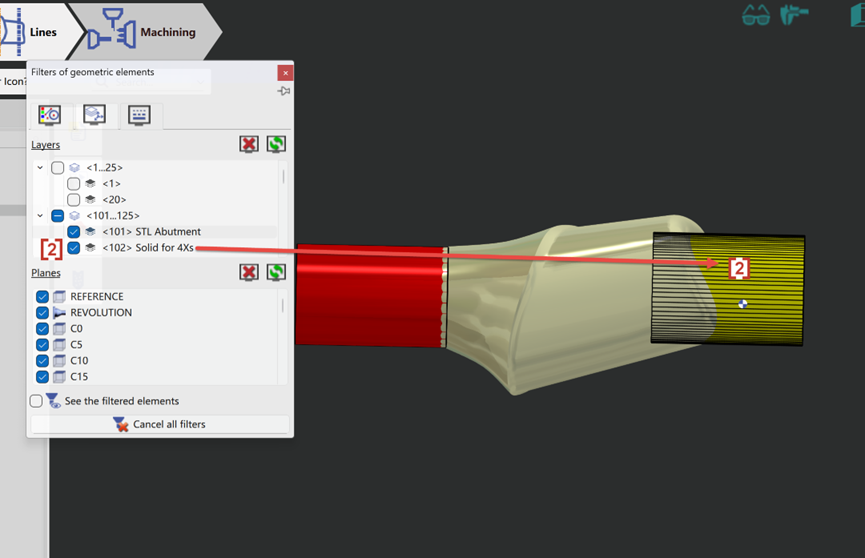
Now the 4xs toolpath [3] will not touch solid layer 102 [2] and so the occlusion surface [1] which is wrapped by layer 102 is protected.
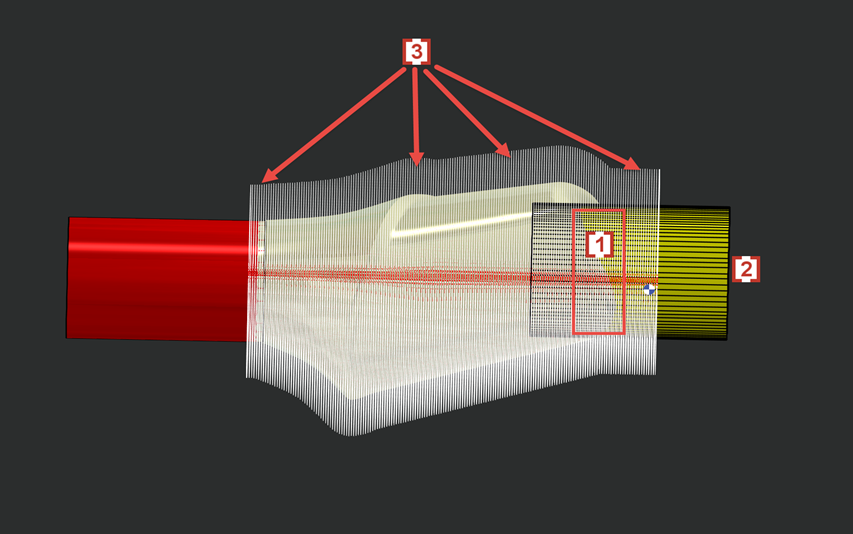
In some cases layer 102 will also cause some rest material in the edge of side surface [4] which is also wrapped by solid layer 102 [2].