
Presentation

|
Position the views and details of a 2D drawing in 3D. |
|
▶️ You can watch a video at the bottom of page: Click here |
To position a 2D drawing in 3D
|
1. Click on the command. |
|
|
2. Select the view to move with a selection box, do a right-click and choose Confirm selection. |
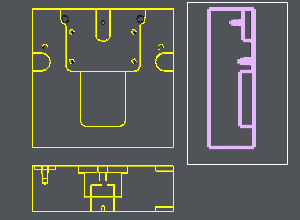
|
|
3. Click on 1 point on the view to move, |
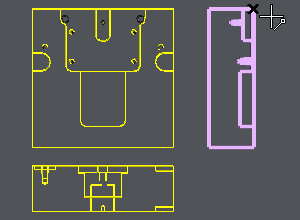
|
|
4. Click 2 points on the Main View:
A plane is automatically created and the view is positioned in it. |
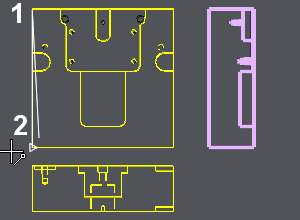
|
|
5. If the position is correct, click on OK. If it is not correct, choose the motion you have to do (rotation, symmetry or translation) and choose OK at the end of your manipulation. You can chain several consecutive motions. |
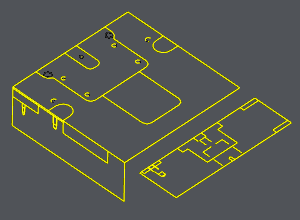
|
|
6. Repeat the same operations for the other views. |
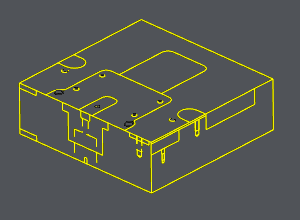
|
|
▶️ You can watch a video about the full process of Designing 3D from 2D: 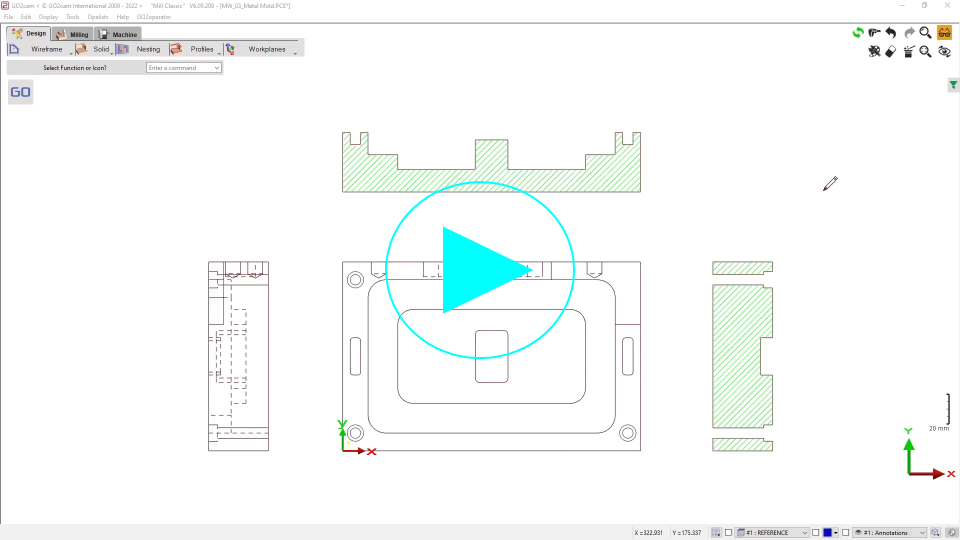
|