

|
This command in the manipulation section of the ribbon, enables to change the workplane of wireframe or solid elements. |
|
Two distinct modes can be used: 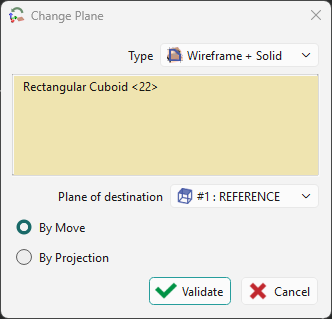
|
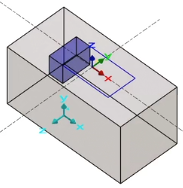
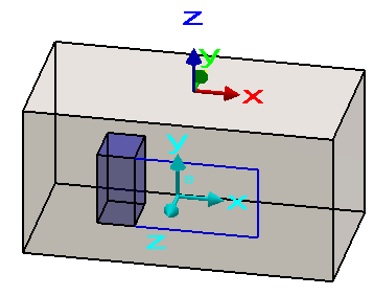
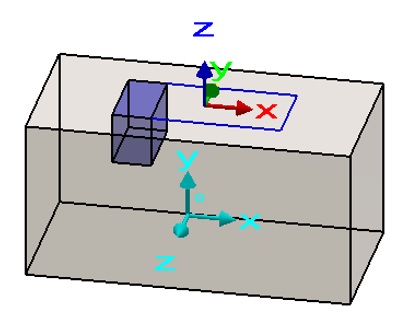
By moving The new plane is assigned to the elements that are moved into that plane. |
By projection The new plane is applied to the elements, which remain unchanged; their coordinates may now be three‑dimensional within that plane. |
|
|
|
|
When attempting to relocate a solid onto a plane that was derived from one of its own faces, the operation is blocked. Consequently, such a plane does not appear in the list of selectable destination planes. |
|
▶️ You can watch a video showing changing plane: 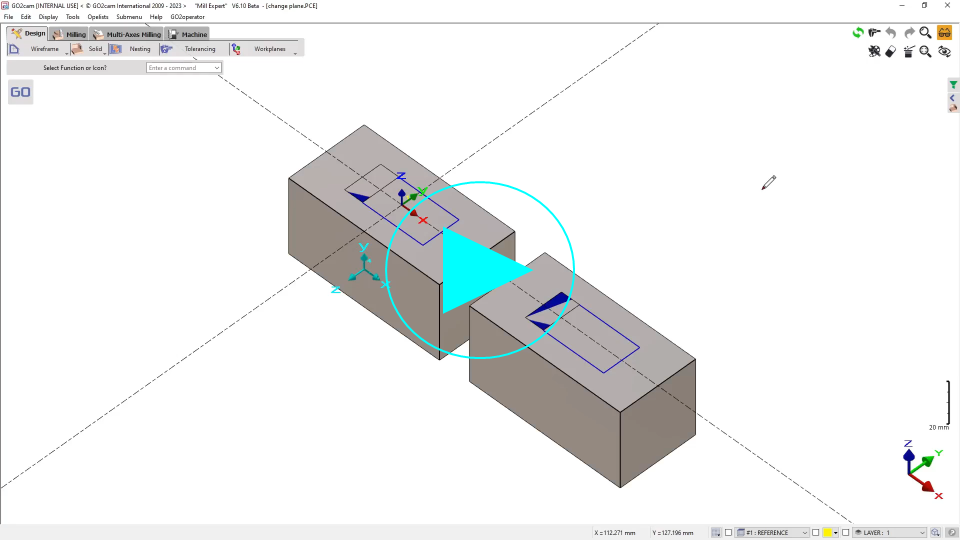
|
|
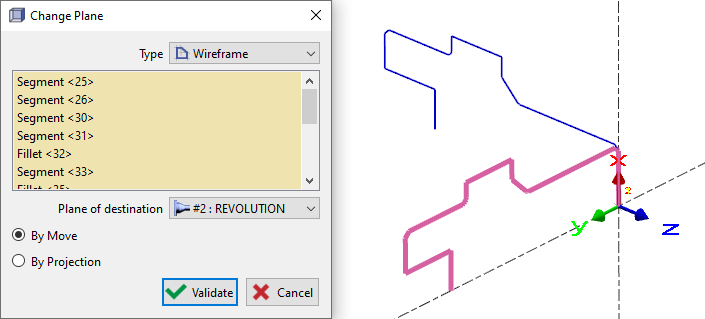
Change Plane also allows you to move a geometry from a Reference to a Revolution plane. You can also project geometry from a developed plane onto a prismatic plane. This capability is useful when you need to generate profiles for 4- and 5-axis simultaneous cycles in the Reference plane. |
|