
If there is no significant material to remove, it is recommended to set the stock with the same geometry as the part. To do this, duplicate the part and assign it as the stock.
Run the simulation with collision check enabled. Several options are available to avoid collisions if they occur:
-
If collisions occur at approach or return points of a cycle:
-
Reset the approach/return parameters (e.g., distance).
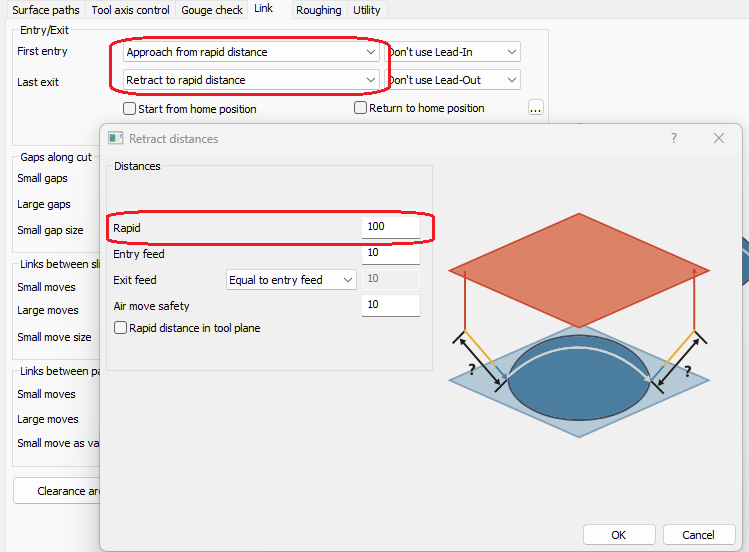
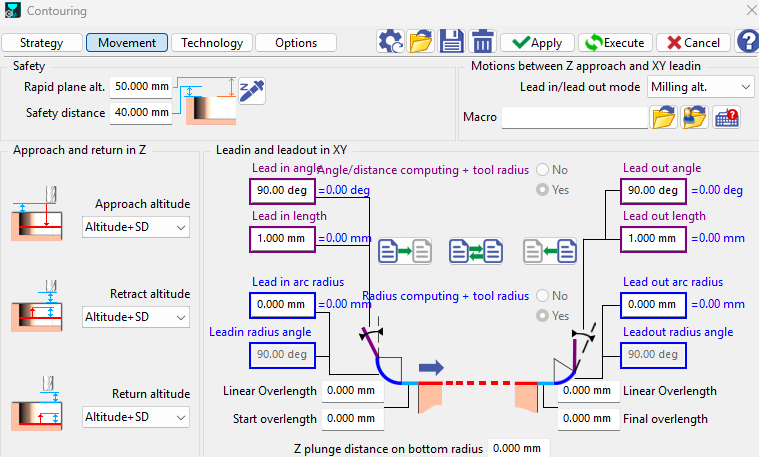
-
Add additional approach/return points.
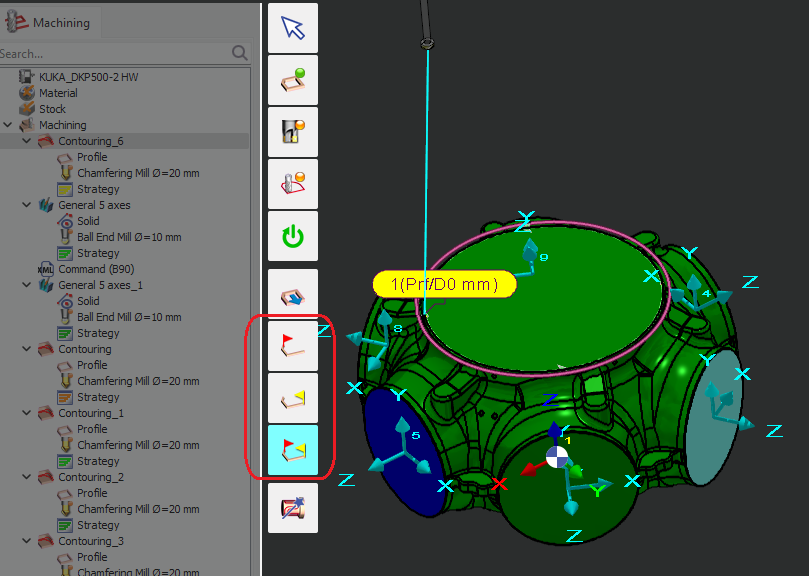
-
Create and insert a Machine Command move before or after the cycle.
-
Do not use a robot linear move unless necessary, to avoid the risk of singularities.
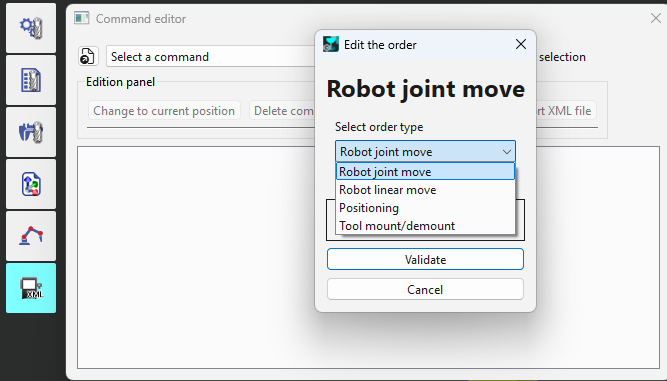
-
Recommendation: Prefer the methods a or b, as they modify the cycle itself, which can then be reused for other robots (e.g., in an Opelist).
-
-
To make a non-robot axis selectable for machine command Positioning, it must be defined as programmable.
It is not recommended to use MOVE_COMPONENT in GO2Robot. Firstly, a single MOVE_COMPONENT command moves only one axis; to move a 6-axis robot you would need six separate MOVE_COMPONENT commands, and the movements would not be synchronized. Secondly, it is not appropriate to output CN files for robots. Instead, use the Machine Command, which can move multiple axes simultaneously.
-
For other cases:
-
Change the robot strategy of the cycle.
-
Modify the robot reference position.
-
Reposition the robot or the part to test a new robot path.
-
…
-