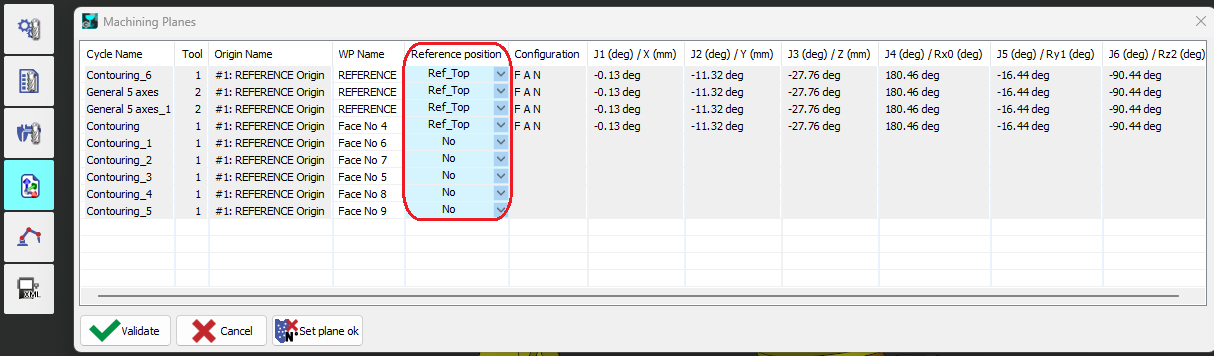
To convert a toolpath with partially undefined orientation into robot joint positions without ambiguity, a reference position is required. From it we extract:
-
Robot reference configuration → maintained throughout the cycle.
-
Robot reference joint angles → the first generated robot position will be fitted to these (to determine joint turns, especially J4 and J6).
-
Reference TCP orientation → used to define the lead-in tool orientation.
The reference position can be defined as:
-
Joint format (robot-specific) → tool orientation computed via forward kinematics.
-
Cartesian format with configuration (generic and reusable for other robot arms) → joint positions computed via inverse kinematics.
Creating a Robot Reference Position
-
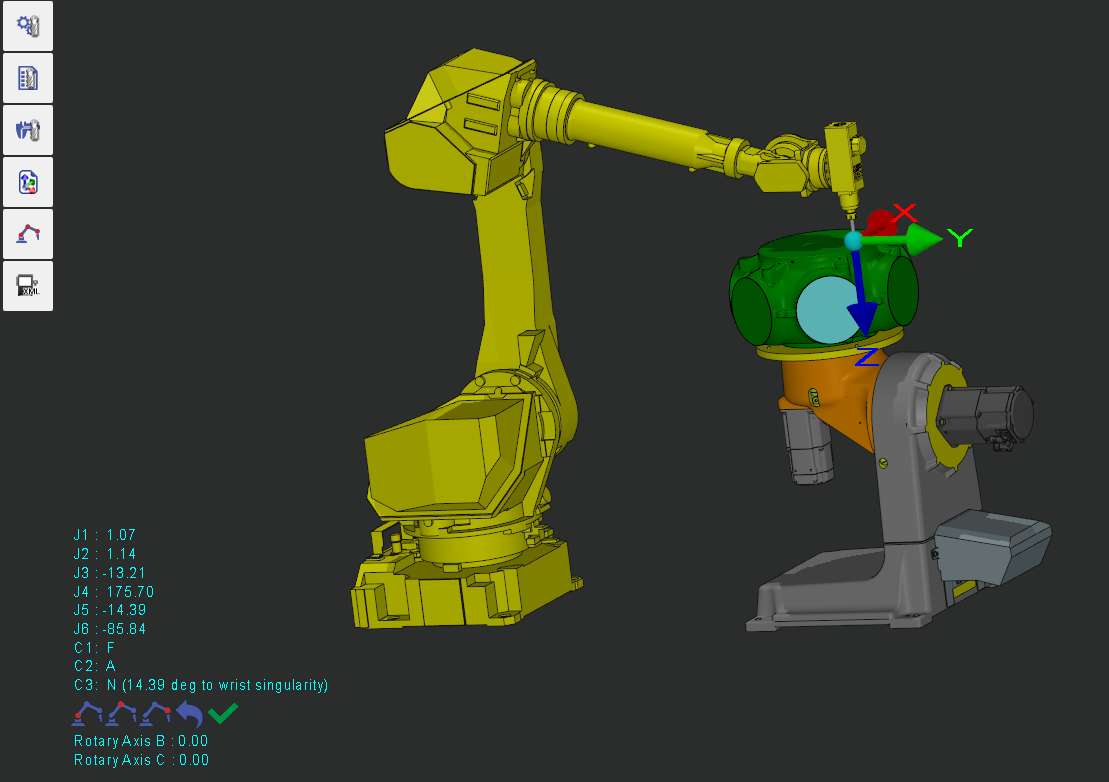
Select the format (Joint or Cartesian).

-
In Tooling, double-click on the part to position the robot.
-
Use available tools to switch configuration (shoulder–elbow–wrist), align tool orientation, translate (by dragging or entering a distance), or rotate (by dragging or entering an angle).
-
-
Name and save the reference position.
-
Assign the created reference position to machining operations (optional).
-
If no reference position is assigned, the robot’s current position prior to the cycle will be used.
-