

|
Drawing Command - Adjust the drawing by deleting the selected part or, by keeping it. (SHIFT Key) |
Overview
|
The Drawing command cleans up wireframe geometry by removing unwanted parts of the design. It is mainly used after creating wireframe geometries that cross each other, to get a clean profile. The command has two modes:
|
Procedure
|
To delete a part of the drawing
|
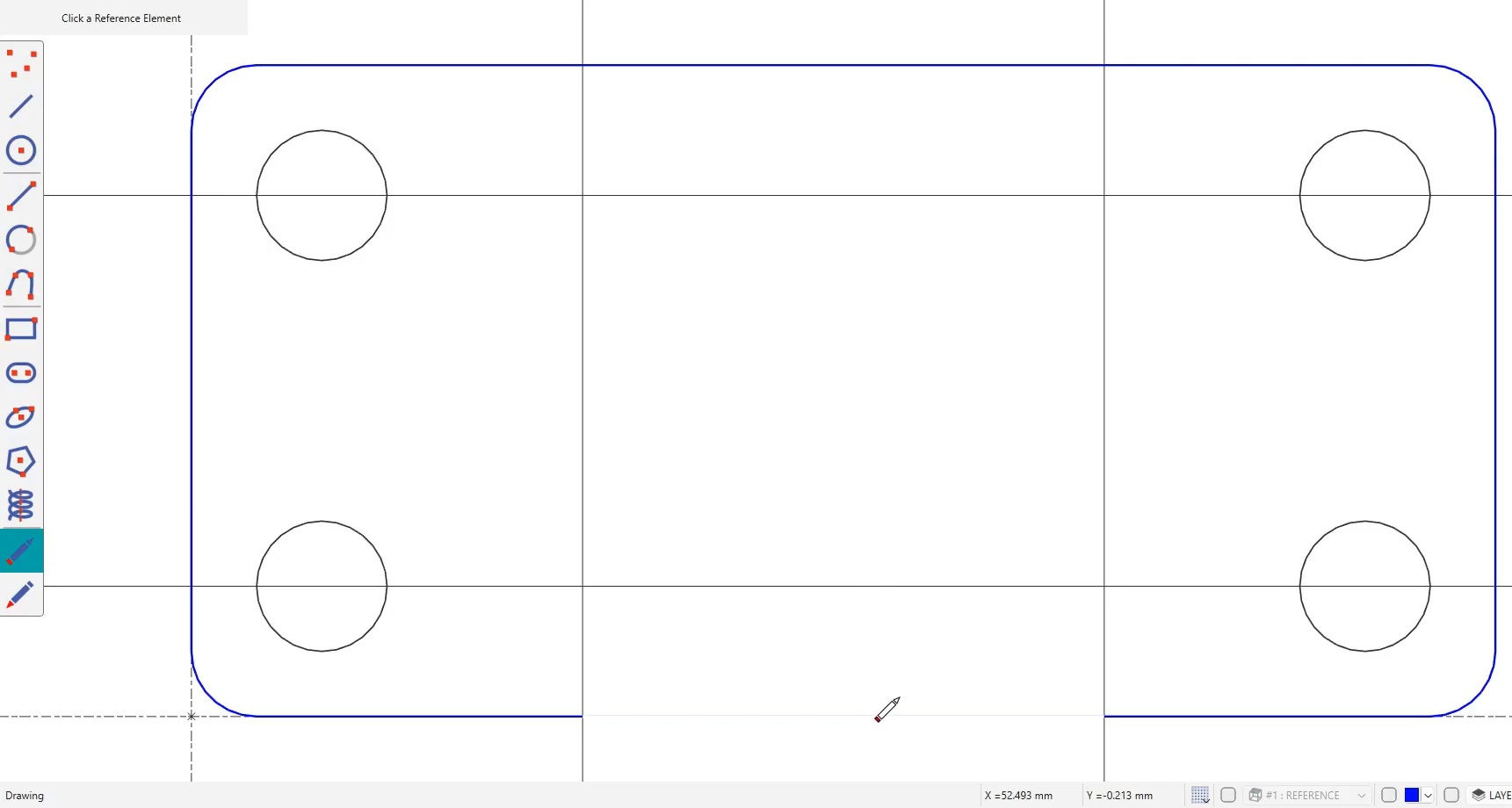
|
|
To keep a part and remove the rest
|
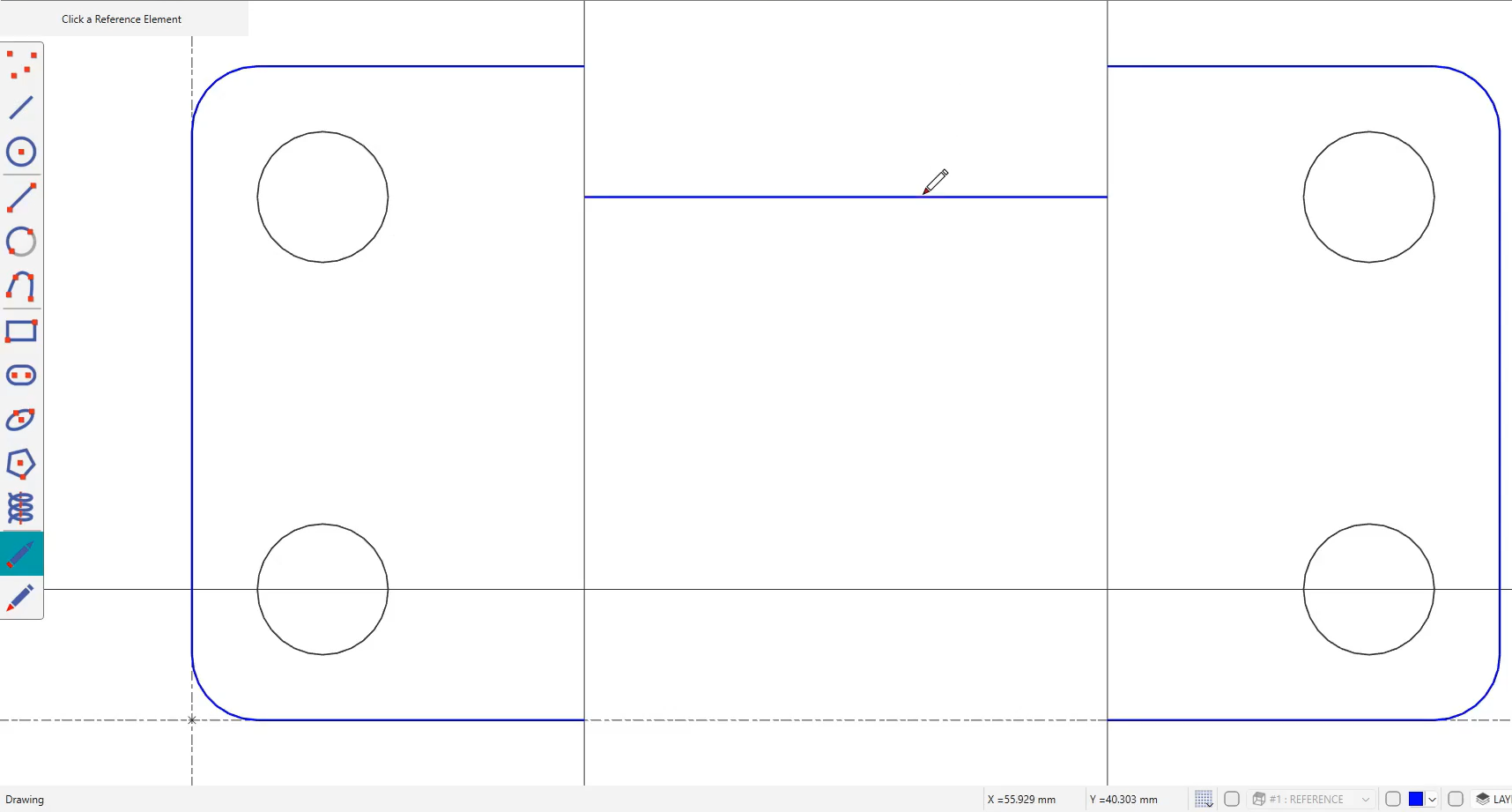
|
-
Use delete mode to remove small leftover pieces after intersecting elements.
-
Use SHIFT mode when the part you want to keep is easier to click than all the parts you want to remove.
|
▶️ Watch a video on drawing command. 
|