
Useful Length
The Useful Length can be increased or decreased by moving the position of the Toolholder.
We can use the following methods:
Method 1
|
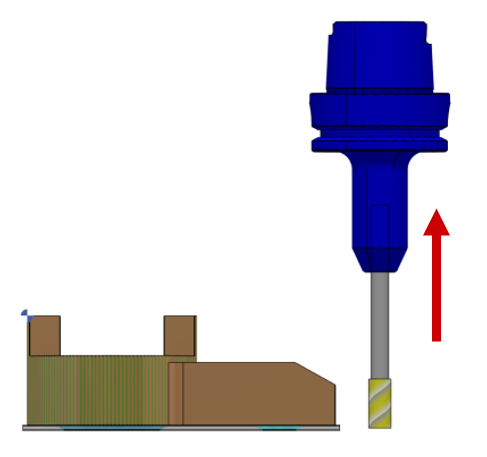
Use the up arrow key or + key to increase the useful length. |
|
|
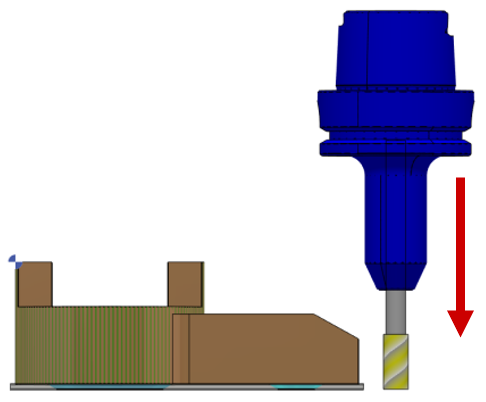
Use the down arrow key or - key to decrease the useful length. |
|
Method 2
Access the tool page to modify the value of the useful length at [1].
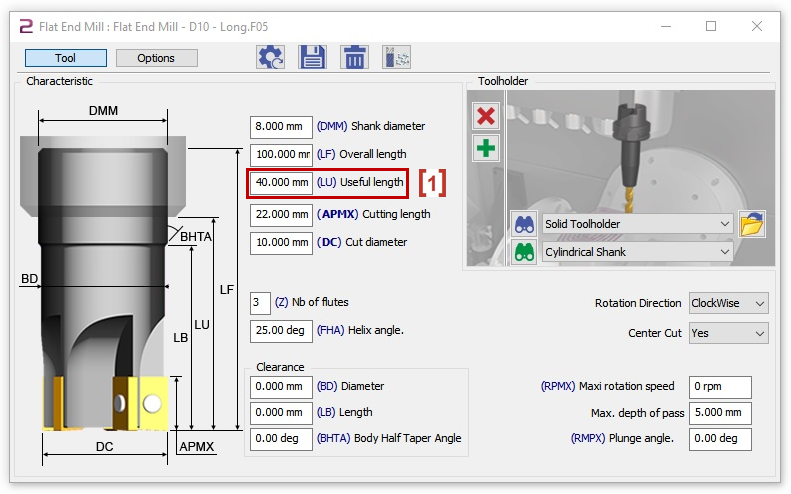
You should recalculate whenever you make a change in useful length.
|
▶️ |
You can watch a video on how to change the useful length: 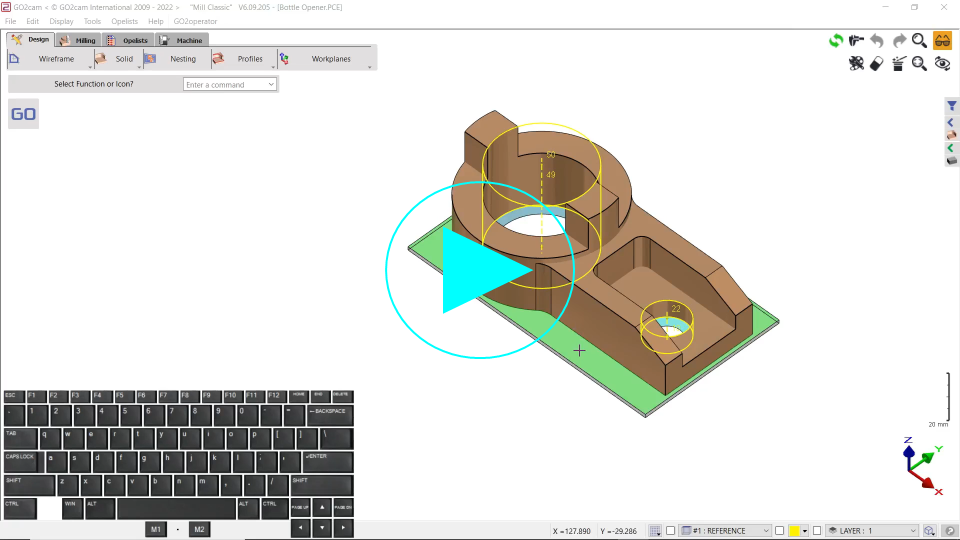
|
Cut Diameter
The Cut Diameter can be increase or decrease by modifying the Cut Diameter.
We can use the following methods:
Method 1
|
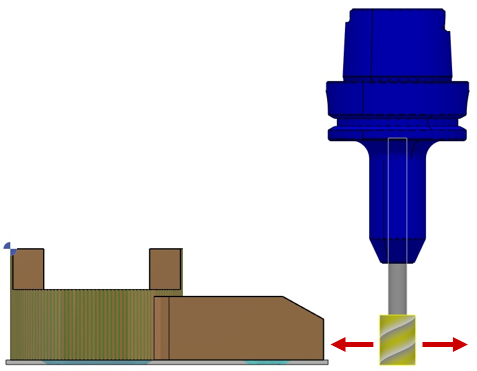
Use the right arrow key or * key to increase the cut diameter. |
|
|
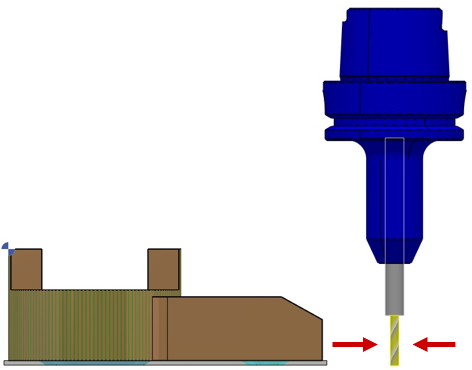
Use the left arrow key or / key to decrease the cut diameter. |
|
Method 2
Access the tool page to modify the value of the cut diameter at [1].
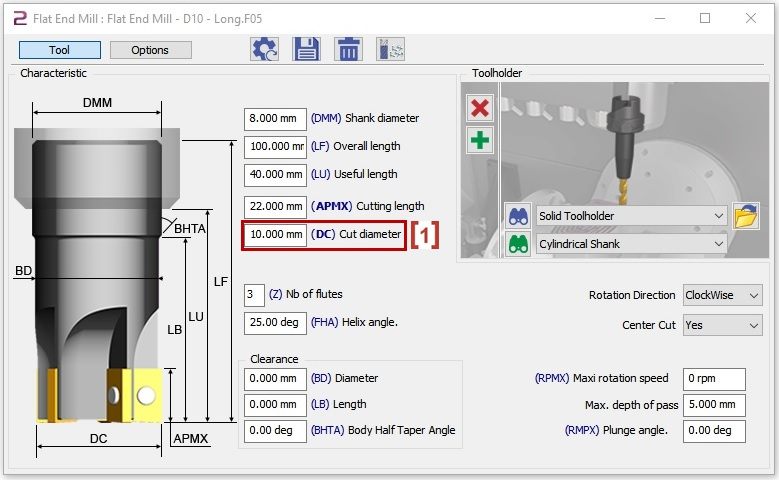
You should recalculate whenever you make a change in cut diameter.
|
▶️ |
You can watch a video on how to change the cut diameter:
|