
Definition
|
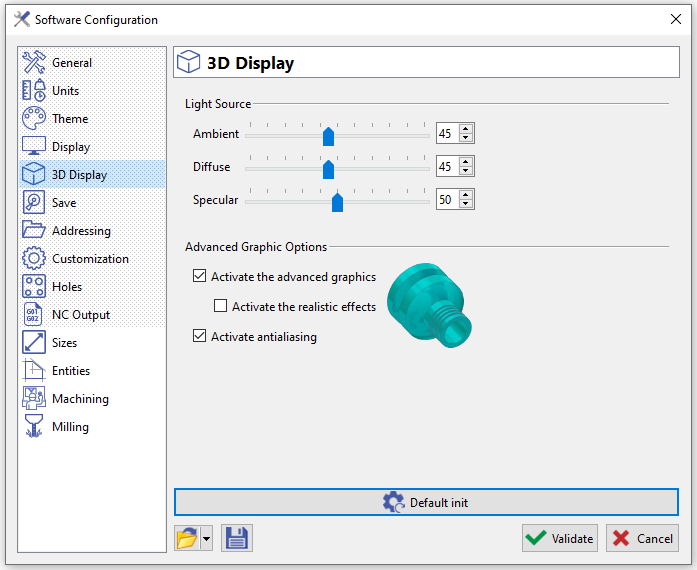
This page allows you to configure:
In GO2cam, we use Open GL application to calcule the rendering of the screen.
Want to know more about OpenGL? Click here! |
|
Light source
|
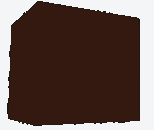
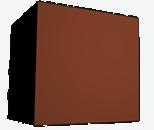
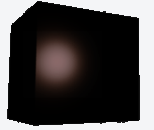
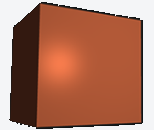
By these values, we define how the light will be applied in the screen. The light source is composed of 3 values, described below. The last image is one final model of rendering. |
|||
|
Ambient: general lighting of a scene. |
Diffuse: directional impact of the light. |
Specular: simulates the bright spot of a light that appears on shiny objects. |
One final model of rendering combining the 3 options (Phong model) |
|
|
|
|
Advanced Graphic Options
-
Ticking in the box next to Activate the advanced graphics, will give you a better display of the workpiece. It also gives access to next option:
-
Activate the realistic effects: enables to display the closest shadows (high consumer of resources).
-
-
You can also Activate antialiasing : these are techniques to display on screen smoother edges of 3D elements.