
|
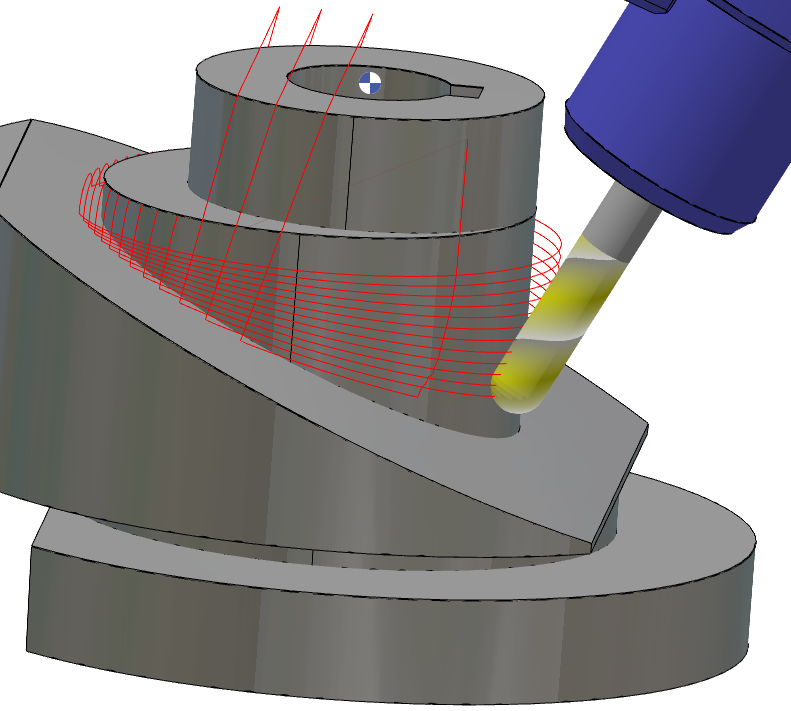
Overview 5x Expert in GO2cam employs a stepwise approach to toolpath generation, emphasizing iterative refinement. The process involves sequential calculation and adjustment, progressing from basic toolpath creation to advanced gouge control.
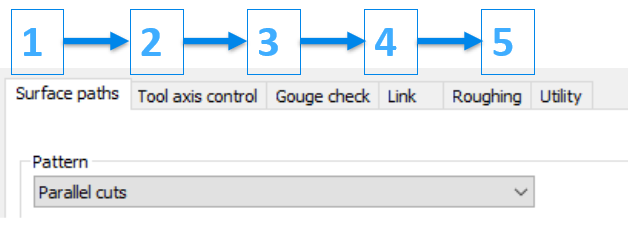
Process Breakdown The programming process in 5X Expert is organized into distinct stages, each accessible through separate tabs. |
||
|
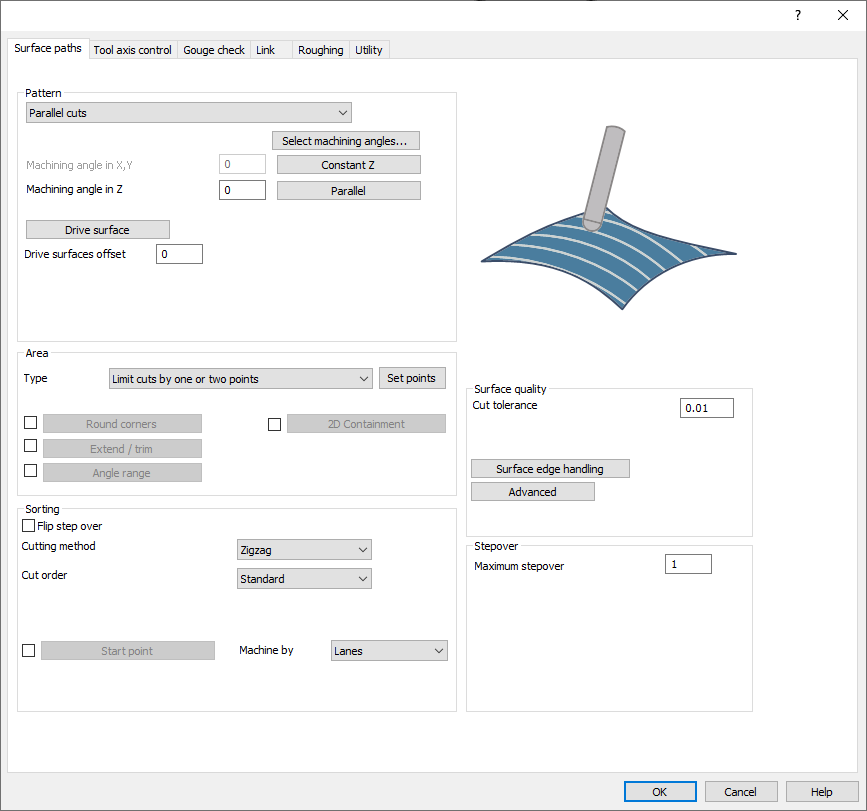
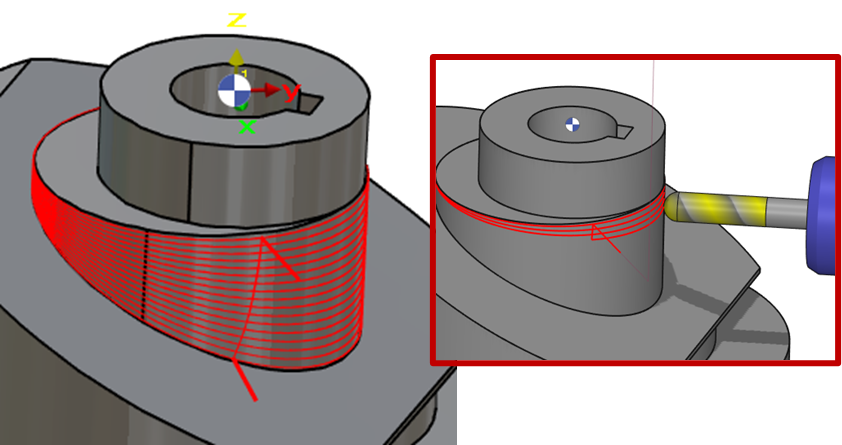
Step 1: Surface paths This initial phase involves defining the desired machining pattern for the workpiece surface. Users can adjust various parameters to create the desired cutting path.
|
|
|
|
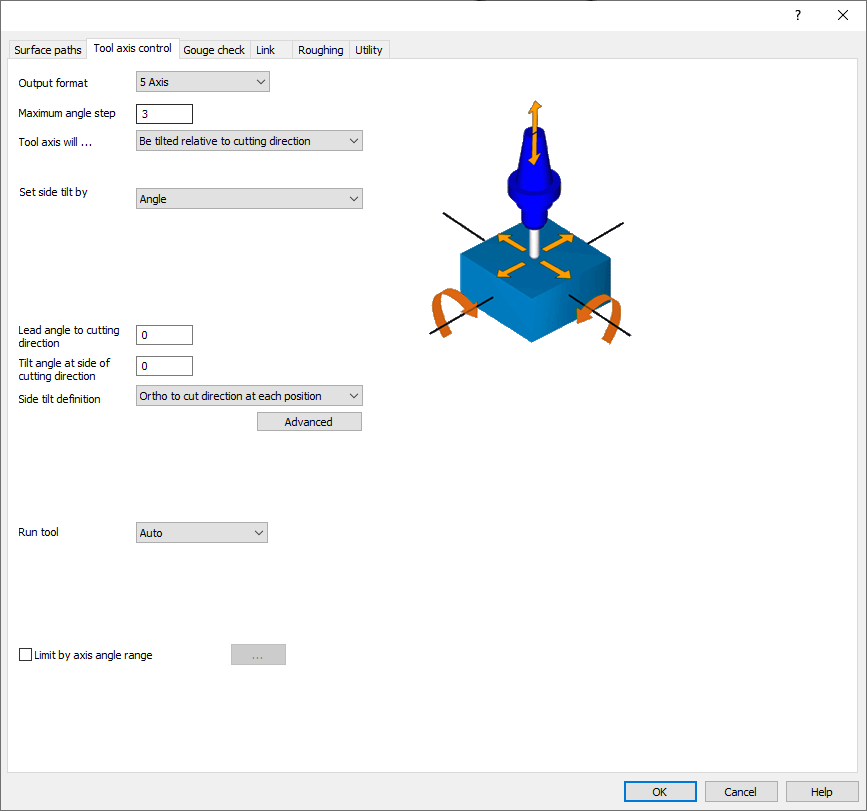
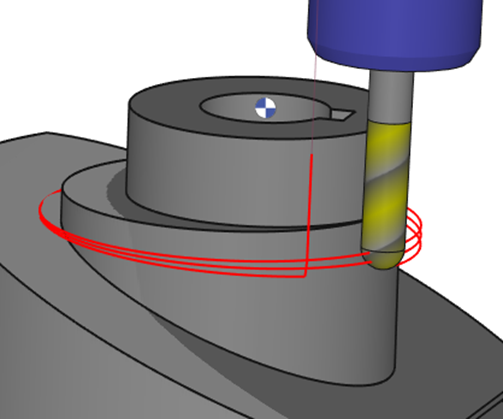
Step 2: Tool axis Control In this step, users control the tool's orientation through axis manipulation and tilt angle adjustment. This ensures optimal tool positioning for efficient machining. |
|
|
|
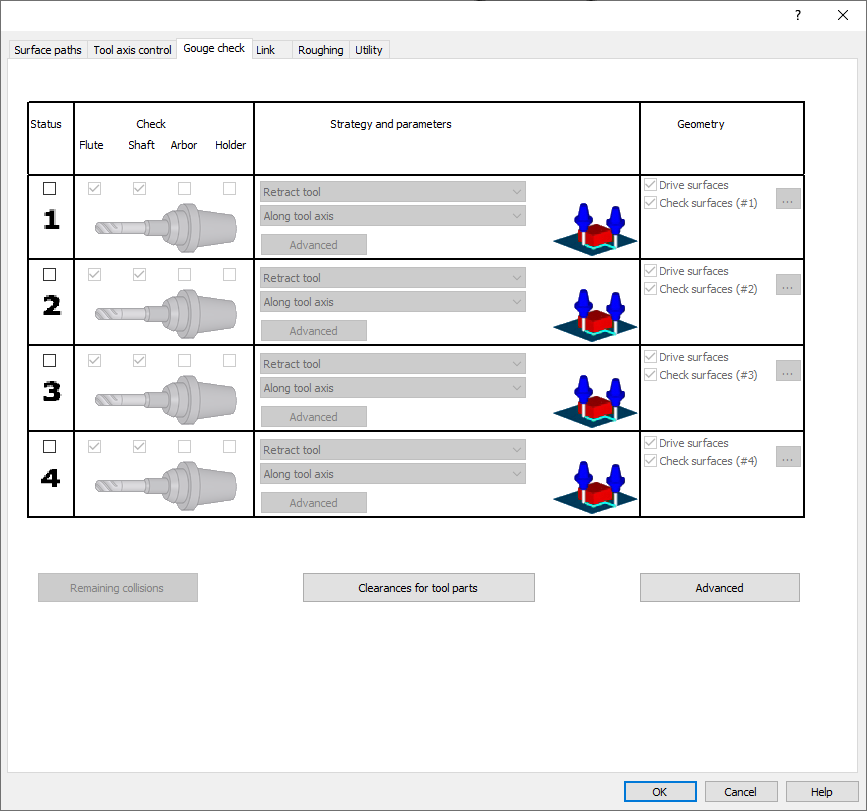
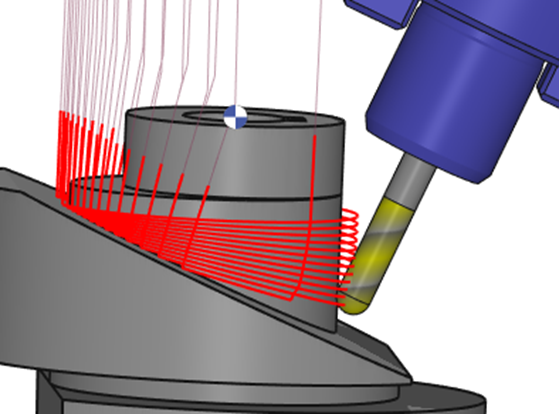
Step 3: Gouge Check This stage focuses on preventing tool collisions. Users define strategies and parameters to safeguard the workpiece and tool from interference. |
|
|
|
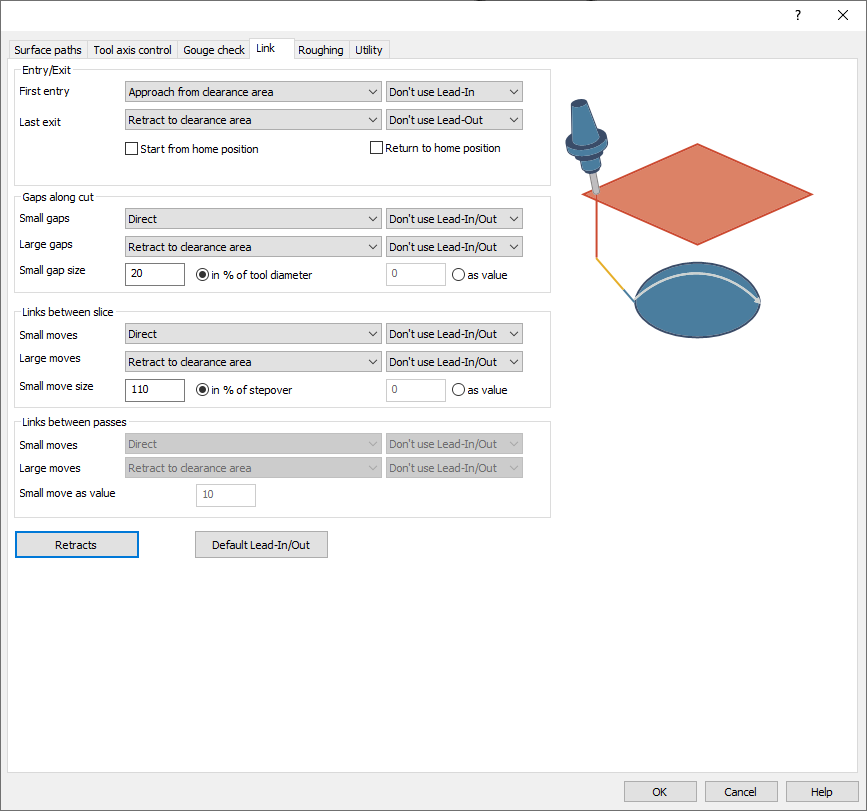
Step 4: Link The final step involves managing toolpath connectivity. Users define lead-in/out, retract/approach positions, and gap/slice handling to ensure smooth tool movement. |
|
|
|
Throughout the programming process, it is highly recommended to simulate the toolpath after each step to identify and rectify any errors before proceeding to the next stage. |
||

|
||