
GO2cam applies parametric design principles during creation. As a geometric element or object forms, its creation history is stored in a database. This method links the selected element to all prior constructions. A history tree displays the chronological operations for creating a body part and remains accessible and editable.
Parameterizing is a powerful functionality of GO2cam, you can find more information about it by clicking here!
There are two methods to edit a solid:
-
by using Edit Element command.
-
by using the Control command.
Edit Element
To edit an element on a solid, you must access the Edit Element Command [1] and where an Editing Tree [2] will appear on the left side of the screen.
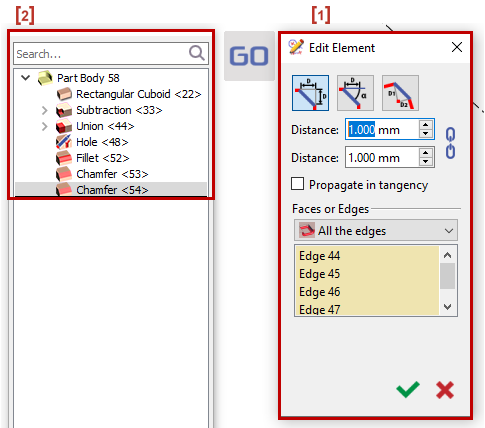
There are various ways to access the Edit Element Command:
|
1. |
|
|
2. |
|
|
3. |
|
|
4. |
|
|
5. |
|
By Double clicking on the face of an element, you will be taken to the corresponding line on the tree.
You can also edit another element while you are on the tree as follows:
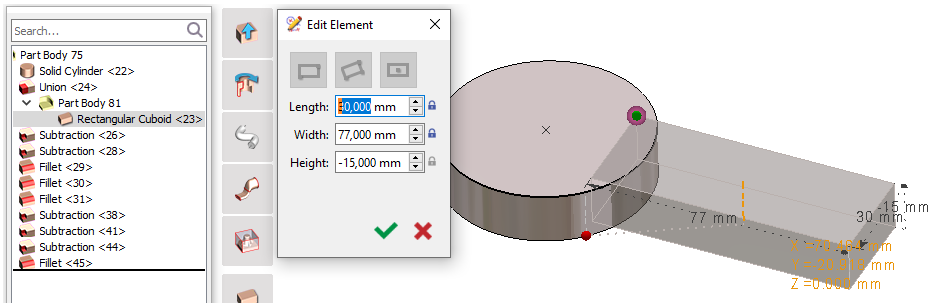
You can either Right click > Edit element or Double click on other elements to make modifications and it opens back the dialog used to create it.
Construction points are visible: a color convention is applied to free points (green), locked points (red), selected point (highlighted)
You can also edit the values directly in the dimensions.
|
▶️ You can watch a video on editing an element on solid:
|
Control
You can also modify an element on a solid using the Control Command.
You should make sure that the control command is set as follows:

|
|
|
|
|
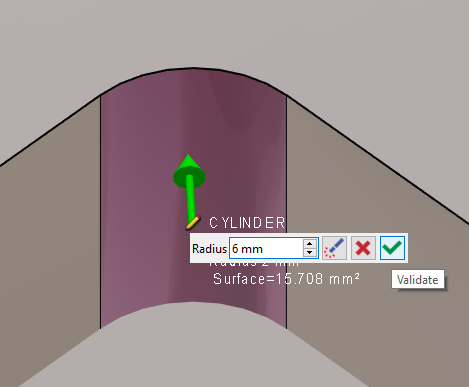
|
|
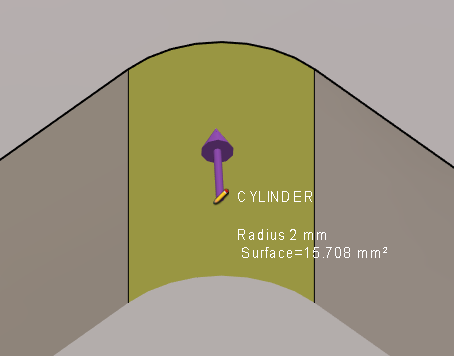
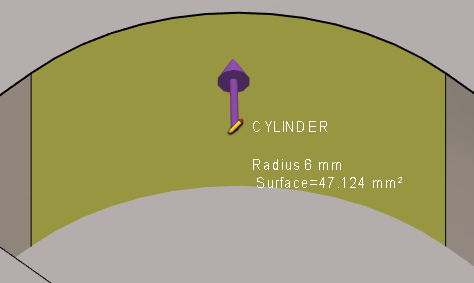
Here we have the new radius of the cylinder. |
|
|
You can watch a video on how to use the control command to edit a milling solid:
|
This video shows you one of the major strengths of GO2cam regarding the solid editing and especially tolerancing: 
|
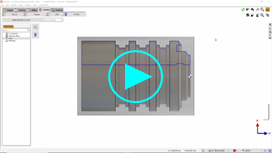
You can watch a video on modification and tolerancing on turning solid:
|