GO2cam Production Help

Cut, Copy and Paste

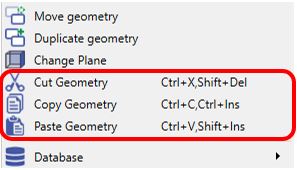
You can also move or duplicate an entity by using the cut/copy and paste command. These are accessible in the Edit menu or by using their respective keyboard shortcuts.

EditMenu_CopyPaste.JPG

The general mode of operation is as such:

  1. Activate the Cut or Copy command [e.g: Press Ctrl+C ]

  2. Select the entity or entities.

  3. Right click and Confirm Selection.

  4. Select Origin of selection.

  5. Activate Paste command[Press Ctrl+V] and click to place.

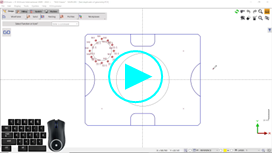
You can watch a video showing these operations in action.