

|
There are 9 modes to choose from to carry out this operation. By doing this, you can control the dimensions of parts. e.g., the length of a pocket, the diameter of a cylinder, etc |
A control report can be generated in XML format. Click here for more info!
Types of Probing
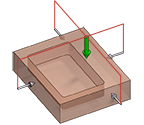
|
Rectangular Block |
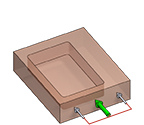
|
Angle of a Face |
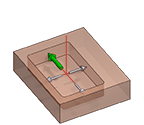
|
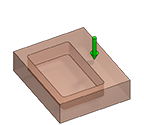
Rectangular Pocket |
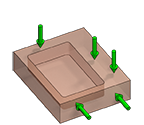
|
Manual |
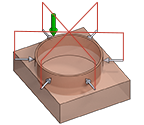
|
Cylinder |
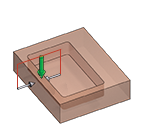
|
Block Length |
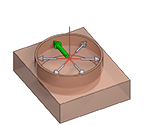
|
Cylindric Pocket |
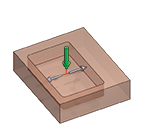
|
Pocket Length |
|
Z of a Face |
|
|
Strategy Parameters
|
Dialog Area |
Parameters |
|
|
Paramenters |
Variable measure |
(AD) Approach distance |
|
Number of touches |
(TD) Touch distance |
|
|
Research length |
Mini measure Tolerance |
|
|
Maxi measure Tolerance |
|
|
Movement Parameters
|
Dialog Area |
Parameters |
|
|
Safety (in Z) |
||
|
Approach and return in Z |
Retract between touches |
Move between touches |
Technology Parameters
|
Dialog Area |
Parameters |
|
|
Cutting Conditions |
Feedrate |
|
|
Tool Numbering |
Tool number |
Specific Number |
|
Length compensation number |
Diameter compens. Nb |
|
|
Users Fields |
Comment |
Control Device |
|
Milling Set |

|
|
Options Parameters
|
Dialog Area |
Parameters |
|
|
Behaviour on the clamps and components |
||
|
Safety area |
||