
Cycles: All Rough/Rework cycles
Definition
|
This parameter, found in the options tab, sets the tolerance for machining a rework zone. It separates rework areas corresponding to a 'fake thickness' based on the entered value. It allows removal of more material and ensures safer material approaches. Use as a semi-finishing step for hard materials or fragile tools. Typically useful for rework operations/cycles. |
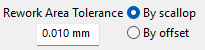
The rework zone can be set to either scallop or offset. The value set in the field computes based on that. |
Below is an example of application of the rework area tolerance:
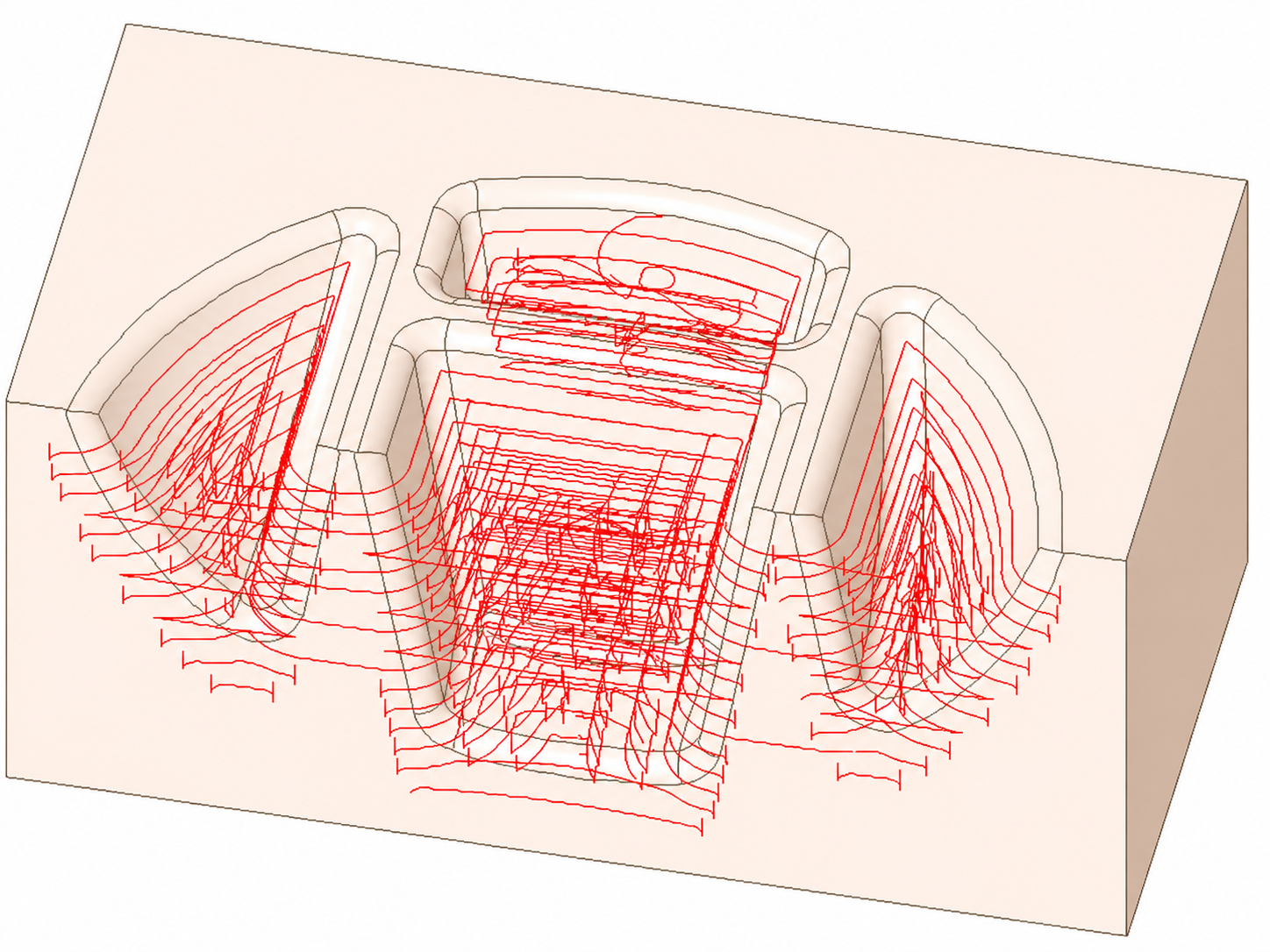
Reworking cycle without rework area tolerance. |
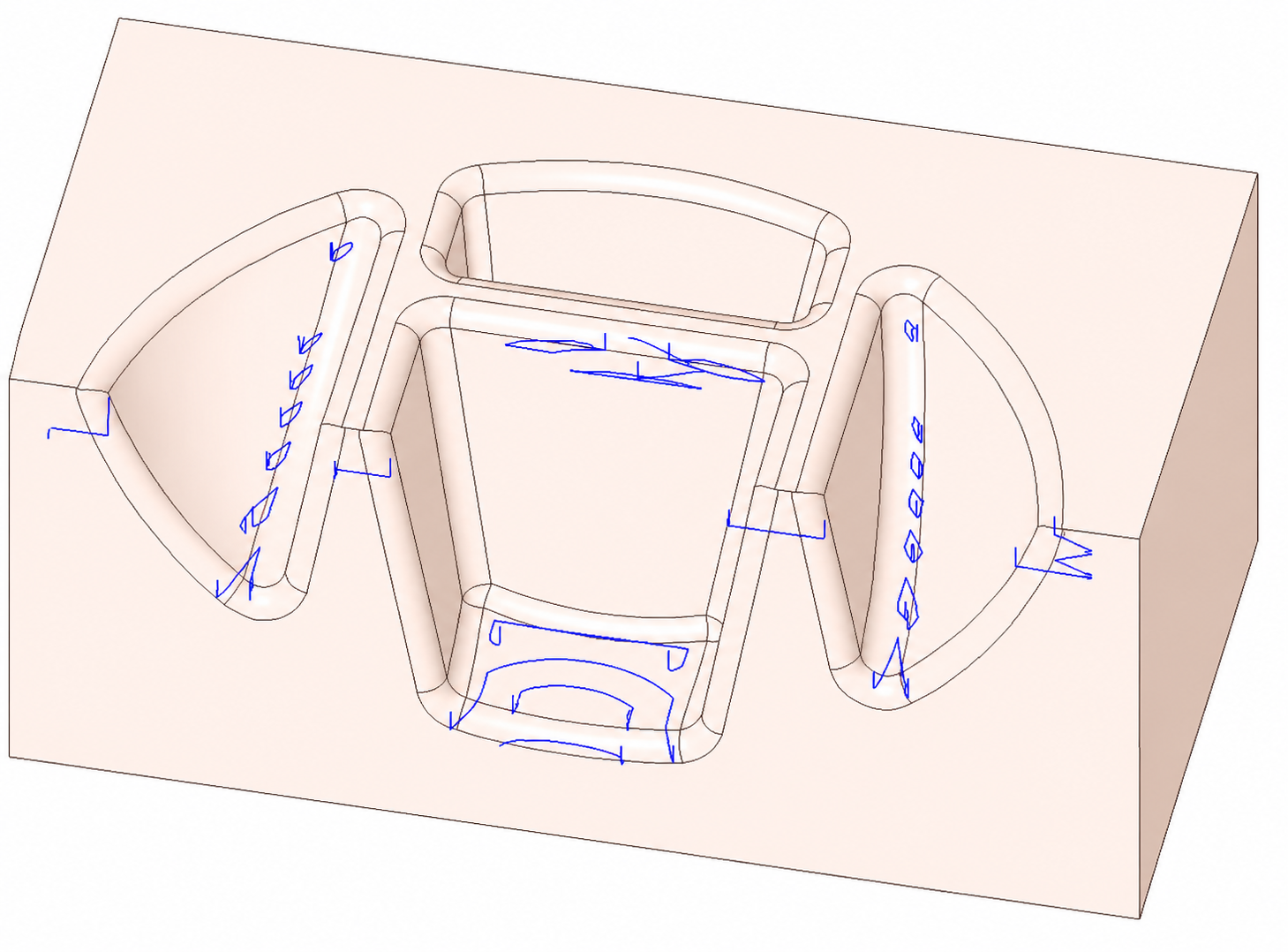
Reworking cycle with the default rework area tolerance value of 0.01.
|
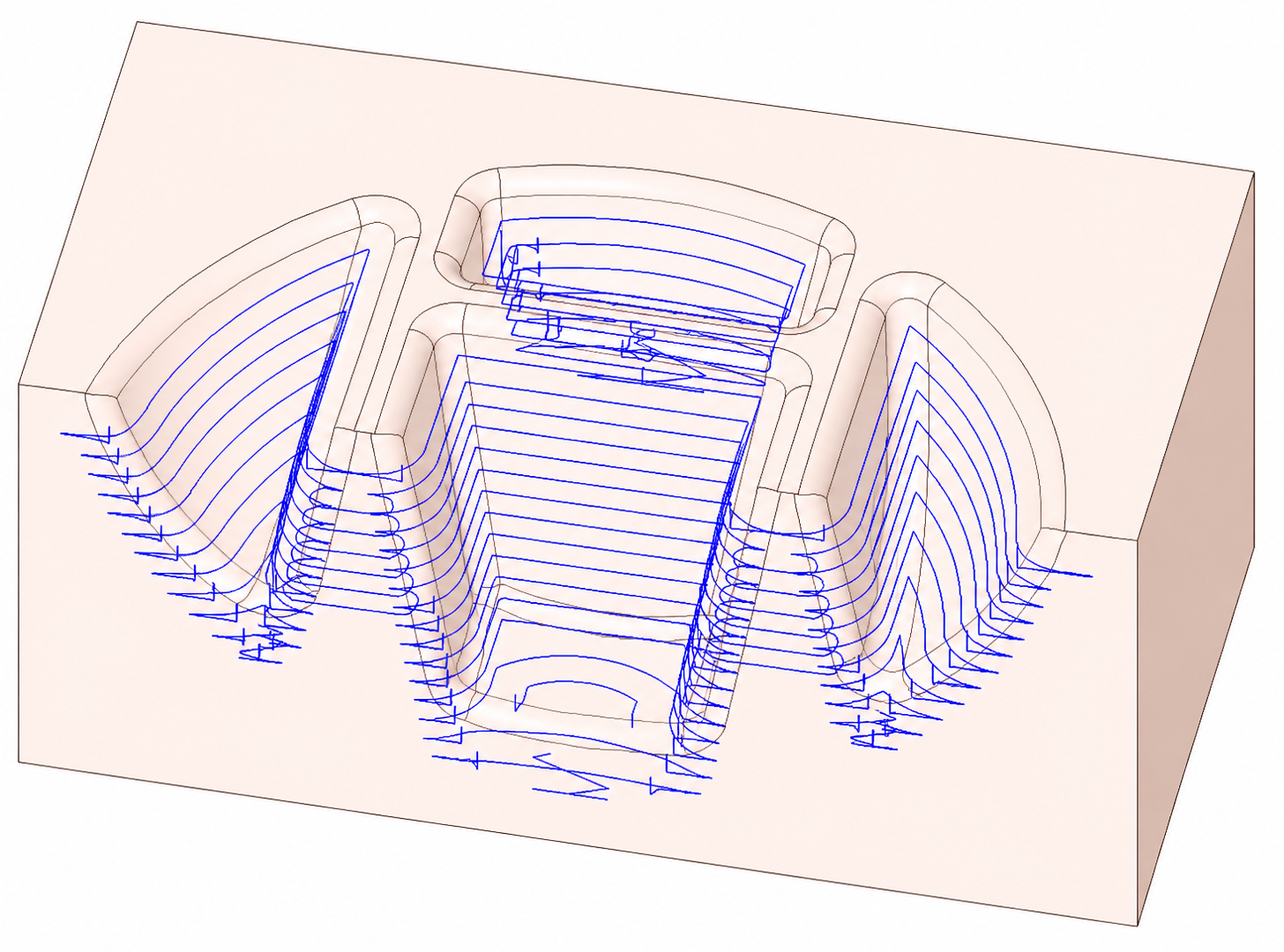
Reworking cycle with a negative rework area tolerance value of -0.2. Enter negative values to force reworking the entire shape, even if little or no material remains. |