
Cycle: Facing - Shape
Facing Strategy

|
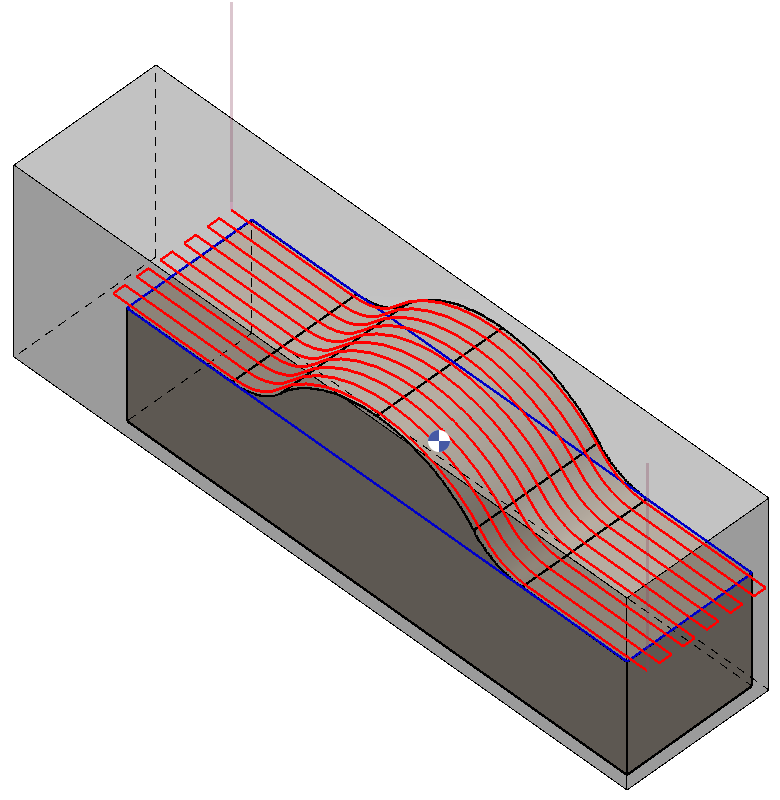
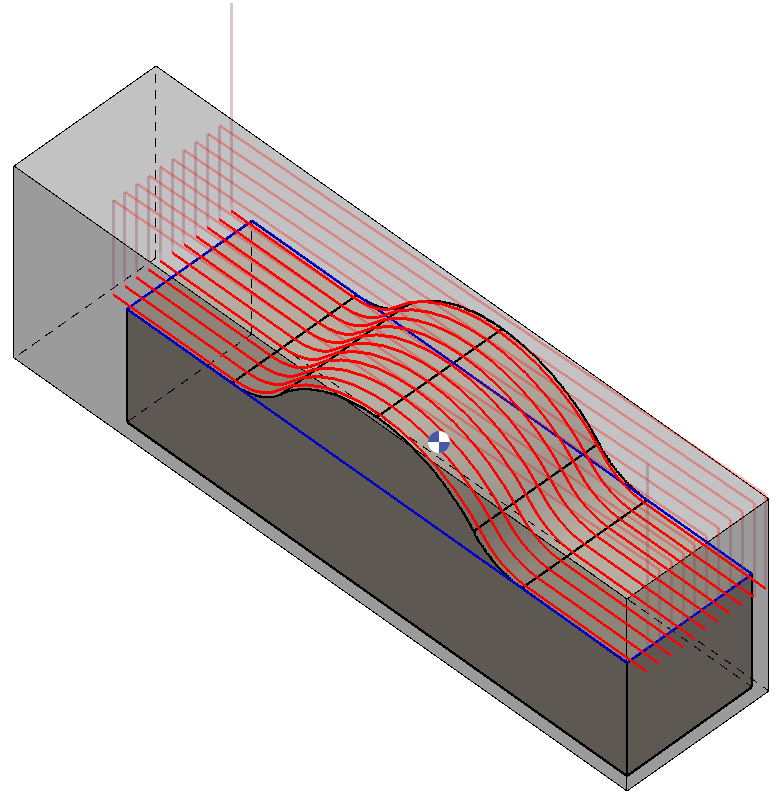
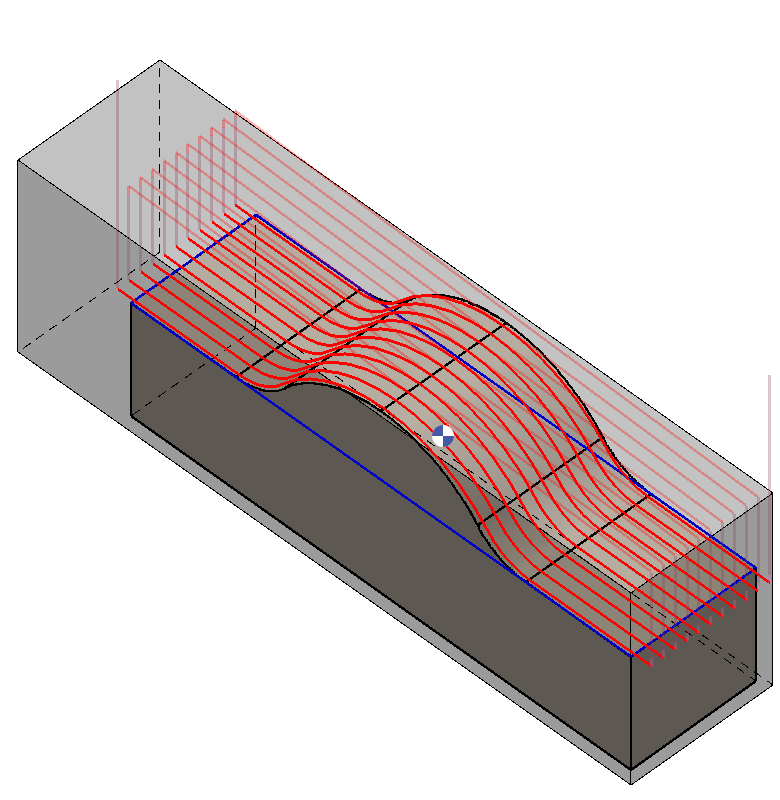
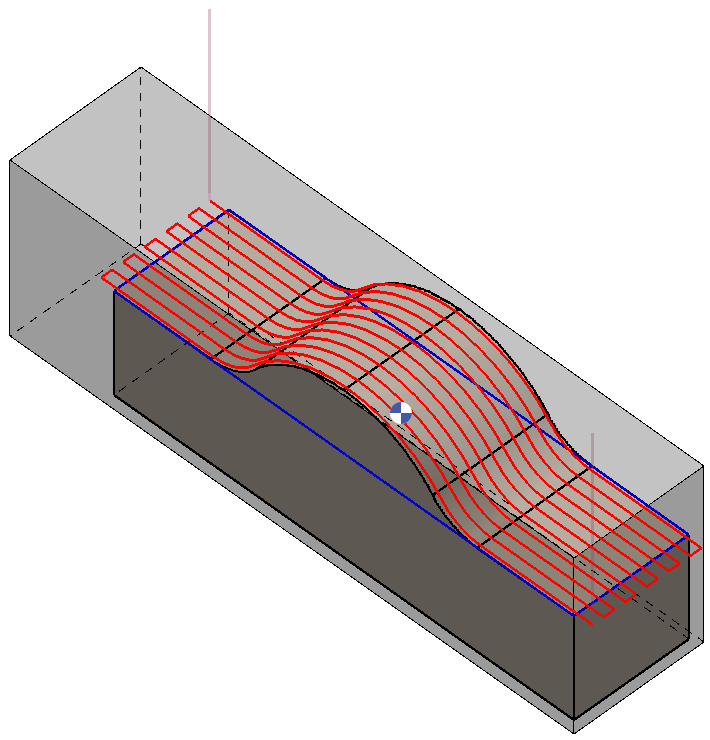
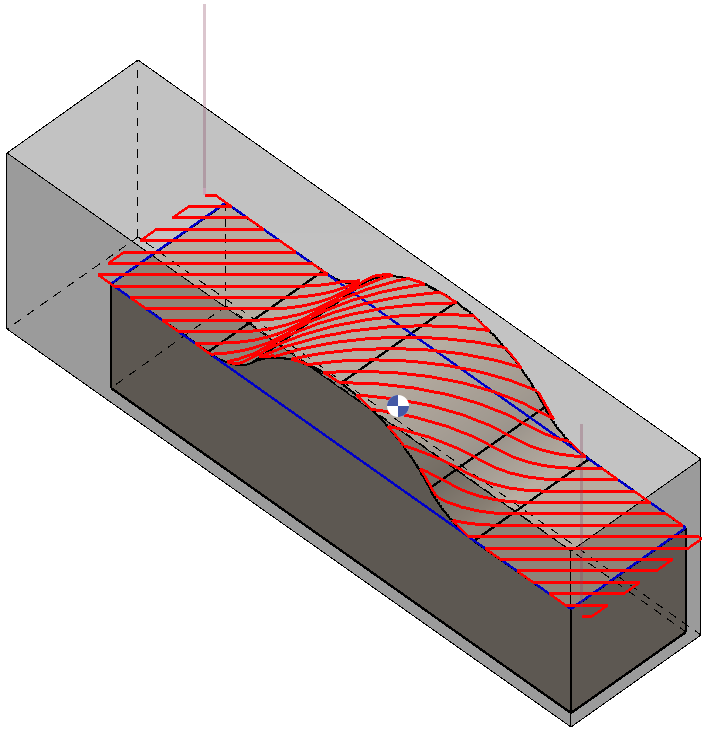
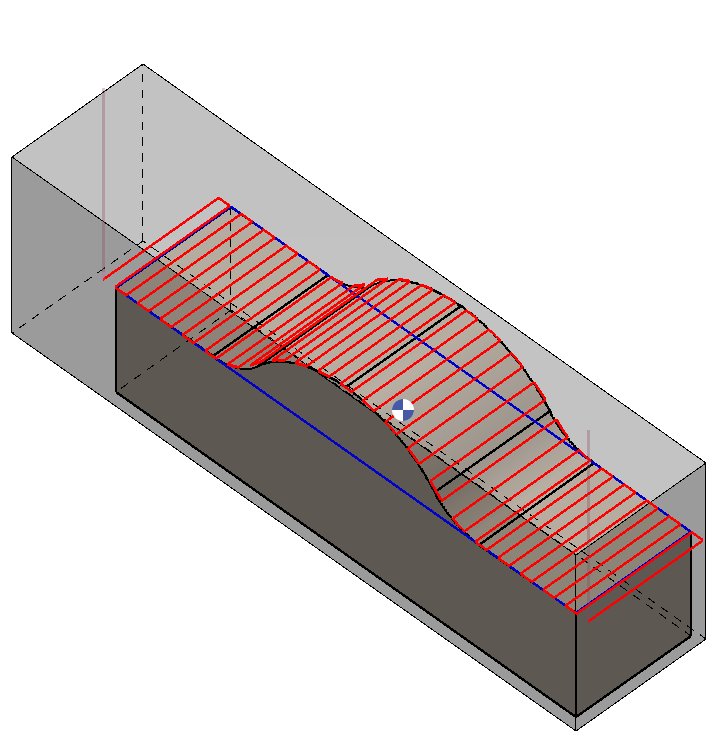
Three options are available for this operation: 2 directions, 1 direction, and opposite directions. |
Three machining direction options are available for this operation:
|
|
|
|
2 directions: Machining is performed alternately in both directions, reducing cycle time and minimizing unnecessary tool travel. |
1 direction: Machining proceeds in a single, consistent direction |
Opposite directions: Machining is executed in the reverse direction relative to the starting and ending points in 1 directions |
Angle

|
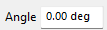
Defines the inclination of the machining direction. Two input methods are available: Manual Input or Point-to-Point Selection. |
|
Manual Input: The desired angle value can be entered directly in the parameter field. |

|
Point-to-Point Selection: By activating the corresponding icon, two points can be selected directly on the part. The software automatically calculates the angle between these points and applies it to the operation. |
|
|
|