
Cycle: Contouring, Contour Rework, Slotting, Taper cutting, Profile cutting, Chamfering, Finishing
Introduction
Lead in and Lead out movements define how the tool enters and exits a machining profile.
They are used to ensure a smooth engagement with the material and a safe disengagement from the part, helping to avoid marks on the finished surface and reduce tool stress.

|
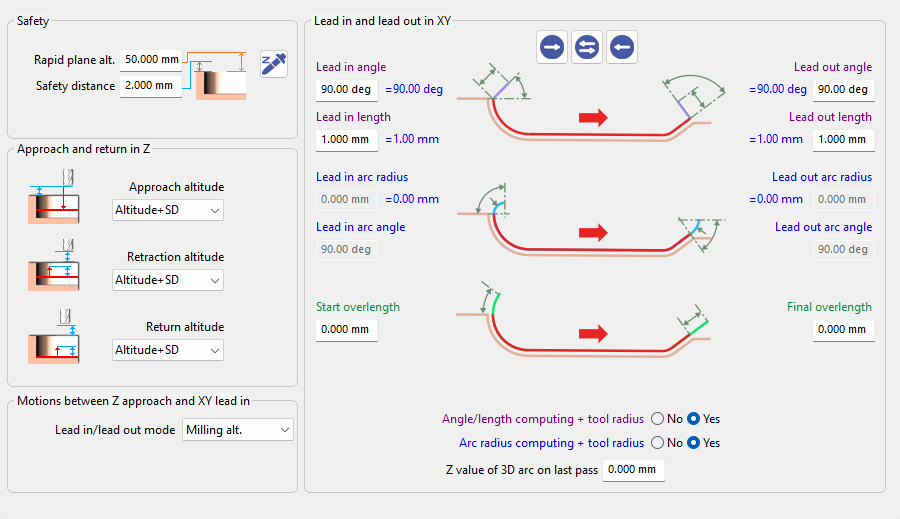
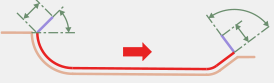
Lead in and Lead out interface has been redesigned to improve usability.
|
|
Characteristics
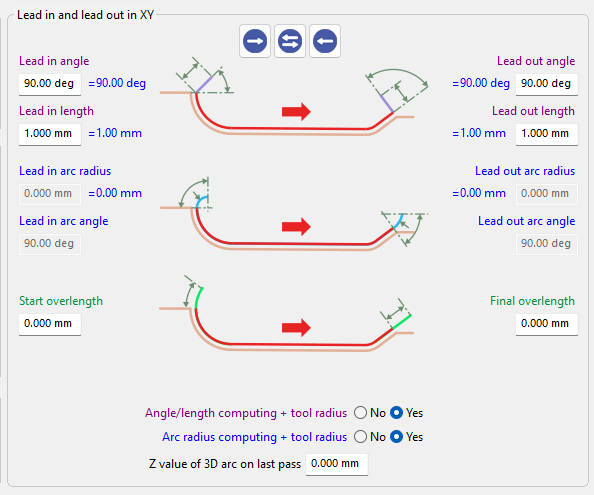
The Lead in/Lead out interface allows users to define and manage the tool entry and exit parameters in a clear and interactive way.
It provides direct control over the different Lead in and Lead out strategies, while offering visual feedback to help understand how each parameter affects the toolpath.
|

|
|
|
|


|


|
|

|
|
|

|
Related Parameters
For detailed information about each parameter, refer to the following sections.
|
▶️ Watch a video on the Lead on/Lead out interface. 
|