
Cycle: Facing - Shape
Limitation Area
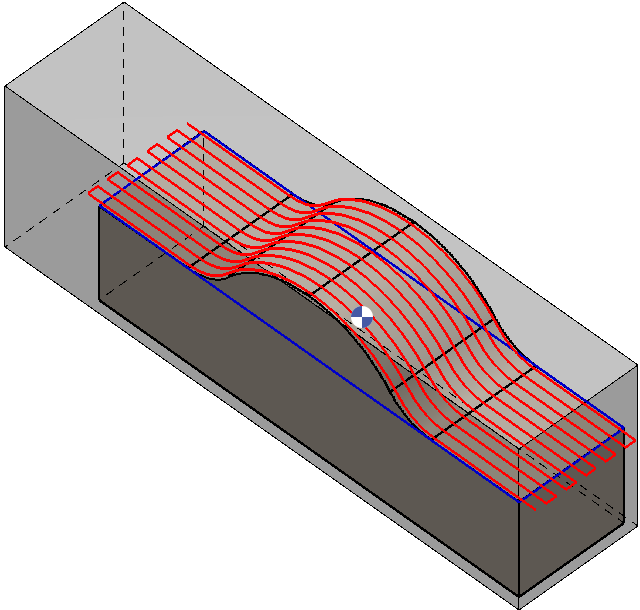
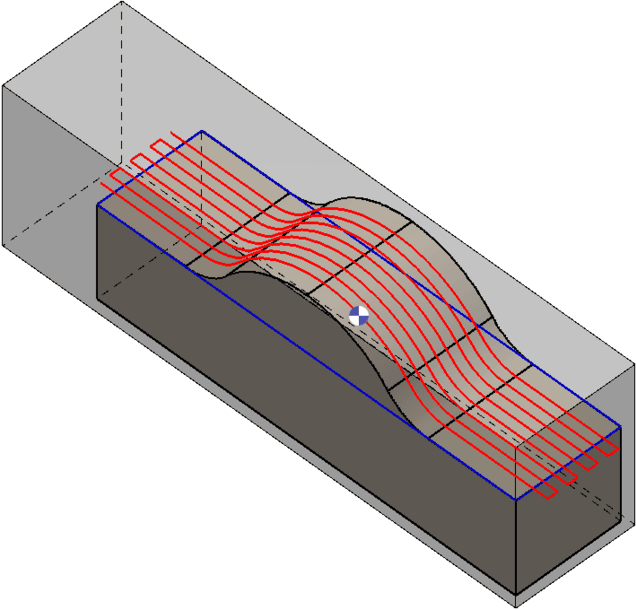
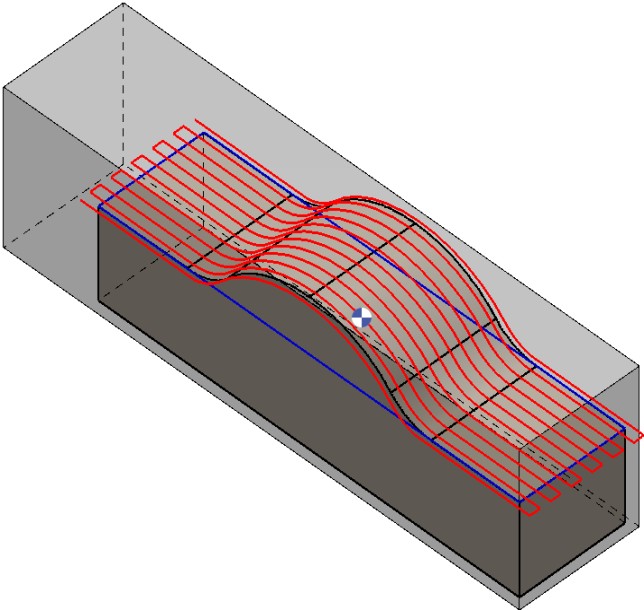
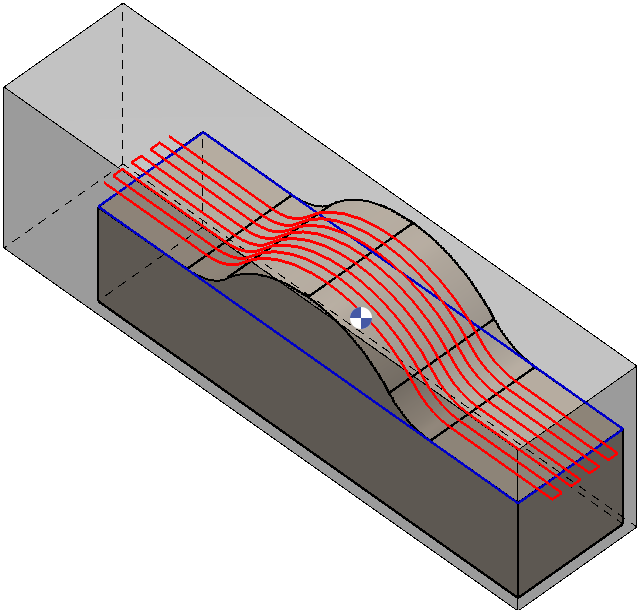
The Limitation Area parameter in GO2cam defines how the machining cycle interacts with the limitation area set to the workpiece. It can be applied in four modes, each controlling the toolpath differently.
This parameter provides flexibility in finishing operations by allowing the tool to remove material beyond the solid edges when necessary, optimizing surface quality and reducing unmachined zones at the ends of the part.
|
|
|
|
|
|
Extend the Machining to the Limitation
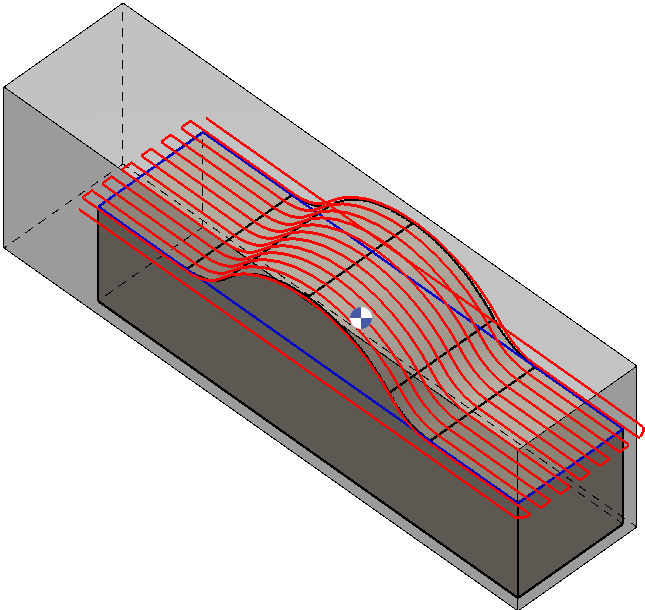
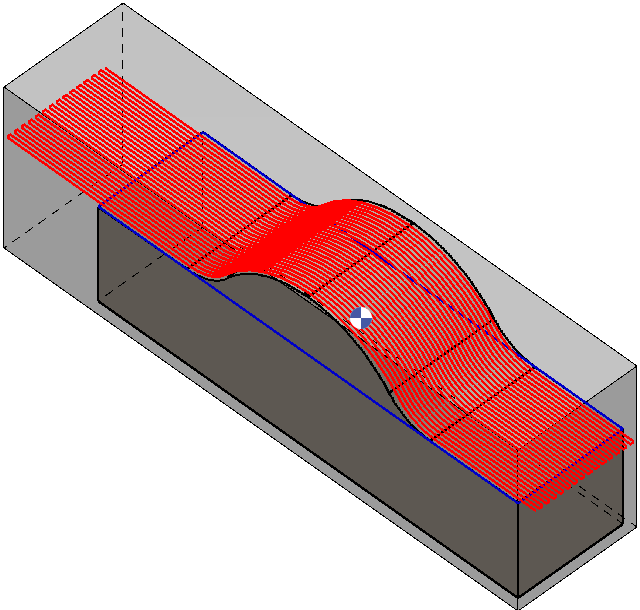
This parameter defines the toolpath trajectory within the stock or defined limitation profile.
|
No: Toolpath is generated up to the edge of the solid part. Yes: 2 conditions are checked and applied.
|
|
|
|
Watch a video on the right demonstrating the working principle of this parameter. |
|
|